AI chatbots on your website: where they help and where they hurt.
AI chat can answer routine questions instantly — or frustrate your best leads with made-up answers. Here's how to set it up so it helps rather than hurts.
Over the past few years, AI chatbots have spread across business websites at speed. Every software company and e-commerce brand seems to have slapped a chat widget into the bottom-right corner of their screen, claiming it will deliver instant 24/7 sales conversions and cut customer support payroll in half.
Yet if you ask actual website visitors how they feel about modern AI chatbots, the reaction is often visceral frustration. We have all experienced the nightmare: a chat widget pops open with an annoying sound effect three seconds after you land on a page, interrupts your reading, fails to answer a basic pricing question, and refuses to connect you to a living human being.
At Web Canvas, we build AI automations and integrations on HubSpot and custom AI setups. Here is our candid breakdown of where website AI chatbots genuinely help, where they actively destroy customer trust, and the essential implementation rules to follow.
Where AI chatbots genuinely excel
When properly architected and grounded in verified data, modern AI chat agents can solve genuine operational bottlenecks that legacy decision-tree bots could never touch:
1. Deflecting high-volume, low-complexity support tickets
For growing e-commerce and SaaS brands, customer support queues are flooded with the exact same 10 to 15 questions every single day: "Where is my order?", "What is your return policy for international orders?", "Do you integrate with QuickBooks?", "How do I reset my API key?"
An AI agent connected directly to your Shopify or Zendesk API can instantly authenticate the user, look up their live tracking number, explain carrier delays, and resolve the question in seconds, without a support agent stepping in.
2. After-hours lead triage and meeting booking
If a qualified prospect lands on your enterprise software website at 11:30 PM on a Saturday, they want immediate answers. An intelligent AI agent grounded in your product documentation can answer nuanced questions about compliance certifications, pricing tiers, and implementation timelines, then seamlessly prompt the visitor to book a discovery call on your sales team's calendar via HubSpot or Calendly.
3. Natural language semantic product recommendation
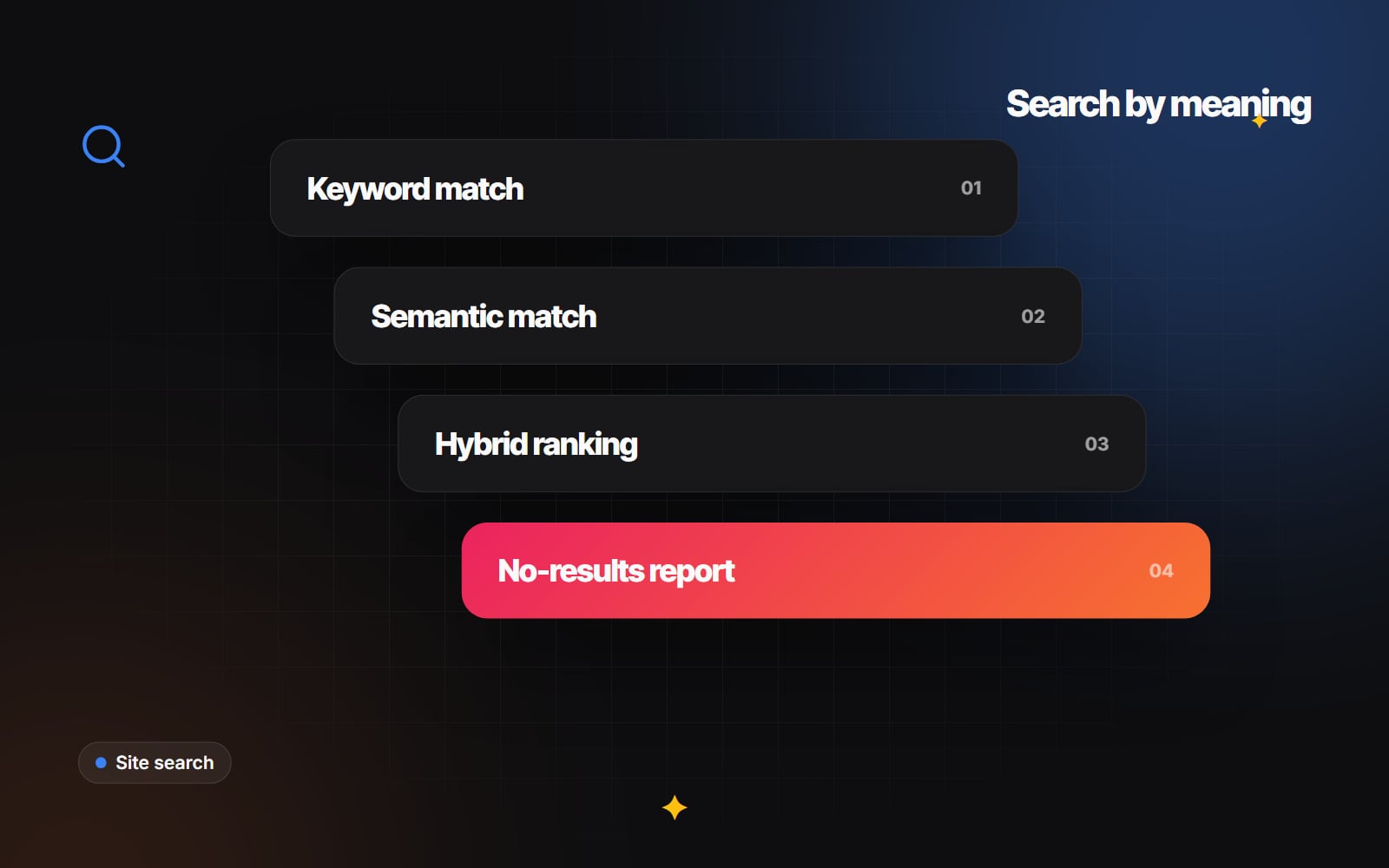
Traditional e-commerce search bars fail when shoppers don't know the exact keyword. A shopper typing "I need a lightweight waterproof jacket for running in 5-degree weather that has zippered pockets" usually gets zero search results. A conversational AI assistant can parse semantic intent, filter your product catalog by specifications, and present three ideal product cards directly in the chat window.
Where AI chatbots cause severe brand damage
The dark side of AI chat occurs when businesses deploy unconstrained, poorly trained bots as an aggressive sales barrier:
- Hallucinations and false promises: Large language models are probabilistic text generators. If you connect a generic LLM without strict retrieval-augmented generation (RAG) guardrails, the bot will enthusiastically invent pricing discounts, promise features your software does not have, or give incorrect legal advice.
- The "Human Hostage" trap: The fastest way to infuriate a customer is refusing to let them talk to a human. If a visitor types "I want to speak with a person" and the bot responds with "I can help you with that! Please rephrase your question," you have broken trust.
- Aggressive pop-up behavior on mobile: Chat widgets that auto-expand on mobile can cover most of the screen, block navigation menus, and trigger immediate site abandonment.
The 4 essential rules for implementing AI chat responsibly
If you are planning to deploy an AI conversational assistant on your website, follow these four rules:
- 1 Never pretend the bot is human: Be transparent upfront. Name the assistant clearly (e.g., "Web Canvas AI Assistant") and include a clear subheader: "Powered by AI. Here to help you find answers quickly or connect you with our team." Users appreciate honesty — and in the EU, the AI Act now requires telling people when they're talking to an AI.
- 2 Ground the model strictly via RAG (Retrieval-Augmented Generation): Never let an AI model answer from general internet training. Ground the model exclusively in your verified knowledge base, terms of service, and public documentation. Configure strict prompt guardrails: "If the answer is not explicitly contained within the provided documentation, politely state that you do not know and offer to connect the user with a team member."
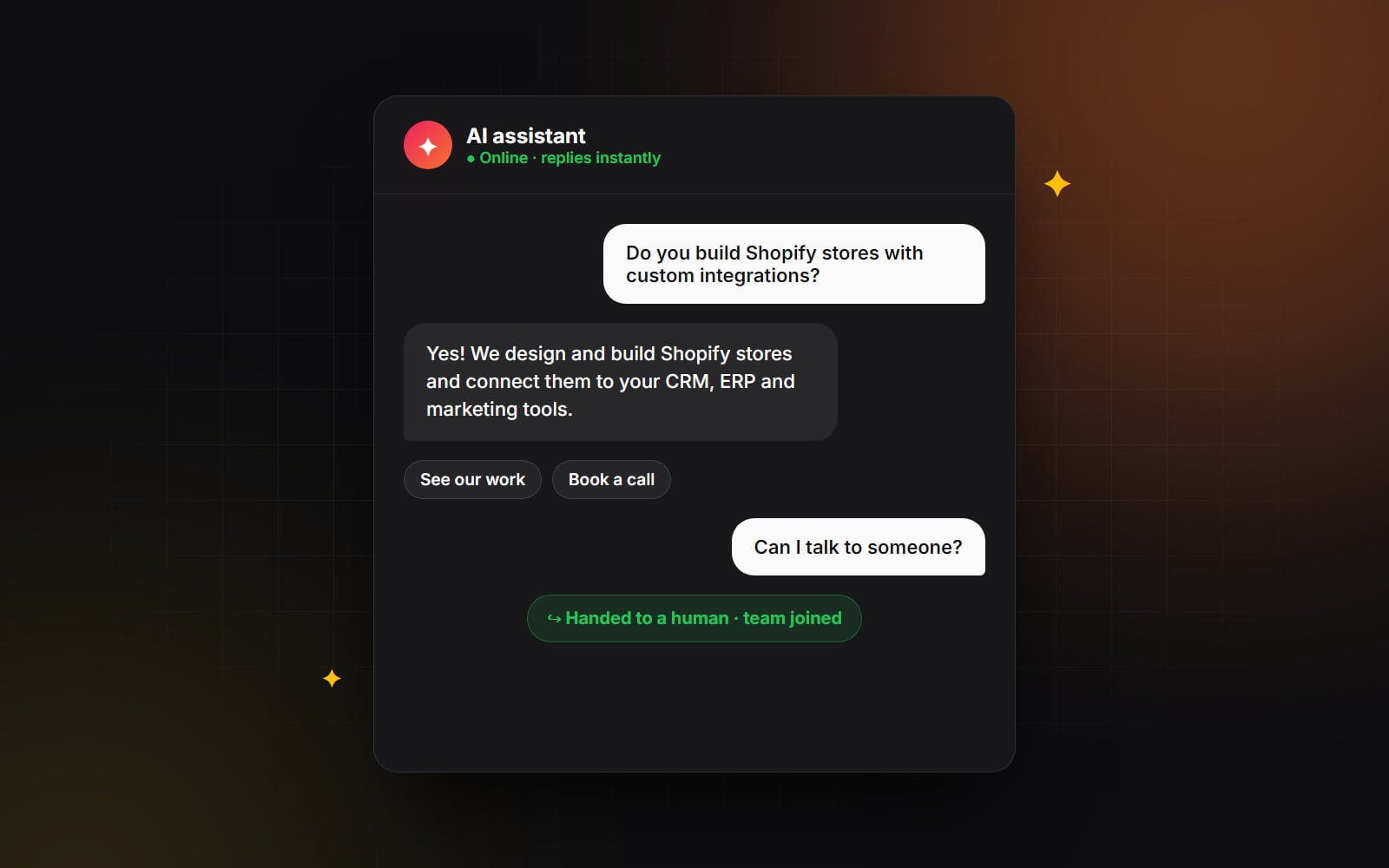
- 3 Provide an immediate, frictionless human escape hatch: Include a persistent "Talk to human" button inside the chat interface at all times. If the user expresses frustration or asks for human support, immediately escalate the conversation to live chat (if within business hours) or capture their email to create a high-priority CRM ticket (five HubSpot automations has routing ideas).
- 4 Silence aggressive auto-triggers: Disable automatic chime sounds and never auto-expand chat windows on mobile devices. Let the user initiate the conversation when they are ready.
The goal of AI automation is not to eliminate human conversation. It is to eliminate repetitive administrative busywork so your human team can focus on complex, high-value conversations.
Thinking about introducing AI chat or automated customer routing to your website? At Web Canvas, our AI Automation & Integrations team builds custom, RAG-grounded conversational systems connected directly to your CRM and helpdesk. Let's design an intelligent chat experience your customers will actually enjoy using.
Planning something similar?
Tell us what you're building and we'll come back with ideas and next steps.