Semantic search for websites: when keyword search isn't enough.
How semantic and hybrid search differ from keyword search, what each does well, and how to improve your site search step by step.
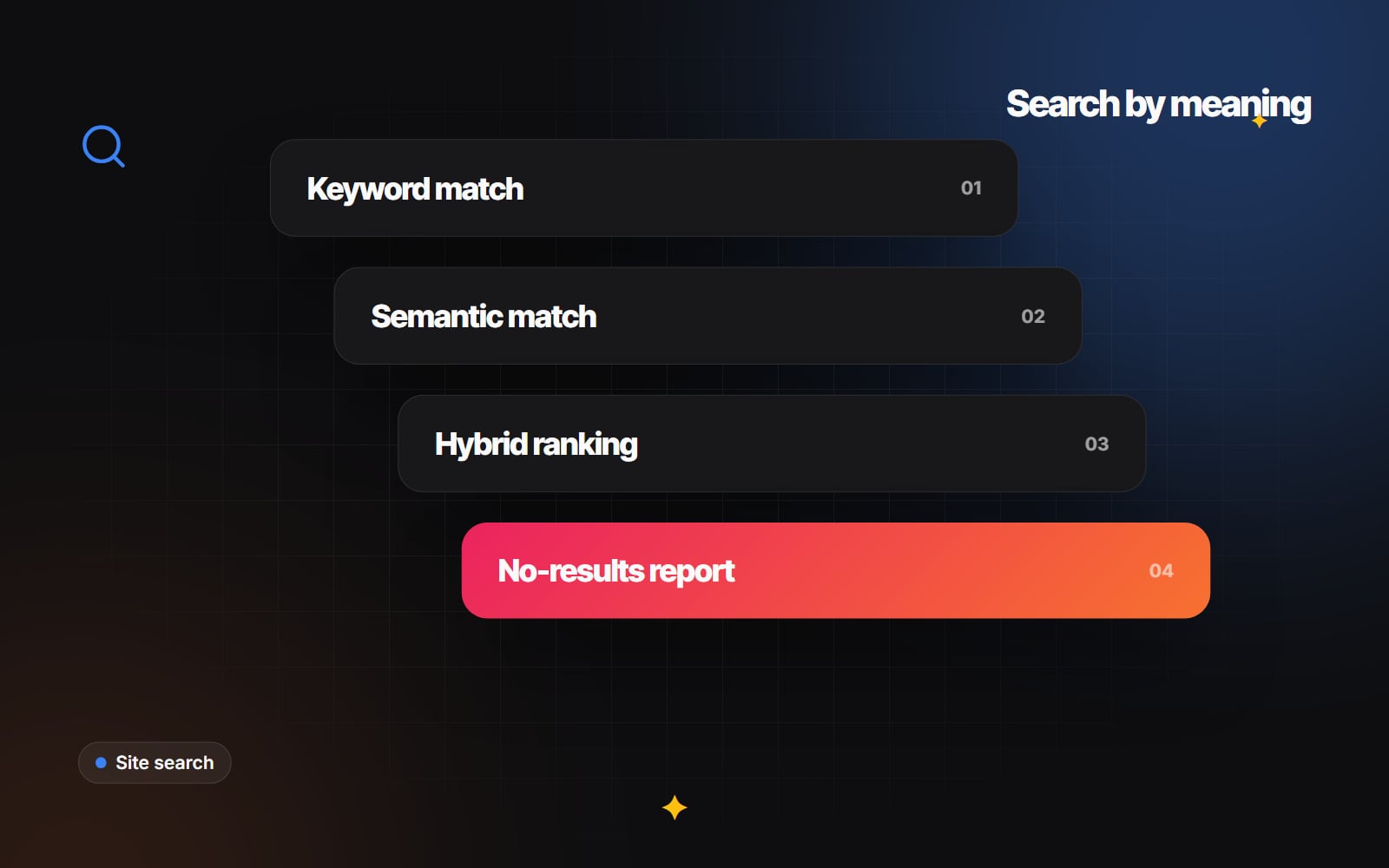
People who use your site search are telling you exactly what they want. When the search bar returns "No results found" for a reasonable query, those visitors usually leave. That's frustrating for them and a missed opportunity for you, and it's one of the most common problems we see on content-heavy and e-commerce sites.
Semantic search, sometimes called vector or AI search, can help. It matches on meaning rather than exact words. It isn't a cure for everything, though, and keyword search still does some jobs better. This guide explains the difference, where each approach works, and how to add semantic search sensibly.
Why keyword search fails
Traditional (lexical) search looks for the words in the query in your titles and descriptions. A basic database query such as LIKE '%jacket%' is the crudest version. Proper search engines add stemming, synonyms and ranking algorithms such as BM25, but they still depend on word overlap.
So if someone searches for "waterproof hiking coat" and your product is described as a "rain shell jacket", a simple keyword search may find nothing. The same goes for problem-based queries like "something to stop condensation on windows", which describe a need rather than a product name.
How semantic search works
Semantic search uses an embedding model to turn text into a list of numbers (a vector) that represents its meaning. Your products, pages or articles are converted into vectors in advance and stored in an index. When someone searches, their query is converted the same way, and the system returns the items whose vectors are closest to it.
- Phrases with similar meanings end up close together, so "rain jacket" and "waterproof coat" can match even with no words in common.
- Descriptive and question-style queries work better, because the model captures intent as well as vocabulary.
- Some embedding models are multilingual, so a query in one language can match content in another. Quality varies by model and language, so test with real queries.
What semantic search doesn't do well
It's worth being clear about the limits:
-
Exact identifiers: part numbers, SKUs, model codes and some brand names often match poorly on meaning alone. Someone typing
XG-4920-Bwants that exact item. - Typos: embeddings sometimes cope with small misspellings, but not reliably. Fuzzy keyword matching, which tolerates a few wrong characters, is usually better at this.
- Hard filters: "under £50" or "in stock" are constraints, not meanings. They belong in structured filters on price and availability, not in the vector match.
- Explaining results: it can be harder to see why a particular item ranked first, which makes tuning less intuitive.
Hybrid search: the practical default
Hybrid search runs a keyword search and a semantic search on the same query, then merges the two ranked lists. A common way to merge them is reciprocal rank fusion, which rewards items that rank well in either list. Exact codes still come out on top, and descriptive queries still find relevant results.
Many hosted search services and open-source search engines now support vector or hybrid search. Features change quickly, so check each provider's current documentation rather than relying on a comparison article, this one included.
Check what you already have
Before adding a new service, see what your platform does today:
- Shopify: Shopify has been improving its built-in storefront search, and the Search & Discovery app lets you manage synonyms, filters and product boosts. Test your real queries against it first. Our Shopify apps and integrations work covers adding a third-party search app when the built-in option isn't enough.
- WordPress and WooCommerce: default search is basic keyword matching, so a dedicated search plugin or an external search service is usually needed.
- Custom sites: you can add a hosted search API or run your own index alongside your database.
Adding semantic search, step by step
- 1 Export your site's search terms for the last few months. In GA4, the enhanced measurement "Site search" option records search terms when your search URL uses a query parameter.
- 2 List the queries that returned no results or led to an immediate exit. These are your test cases.
- 3 Decide what to index: product titles, descriptions, categories and structured attributes such as metafields for size, material or use.
- 4 Split long content such as articles or documentation into sections before creating embeddings, so each result points to the relevant part.
- 5 Set up hybrid ranking so exact keyword matches (SKUs, brand names) can still rank first.
- 6 Keep filters for price, availability and category as structured fields, separate from the semantic match.
- 7 Keep the index up to date. Use webhooks or a scheduled sync so new, changed and deleted items are reflected quickly.
- 8 Run your list of failed queries against the new search and compare the results with the old ones before going live.
Designing the search experience
Better matching only helps if the interface is good too:
- Show suggestions as the visitor types, grouped by type (products, categories, articles).
- Never show an empty page. If nothing matches, suggest popular categories or related items and offer a way to contact you.
- Make filters easy to apply and remove on mobile. Our guide to product filtering and faceted search covers the patterns.
- Keep the search box visible and large enough to type in comfortably on a phone.
Measure and keep tuning
Search is never finished. Each month, review:
- 1 The most common search terms, and whether their top results are the right ones.
- 2 Queries with no results. These often reveal missing products, missing content or vocabulary your customers use and you don't.
- 3 Queries where visitors search, then search again straight away, which suggests the first results didn't help.
Our guide to GA4 reports worth checking explains where to find this data. Tracking "no results" usually needs a small custom event, because GA4 doesn't record it automatically.
If your site search is losing visitors and you'd like help choosing and setting up a better option, our e-commerce optimisation and AI integrations teams can look at your current set-up. Contact us with a few examples of searches that fail today.
Planning something similar?
Tell us what you're building and we'll come back with ideas and next steps.