UI/UX & brand design people remember.
We research your audience, design the pages and journeys they need, and give your brand a look that stays consistent everywhere — handed over as organised Figma files your developers can build from, or built by us.
✦ What's included
Design for every stage.
Take the full journey from research to design system, or just the part you need right now.
UX research & strategy
Understand who your visitors are and what they came to do, before designing anything.
- Audience and competitor research
- Customer journeys and user flows
- Site map and content structure
- Where people get stuck today, from your analytics
Wireframes & prototypes
Test the layout and flow early, while changes are still quick and cheap.
- Mobile and desktop wireframes
- Flows for sign-ups, checkouts and forms
- Clickable prototypes in Figma
- Feedback rounds with your team
UI & web design
Pages that look like your brand and make the next step obvious.
- Layouts for mobile, tablet and desktop
- Hover, focus, error and empty states
- Light and dark themes when you need them
- Image, icon and illustration direction
Brand identity
A logo, type and colour system that works on screen first and everywhere after.
- Logo, logomark and favicon
- Typography and colour palette, checked for WCAG AA contrast
- Brand guidelines in PDF and Figma
- Social, email and presentation templates
Design systems
A shared component library, so new pages are faster to design and build.
- Figma components with variants and auto layout
- Design tokens that map to CSS variables or Tailwind
- Accessible forms, navigation and feedback patterns
- Documentation for designers and developers
UX & conversion audits
For an existing site: find what's costing you enquiries or sales, and what to fix first.
- Expert review of your key journeys
- Funnel drop-off analysis using your analytics
- Accessibility check against WCAG 2.2 AA
- A prioritised list of fixes, quick wins first
✦ How it works
Five steps, no surprises.
Each step ends with a review, so you see the work and steer it before we move on.
Step 01 / 05
01
Discover
We learn about your business, audience, competitors and goals, review your analytics, and agree what the design needs to achieve and how we'll measure it.
You get: Goals, audience notes and a project plan
Step 02 / 05
02
Structure
We map the site and the key journeys, then wireframe the main pages so you can check the order of information and the calls to action before any visual design.
You get: Site map, user flows and wireframes
Step 03 / 05
03
Visual direction
We explore type, colour, imagery and layout, and design your homepage in two distinct directions. You choose one — or the best of both — to take forward.
You get: Two homepage directions and a style guide
Step 04 / 05
04
Design & prototype
We design every page and state across mobile, tablet and desktop, and link them into a clickable prototype so you can try the site before it's built.
You get: Full page designs and a clickable prototype
Step 05 / 05
05
Handover
We tidy the Figma file into a component library with design tokens, export the assets and walk your developers through it — or move straight into the build with our team.
You get: Organised Figma file, assets and a handover session
✦ Designed to be built
The same team designs it and builds it.
Because we also develop websites, every design decision is checked against how it will be built — on Shopify, HubSpot, Webflow, WordPress or a custom Next.js site. Nothing gets lost between the designer and the developer.
Already have developers? You get Figma files with auto layout, named components and documented states, so your team can build without guessing.
About our web development✦ Work with us
Let's design something people remember.
From the first sketch to a design system your developers can actually build.
✦ Selected work
Designed by us.
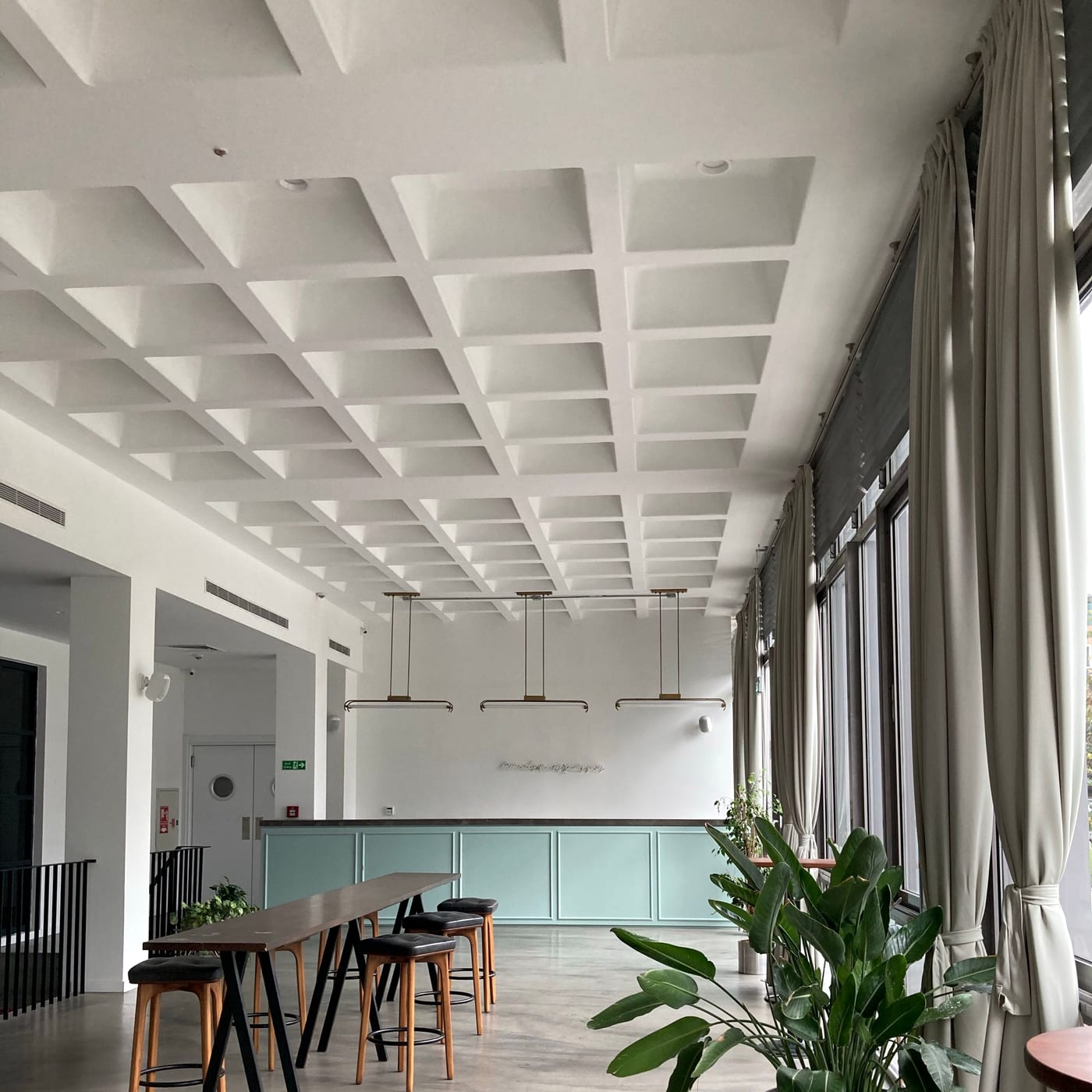
Design Executive Council
A custom-designed Webflow website for the premier membership network of senior design executives — connected to HubSpot, Zapier, Beehiiv, Circle and Memberstack.
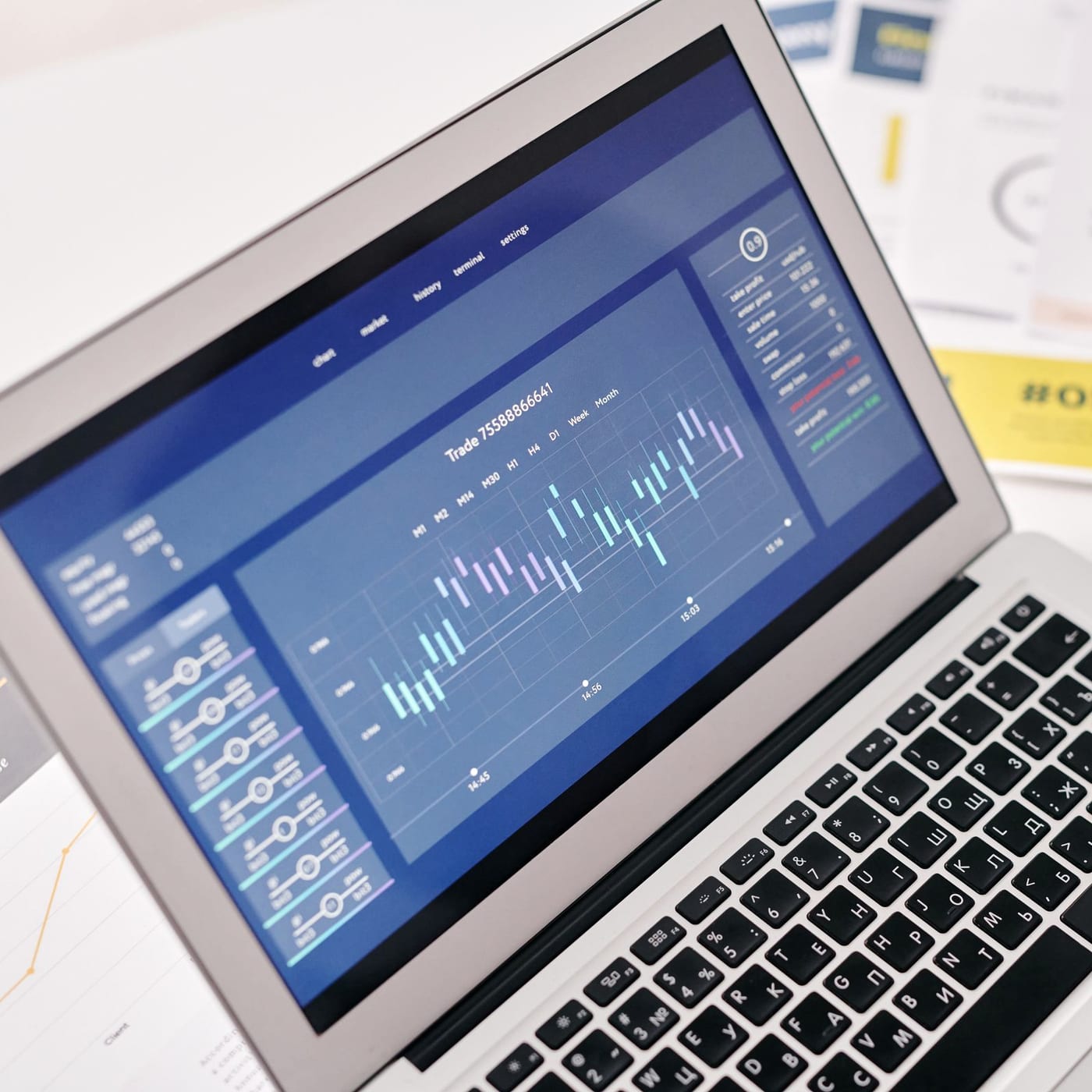
SaaSFlow Premium HubSpot Theme
A complete HubSpot CMS theme for SaaS and tech companies — 50 drag-and-drop modules, 29 page templates and 8 one-click style presets.
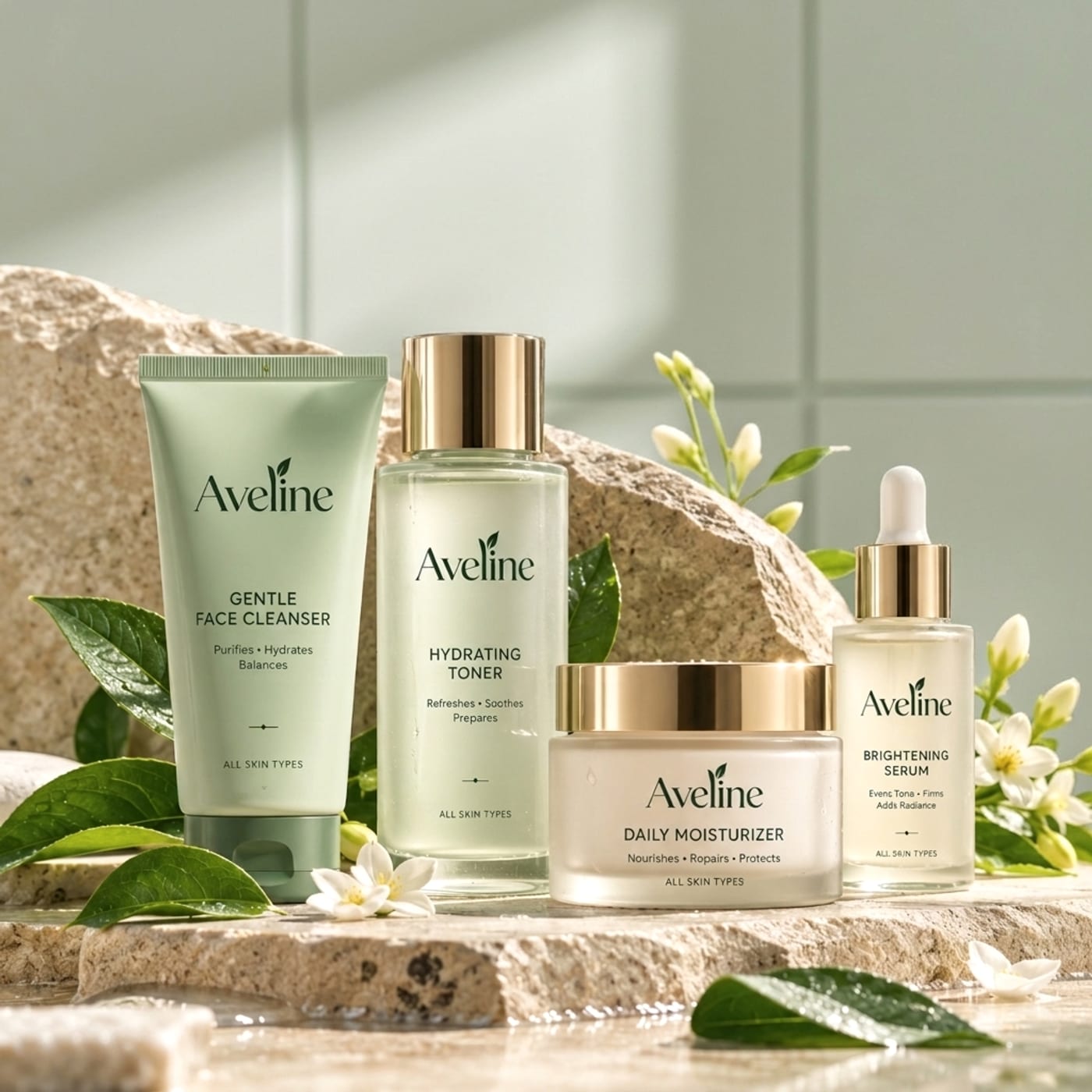
Aveline Premium Shopify Theme
A premium, high-converting Shopify OS 2.0 theme built for modern lifestyle, fashion and beauty brands.
✦ FAQ
Questions we often get.
Further reading
- How to write a website brief that gets accurate quotes →
- Mobile-first design: what it really means →
- Website accessibility basics →
- Figma to HubSpot: designing without platform limits →
Still have a question?
Ask us directly — we'll give you a straight answer, even if it's not us you need.
Ask a questionWhat do we receive at the end of the project?+
Organised Figma files with every page designed for mobile, tablet and desktop, a clickable prototype, exported assets (SVG, PNG and web-ready images), design tokens for colour, type and spacing, and brand guidelines if the project includes brand identity work.
Can you also build the website?+
Yes. We design and develop, on Shopify, HubSpot, Webflow, WordPress, Magento or a custom React and Next.js site. Keeping both under one team means the live site matches the approved design and nothing is lost in handover.
How long does a UI/UX design project take?+
It depends on how many page types the site needs and whether brand identity or a design system is included. We confirm the timeline in the proposal and you see progress at every review.
Can you work with our in-house developers?+
Yes. We build Figma files with auto layout, named components and variants, and document hover, focus and error states, with tokens that map to CSS variables or Tailwind. We also run a handover session and answer questions during the build.
How do feedback and revisions work?+
Each stage ends with a review. You can comment directly in Figma, and we include revision rounds at every milestone before moving on, so there are no surprises at the end.
Do you redesign existing websites?+
Often. We usually start with a UX audit of the current site and your analytics, so the redesign fixes real problems instead of only changing how the site looks — and we plan redirects so you keep your search rankings.
✦ Start a project
Tell us what you're designing.
A new website, a redesign, a brand refresh or a design system — share a few details and we'll come back with ideas, a timeline and a cost.
- 01
We read your brief
Every enquiry is read by a person, not a bot.
- 02
A short discovery call
We talk through goals, scope and the right platform.
- 03
You get a clear proposal
Scope, timeline and cost in writing, before any work starts.
Or email info@web-canvas.in