Custom AI agents for e-commerce: orders, stock and returns.
How AI agents grounded in real store data can answer order, stock and returns questions, and the safeguards they need.
Early shop chatbots gave automated support a poor reputation. They followed fixed decision trees, misunderstood anything phrased differently from what they expected, and answered "Where is my parcel?" with a link to the delivery policy.
Large language models (LLMs) have changed what is possible. An AI agent that can look up real order, stock and returns data through your store's systems can answer many routine questions directly. But an agent is only as good as the data it can reach and the limits you set. This guide explains how such an agent is put together, which tasks it suits, and the safeguards it needs.
How a grounded agent works
Two techniques keep an agent's answers tied to facts rather than guesses:
- Tool (function) calling. You describe a set of actions the agent may take, such as "look up order" or "check stock for a variant". When a question needs one, the model asks your code to run it, and your code calls the real API and returns the result. The model then writes a reply based on that result.
- Retrieval-augmented generation (RAG). For questions about policies, sizing or product details, relevant passages are retrieved from your own content (help pages, product data) and given to the model with the question, so it answers from your text rather than general knowledge.
Your code, not the model, decides which tools exist, what each may do and what data it can see. That is where most of the safety comes from.
Task 1: Order status and tracking
"Has my order shipped?" is one of the most common support questions and one of the easiest to automate well.
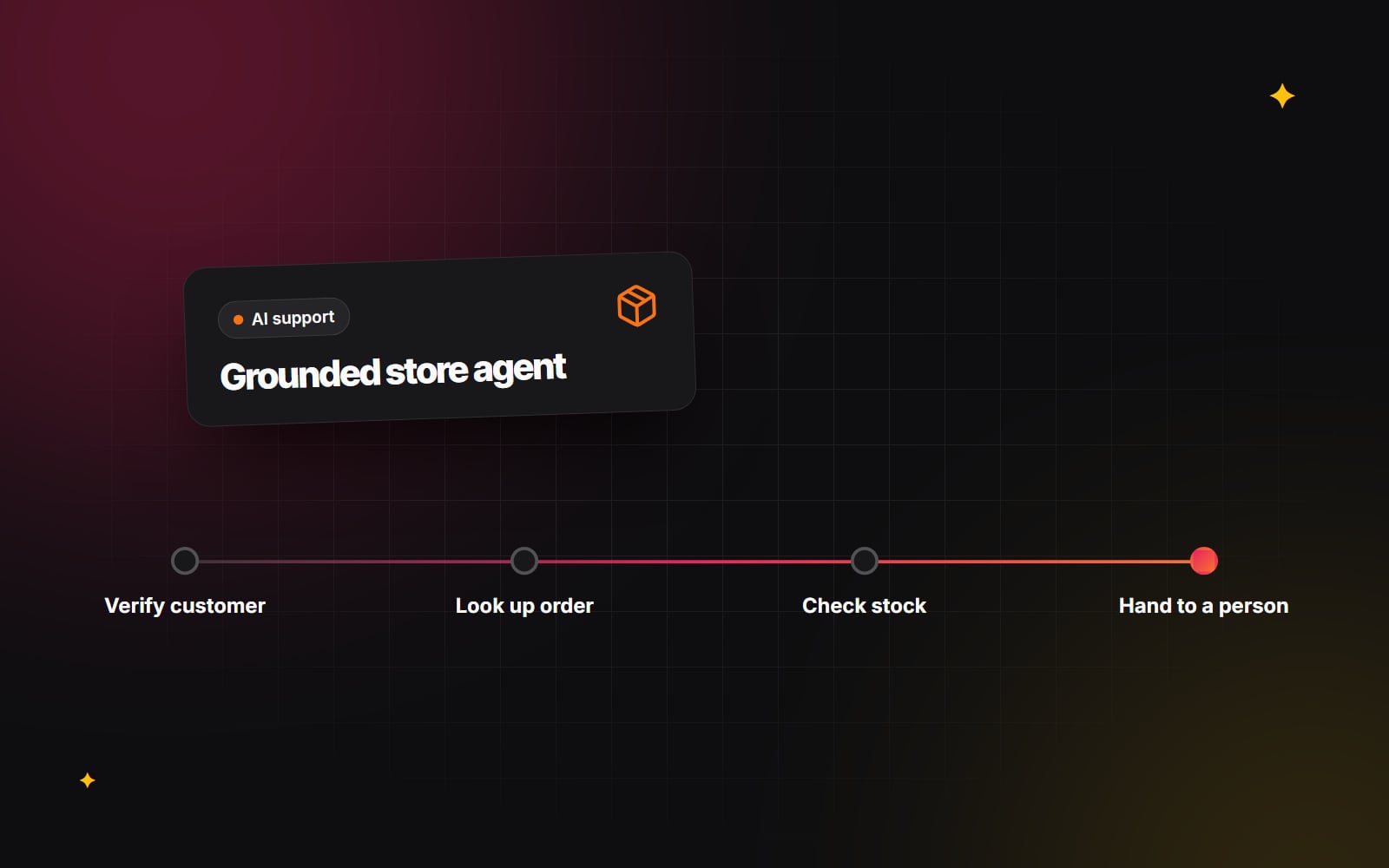
- 1 Confirm who the customer is. If they are logged in, use their account session; if not, ask for the order number and the email address on the order, and only proceed if both match.
- 2 Look up the order on the server. On Shopify this means a private app using the Admin API (or the Customer Account API for logged-in customers), with credentials that never reach the browser.
- 3 Read the fulfilment status and any tracking number and carrier.
- 4 If the carrier offers a tracking API you have access to, fetch the latest scan; otherwise provide the tracking link.
- 5 Reply in plain language with the status, the latest known location or date and the tracking link.
Give the agent read-only access for this task. It does not need permission to edit or cancel orders to answer the question.
Task 2: Stock and product questions
Shoppers often ask questions that would otherwise mean clicking through several pages: "Do you have the waterproof jacket in navy, size XL?" A tool that checks inventory for a specific variant lets the agent answer directly and link to the right product.
For detailed product questions, the agent needs structured product information to draw on. Materials, dimensions, care instructions and fit notes stored in Shopify metafields are much easier to retrieve accurately than details buried in long descriptions. The same groundwork also improves on-site search, as covered in our article on AI semantic search.
Be strict about claims. If the product data does not answer a question, the agent should say so and offer to pass it on, not fill the gap. This matters most for anything touching health, safety, allergens or skin, where the agent should quote only what is on the product label or listing and suggest checking with a professional where appropriate.
Task 3: Returns and exchanges
Returns follow rules, which makes them a good fit for an agent, as long as the rules live in your code and not in the prompt.
- 1 Identify the customer and order as in Task 1.
- 2 Check eligibility with your own logic: purchase date against your return window, item condition rules and any excluded products.
- 3 Present only the options your policy allows, such as refund, exchange or store credit.
- 4 Create the return request in your store or returns app, and send the customer the label or instructions that system generates.
- 5 Confirm what happens next and when they can expect their refund or replacement.
Clear product information also reduces returns in the first place; see our guide on reducing e-commerce return rates.
Safeguards
The question is not whether an agent will meet situations it cannot handle, but what it does when it does. Our article on where AI chatbots help and where they hurt covers the wider picture; for an e-commerce agent, these are the essentials.
Hand over to a person, with context
Define clear triggers for handing over: the customer asks for a person, the agent fails to resolve the issue after a couple of attempts, the customer is clearly upset, or the topic involves a complaint, a dispute or a payment problem. When it hands over, pass a short summary and the order details to your support tool so the customer does not have to repeat themselves. Tell the customer honestly what happens next and roughly when.
Keep money decisions out of the model's hands
Refunds, discounts and goodwill credits should be decided by rules in your code or by a person. The agent can request an action, but your code should check it against limits you set and require human approval above them. Never let the model generate discount codes.
Plan for prompt injection
Customers can type anything, including instructions intended to make the model ignore its rules. Assume the model can be persuaded and limit the damage in code: give each tool the minimum access it needs, validate every tool request on the server, and check the model's output before acting on it. The OWASP Top 10 for LLM Applications is a useful checklist for this.
Protect personal data
Conversations contain names, addresses and order details. Decide how long transcripts are kept, who can see them, and whether your AI provider stores or trains on the data. Update your privacy notice, and confirm the approach with a lawyer for the regions you sell to.
Keep it responsive
Stream replies so text appears as it is generated, and choose a model that is fast enough for simple lookups. Many teams use a smaller, quicker model for routine questions and a larger one only where reasoning is needed. Test response times with real questions before launch.
Before you build
- 1 Export a few months of support tickets and group them by topic.
- 2 Pick the two or three high-volume topics that rely on data you can access through an API.
- 3 Clean up the data and policies the agent will rely on.
- 4 Build those tools first, with read-only access wherever possible.
- 5 Test with real past questions, including awkward and hostile ones, and review the transcripts.
- 6 Launch to a share of visitors, review conversations every week and add tasks only once the first ones work reliably.
Measure success in ways you can verify: how many conversations end without a handover, how satisfied customers say they are, and whether ticket volume for those topics falls.
If you are considering an agent for your store, our AI automation and integrations page explains how we approach this work. Get in touch with a summary of your most common support questions and the platform you run on.
Planning something similar?
Tell us what you're building and we'll come back with ideas and next steps.