Reducing e-commerce returns with clearer product pages.
Find out why products come back, then fix the causes on the product page: fit details, true-to-life photos, clear specifications and honest reviews.
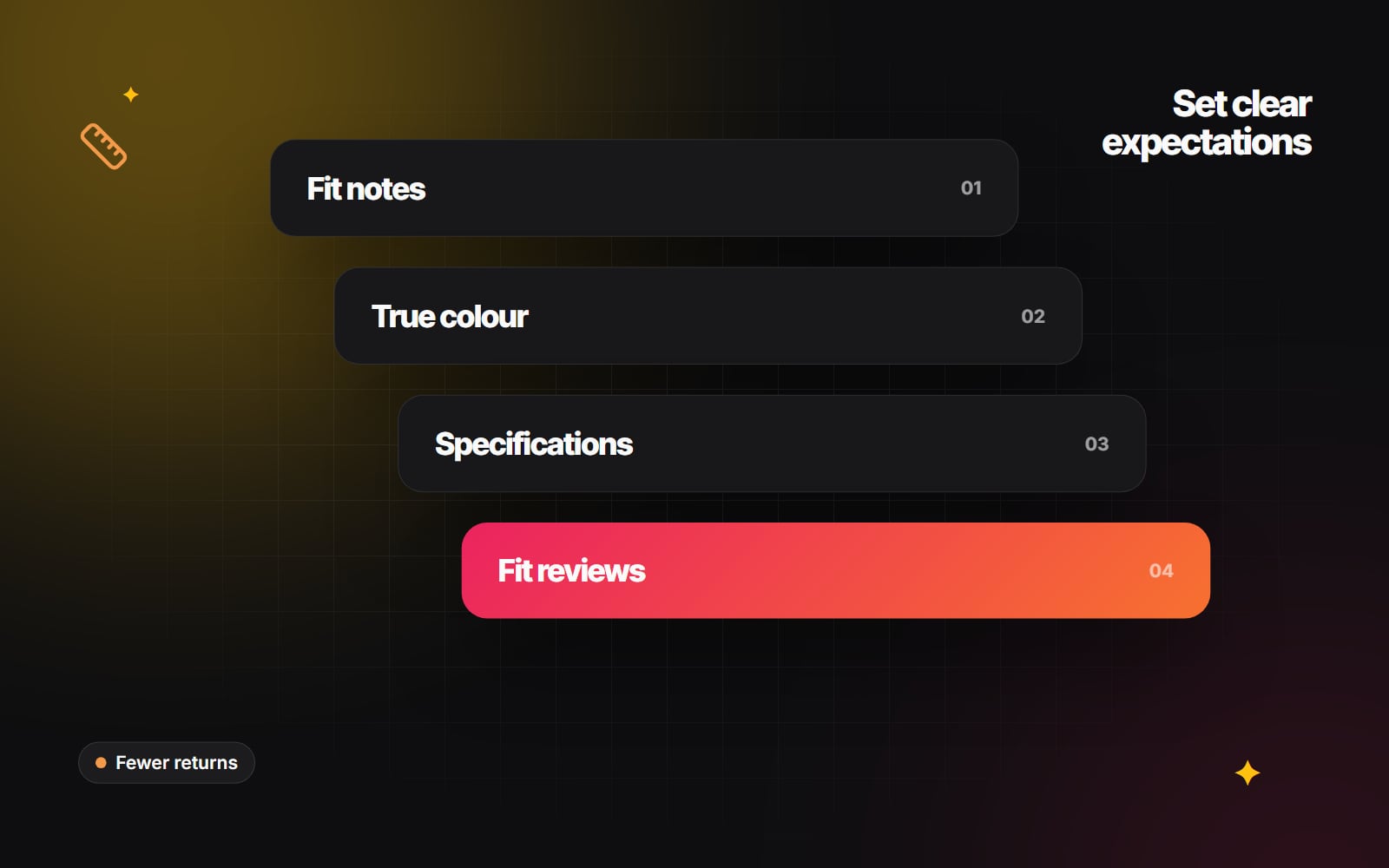
Every return costs something: shipping both ways, someone's time to inspect and restock the item, customer service, and sometimes stock that can't be sold at full price again. Some returns are unavoidable. People change their minds, and generous returns policies help them buy with confidence. But a large share of avoidable returns come down to one thing: the product that arrived didn't match what the website led the customer to expect.
That part is within your control. This guide covers the product page changes that help shoppers choose the right size, colour and item first time, and how to find out which changes will matter most for your store.
1. Start with your return reasons
Before changing anything, find out why products come back. Without that, you're guessing.
- 1 Make sure every return records a reason. Most platforms, including Shopify, let you record a reason when a return is created, and returns apps usually ask the customer to choose one.
- 2 Use specific options such as "Too small", "Too large", "Colour different from photos", "Not as described" and "Arrived damaged" rather than a single "Other".
- 3 Export the reasons each month and group them by product and by reason.
- 4 Read the free-text comments for your most returned products. They often point straight at the problem ("the strap is much shorter than it looks").
- 5 Pick the two or three biggest causes and work on those first.
Customer service messages are another good source. Questions people ask before buying ("Is this see-through?", "Will it fit a 15-inch laptop?") are questions the product page should already answer.
2. Give real fit information, not just a size chart
A generic size chart helps, but many shoppers don't know their measurements, and the same size varies between brands. More useful fit information includes:
- Model details: "Model is 180 cm and wears a size M." If you photograph several models, give details for each.
- Garment measurements: the actual measurements of the item (chest width, length, inside leg), not only the body measurements it is meant to fit.
- A clear fit description: "Relaxed fit. If you're between sizes, choose the smaller one."
- Fit feedback from customers: a simple "Runs small / True to size / Runs large" summary from reviews.
- Comparison with your own range: "Cut slightly longer than our classic tee." Comparing with your own products is reliable, because you know both.
Place this information next to the size selector, not on a separate page. Size recommendation tools that ask a few questions can help in some categories, but they rely on good underlying measurement data, so get the basics above right first.
3. Show colour, texture and scale honestly
Heavy retouching and strong studio lighting can change how a colour looks. If a "forest green" jacket arrives looking closer to olive, the customer feels misled even though nothing is wrong with the jacket.
- 1 Calibrate the monitor used for editing, and check edited images against the physical product.
- 2 Add at least one photo in natural daylight alongside the studio shots.
- 3 Include a close-up showing texture, weave or finish.
- 4 Add a short video showing how the fabric moves, or how the product opens, folds or fits together.
- 5 Show scale: the item in a hand, on a person, or next to a familiar object.
- 6 Describe colour in words too: "a warm camel with golden undertones, not a cool beige".
More images and video add page weight, so compress them properly. Our comparison of WebP and AVIF explains the main image format choices.
4. When 3D models and AR help
For furniture, homeware, lighting and some accessories, the main question is often "Will it fit, and how will it look in my space?" Shopify supports 3D models as product media, and on supported phones shoppers can view a model in their own room using augmented reality.
3D and AR are most useful when size and shape are the deciding factors, such as a sofa, a lamp or a planter. They are less useful for clothing fit, where measurements and customer feedback usually do more. Producing accurate 3D models takes time and budget, so start with your most returned or highest-value items and check whether "Didn't fit the space" returns fall afterwards.
5. Put specifications in a consistent, structured format
Vague descriptions cause returns. Structured specifications let shoppers check the details that matter to them:
| Product type | Details worth listing |
|---|---|
| Clothing | Fabric composition, stretch, lining, sheerness, care instructions |
| Bags and luggage | Outer and inner dimensions, weight, what fits inside |
| Furniture | Height, width, depth, seat height, assembly, materials |
| Electronics and accessories | Compatibility, connectors, what's in the box |
On Shopify, metafields are the tidy way to store these details, so they appear in the same place on every product page and can also be used as collection filters.
6. Let reviews answer fit questions
Reviews from people with a similar build or use case are often more persuasive than anything you write. Most review apps let you:
- Ask reviewers for optional details, such as their usual size, height and how the item fitted.
- Accept customer photos.
- Summarise fit feedback across reviews.
- Let shoppers filter reviews by those details.
Show negative fit feedback as well as positive. A review that says "runs small, size up" prevents a return.
7. Confirm choices after purchase
Some mistakes happen at the moment of ordering, such as the wrong size or colour selected in a hurry. Order confirmation pages and emails can help:
- Show the selected size, colour and variant clearly, with an image of the exact variant ordered.
- Tell customers how to contact you quickly if something is wrong, and whether changes are possible before dispatch. Only offer order edits if your set-up and fulfilment process can actually support them.
- Link to care instructions so items aren't damaged by the wrong washing method.
Measure the effect
Return rates move slowly, so track them by product and by reason over a few months. Change one product group at a time where you can, so you know which change made the difference. Keep an eye on conversion too: clearer pages should help people buy with confidence, not put them off.
Most of this work happens on the product page, so it pairs naturally with our guide to the anatomy of a Shopify product page. If you'd like help improving product pages on your store, see our Shopify product page work and e-commerce optimisation, or get in touch.
Planning something similar?
Tell us what you're building and we'll come back with ideas and next steps.