Shopify app or custom development? How to decide.
How to choose between a Shopify app and custom development: running costs, speed, data access, custom apps, Shopify Functions and theme app extensions.
Almost every Shopify store reaches the same question sooner or later: do we install an app for this, or have it built? The Shopify App Store makes it easy to add features in minutes, and custom Shopify development can deliver exactly what you need. Both have real costs that are easy to miss at the start. This article sets out the trade-offs and gives you a simple way to decide, feature by feature.
What counts as "an app" and what counts as "custom"?
The line is blurrier than it sounds. There are roughly four options:
- Public apps from the Shopify App Store, built by third parties and used by many stores.
- Theme code changes: features built directly into your theme in Liquid and JavaScript, such as a size guide or a custom product layout.
- Custom apps: apps built for one store (or one organisation) that use Shopify's APIs, webhooks and extensions, but are not listed publicly.
- Shopify Functions and extensions: small pieces of custom logic that run inside Shopify itself, for discounts, shipping options, payment options, cart validation and more. Functions replaced Shopify Scripts for this kind of logic.
So "custom development" does not always mean building a large application. Often it means a single Function or a theme section.
The case for an existing app
- Speed. You can install, configure and test in a short time.
- Shared maintenance. The developer keeps the app working as Shopify changes its APIs.
- Features you would not build yourself, such as admin dashboards, reporting and integrations with other services.
- Reviews and support history you can read before committing.
For common needs like product reviews, subscriptions, email marketing, shipping labels or search, a well-supported app is usually the sensible starting point.
The hidden costs of apps
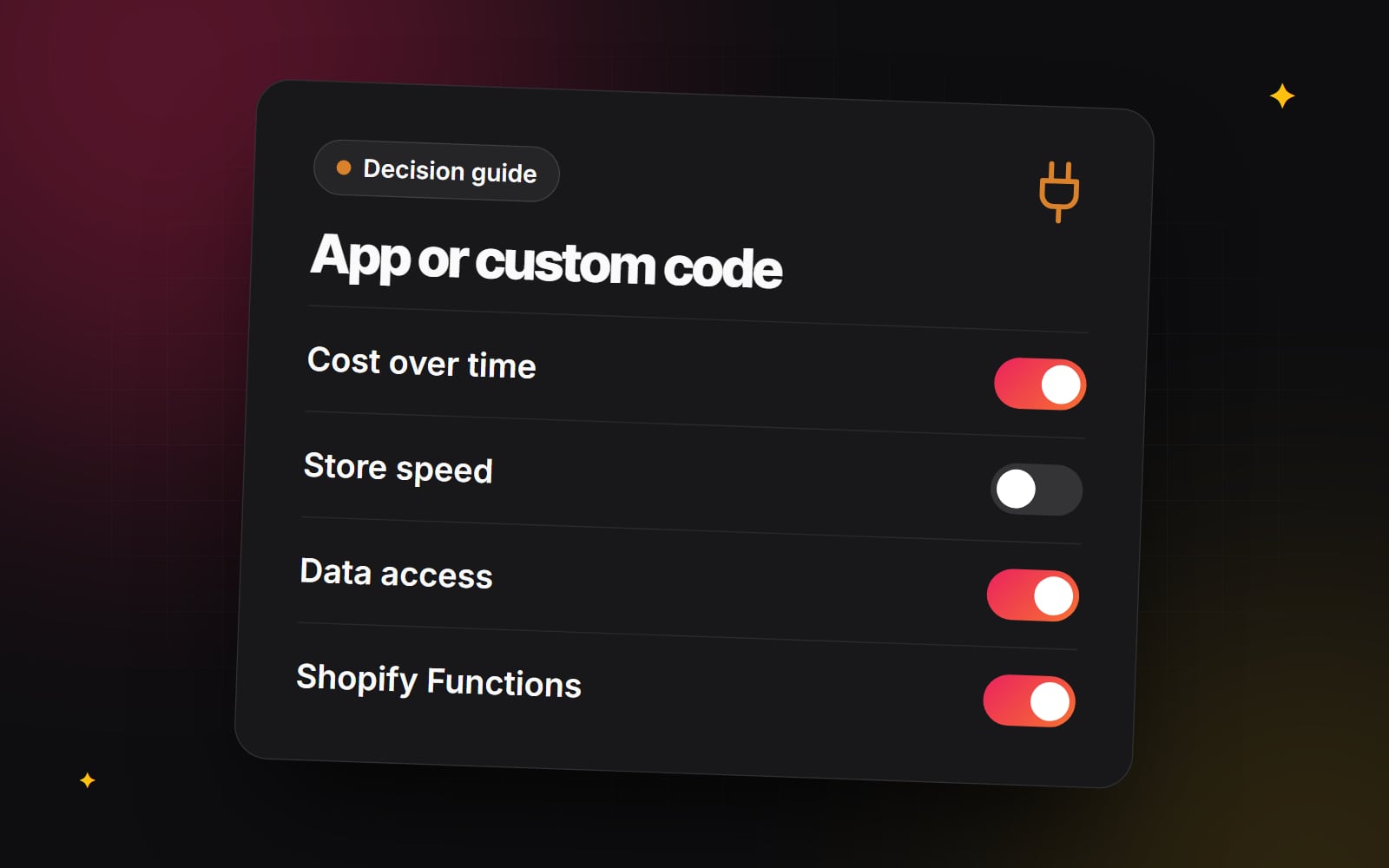
Cost over time
Many apps charge a monthly subscription, and some charge by order volume or usage. One app is easy to justify. Ten apps, each solving a small problem, add up to a recurring cost that grows with the store. Compare the total over the period you expect to use the app, not just the first month.
Speed
Apps that add features to the storefront often load their own scripts and styles. Several of them together can slow pages down and affect Core Web Vitals. Apps built with theme app extensions tend to be easier to manage, because their blocks and embeds can be switched off in the theme editor, but they still add weight. Core Web Vitals in plain English explains what to measure.
Data access
When you install an app, it asks for permission to read or change certain store data: products, orders, customers. Check what each app requests and why. Read its privacy policy and consider where data goes. If you have obligations under data protection law, take professional advice on what your app choices mean for them.
Overlap and conflicts
Two apps that both change the cart or product page can clash. Removing an app does not always remove everything it added, especially in older themes where code was injected directly into theme files.
Dependence
An app can change its pricing, features or support, or stop being maintained. For features at the core of how you sell, that dependence is a real consideration.
The case for custom development
- It fits your process rather than the other way round.
- You load only what you need, which helps performance.
- You control the data and where it goes.
- No per-store subscription, although there is still a cost to build and maintain.
The costs are different, not absent. Someone has to build it, test it and keep it working. Shopify releases new API versions on a regular schedule and retires old ones, so custom apps need periodic updates. Budget for maintenance, not only the build.
The options in between
Custom apps
A custom app is built for your store alone. It can sync orders to a warehouse, update stock from an ERP, add admin features or run scheduled jobs. Because it does exactly one job, it is often simpler than a public app with many options. You can read more about this on our Shopify custom apps page.
Shopify Functions
Functions let developers change how Shopify's own logic behaves: tiered discounts, hiding a shipping method for certain products, reordering payment options, or blocking a cart that breaks a rule. They run on Shopify's infrastructure, so they do not slow the storefront. Some uses depend on your plan; for example, custom apps that contain Functions have generally required Shopify Plus, while public apps using Functions are available more widely. Check Shopify's Functions documentation for the current position.
Theme app extensions
If you are building a custom app that needs to show something on the storefront, theme app extensions let it add app blocks and app embeds that your team controls from the theme editor, without editing theme code.
Theme code
Plenty of "app features" are really display features: a delivery estimate message, a size chart, a product badge, a comparison table. These can often be built as theme sections using metafields, with no app at all. See Shopify metafields explained for how that data is stored.
A comparison at a glance
| Factor | Public app | Custom build (theme, custom app, Function) |
|---|---|---|
| Time to start | Short | Longer |
| Ongoing cost | Subscription or usage fees | Maintenance and updates |
| Fit to your process | You adapt to the app | Built around your process |
| Storefront weight | Varies by app | Only what you build |
| Data | Shared with the app developer | Stays in your systems |
| Who maintains it | The app developer | You or your developer |
How to decide, feature by feature
- 1 Write the feature down in one sentence, describing what the shopper or your team needs to do.
- 2 Check whether Shopify already does it natively in the admin. Settings change, so look again even if you checked last year.
- 3 Check whether it is really a display feature that a theme section and metafields could handle.
- 4 Shortlist two or three apps that do it, and read their recent reviews and changelogs.
- 5 Check the permissions each app requests in the install screen.
- 6 Install the strongest candidate on a development store or test it on an unpublished theme.
- 7 Measure page speed before and after installing it.
- 8 Estimate the total app cost over the period you expect to use it.
- 9 Ask a developer what a custom version would involve, including maintenance.
- 10 Choose, and write down why, so you can revisit the decision later.
Signs it is time to replace apps with custom code
- You use several apps that each do part of one job.
- Your team works around an app's limits every day.
- App scripts are a large share of what your pages load.
- You need data to move between Shopify and another system in a way no app supports.
- You previously relied on Shopify Scripts and need the same logic rebuilt as Functions.
Getting a second opinion
Web Canvas builds custom Shopify apps, Functions and integrations as part of its automation and integrations work, and reviews app setups as part of e-commerce optimisation. If you would like someone to look over your current apps and suggest what to keep, let us know.
Planning something similar?
Tell us what you're building and we'll come back with ideas and next steps.