How to hire a WooCommerce developer: skills and questions.
The WordPress and WooCommerce skills to look for, plugin, hosting and payment decisions, and the questions to ask before you hire.
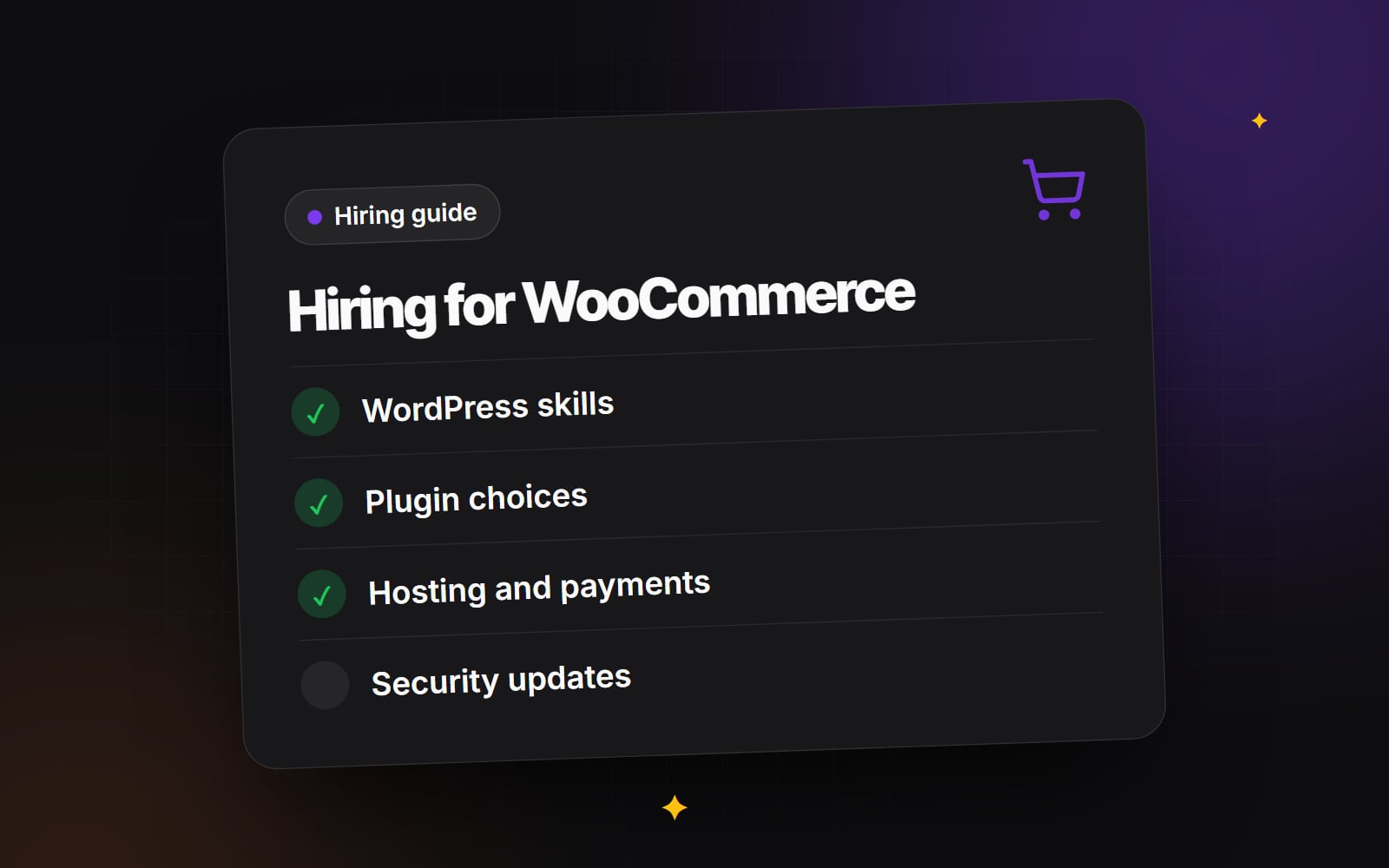
To hire a WooCommerce developer well, you need someone who understands two things at once: WordPress, which runs the site, and WooCommerce, which runs the shop. Many problems in WooCommerce stores come from treating it as a plugin you can install and forget. In practice it is an e-commerce system that depends on your theme, your hosting, your payment providers and every other plugin on the site. This guide covers the skills to look for, the decisions a WooCommerce developer will help you make, and the questions to ask before you hire.
What does a WooCommerce developer do?
The role varies by project, but usually includes:
- Building or adapting a WordPress theme so that shop pages, product pages, cart and checkout match the design.
- Choosing, configuring and sometimes building plugins for features such as subscriptions, bookings, product options or B2B pricing.
- Setting up payment gateways, shipping methods, taxes and emails.
- Connecting the store to other systems: stock, accounting, fulfilment, CRM or email marketing.
- Keeping WordPress, WooCommerce and plugins updated without breaking the shop.
- Improving speed and security, which on a self-hosted store are your responsibility.
WordPress and WooCommerce skills to look for
Modern WordPress
WordPress has moved to block themes, the Site Editor and Gutenberg blocks. WooCommerce has followed: the Cart and Checkout blocks are now the default for new stores, and product and shop templates can be edited as block templates. A WooCommerce developer should be comfortable with both this approach and the older PHP template system, because many existing stores still use classic themes.
Template overrides and hooks
WooCommerce lets developers change behaviour through actions and filters (hooks), and change markup by overriding templates in the theme. Hooks are generally easier to maintain. Template overrides need checking whenever WooCommerce updates its templates. A good developer prefers hooks where possible and keeps a list of any overrides.
Data and performance
WooCommerce's High-Performance Order Storage (HPOS) stores orders in dedicated database tables rather than the general WordPress posts tables, and is the default for new stores. A developer should know whether your plugins are compatible with it, and how to plan a switch on an older store. They should also understand caching, which needs care on an e-commerce site because cart, checkout and account pages must not be cached for everyone.
Plugin choices
Much of a WooCommerce developer's value is in the plugins they choose not to install. Each plugin adds code to maintain, update and secure. Good questions to ask about any plugin:
- Is it actively maintained and compatible with the current versions of WordPress and WooCommerce?
- Does it declare compatibility with HPOS and the Cart and Checkout blocks?
- Does it overlap with something already installed?
- What happens to the data if you remove it later?
- Would a small piece of custom code be simpler and easier to maintain?
There is no rule that custom code is better than a plugin, or the other way round. The right answer depends on how standard the feature is and how much it will change.
Hosting
Unlike hosted platforms, WooCommerce needs hosting that you choose and pay for separately. Shops have different needs from brochure sites: logged-in customers, carts and checkout cannot be served entirely from cache, so the server does more work. A WooCommerce developer should be able to explain what your store needs, set up staging, and work with your host on caching rules. Our comparison of shared, VPS, edge and cloud hosting explains the main options in plain terms.
Payments
Payment setup affects conversion, fees and admin work. A developer should help you choose gateways that suit your countries and customers, configure them properly, and test the full flow, including refunds, failed payments and order emails. If you sell subscriptions or take deposits, check that the gateway and plugins support saved payment methods. Fees and contractual terms should be checked directly with the payment provider.
Security updates and maintenance
A self-hosted store needs regular updates to WordPress core, WooCommerce, the theme and every plugin. Updates fix security issues, but can also break things, so they should be tested on staging first. A good WooCommerce developer will have a routine for this, including backups before updates, and will tell you plainly if a plugin you rely on has stopped being maintained. For your own team, password managers and two-factor authentication close many of the easiest gaps.
WooCommerce or something else?
WooCommerce suits businesses that want full control, already run on WordPress, or need content and commerce closely mixed. It also means taking on hosting, updates and security. If you are still deciding on a platform, read Shopify, WordPress or Webflow? before you commit to a developer for one of them.
| Area | What a strong candidate shows | What to be cautious about |
|---|---|---|
| Theme work | Comfortable with block themes and classic themes | Every design built with a heavy page builder by default |
| Plugins | Explains why each plugin is needed | A long plugin list with no rationale |
| Updates | Staging, backups and a testing routine | Updates applied directly on the live site |
| Checkout | Tests full order flows, including refunds | Checkout changed without testing payment edge cases |
| Handover | Documentation and admin access in your name | Accounts held by the developer |
Questions to ask before you hire a WooCommerce developer
- 1 Can you show a WooCommerce store you have built or maintained, and explain your part in it?
- 2 Do you work with block themes, classic themes, or both?
- 3 How do you decide between a plugin and custom code?
- 4 How do you handle WooCommerce template overrides when WooCommerce updates?
- 5 Is the store compatible with HPOS, and if not, what would it take?
- 6 Where do you test changes before they go live?
- 7 How do you handle updates, and how often?
- 8 Which payment gateways have you set up, and how do you test them?
- 9 What hosting would you recommend for this store, and why?
- 10 What documentation will we receive at handover?
- 11 Will all accounts, licences and the domain be in our business's name?
Contract terms, ownership of code and arrangements for hiring someone in another country are worth checking with a professional adviser rather than relying on a template.
How to compare WooCommerce developers
Quotes for the same store can vary widely because developers make different assumptions about plugins, design and testing. A clear brief helps. Write down your products, payment and shipping needs, integrations and any features you are unsure about, and ask each developer to list what they have included and excluded. Our guide on comparing website quotes covers how to line them up fairly.
Working with Web Canvas
Web Canvas builds and maintains WooCommerce stores as part of its WordPress web development, using block themes and a small, deliberate set of plugins. If you would like to talk through your store or a brief, you can contact us with the details.
Planning something similar?
Tell us what you're building and we'll come back with ideas and next steps.