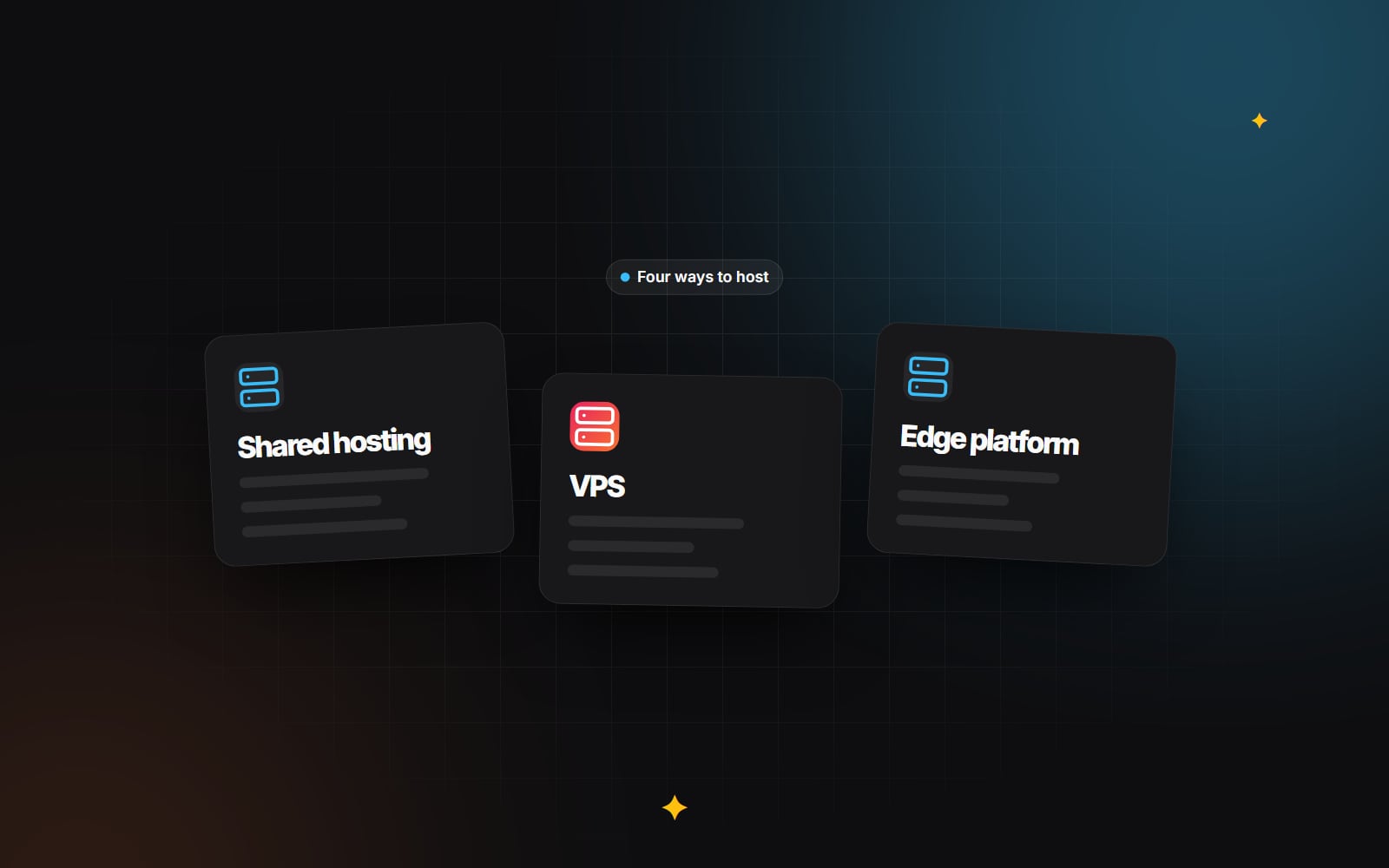
Shared, VPS, edge or cloud: choosing the right website hosting.
A plain comparison of shared hosting, VPS, edge platforms and full cloud infrastructure, with the trade-offs and the kind of site each one suits.
Businesses often spend months on a new website's design, copy and features, then put it on whatever hosting plan they already had. Sometimes that works. Often the plan was chosen for a much simpler site, and the new one ends up slower or less reliable than it should be.
Hosting affects how quickly your server responds, how the site copes with busy periods, how much maintenance someone has to do, and how easily you can recover when something breaks. This guide compares the four common types of hosting (shared, virtual private server, edge platforms and full cloud infrastructure) and explains which kind of site each one suits.
1. Shared hosting: simple and cheap, with trade-offs
On a shared plan, your site runs on a server alongside many other customers' sites. They all share the same processor, memory and network connection. The host looks after the server, and you usually get a control panel, email and one-click installers. For a brochure site or a personal blog, that is often enough.
The trade-offs come from sharing:
- Inconsistent performance. Your site competes for resources with every other site on the server. If another site gets a traffic spike or runs heavy database queries, your site can slow down. Hosts set resource limits to manage this, but you have little control over it.
- Limited configuration. You usually can't change server software, PHP settings or caching layers beyond what the control panel allows. That makes advanced performance tuning hard.
- Shared IP reputation. If your email is sent from the same server, a compromised site on that server can affect whether your messages are delivered. Using a dedicated email service avoids most of this.
- Server response time. A slow first response from the server delays everything that comes after it, including the main content. It doesn't decide Core Web Vitals on its own, but it makes a good Largest Contentful Paint harder to reach.
None of this makes shared hosting a bad choice. It is a reasonable starting point. It becomes a problem when a growing business relies on the site for leads or sales and the hosting has never been reviewed.
2. Virtual private servers (VPS)
A VPS gives you a slice of a physical server with its own allocated processor, memory and storage. Other customers' sites can't use those resources, so performance is far more predictable. You can also choose and configure the server software yourself.
The catch is that someone has to manage that software. An unmanaged VPS means you install operating system updates, configure the web server, set up firewalls and fix problems yourself. Server management panels and managed VPS services take on much of that work. They provision servers with a sensible stack (for example Nginx, a current PHP version, OPcache and an object cache such as Redis) and handle routine updates.
A well-configured VPS is a good fit for database-driven sites such as WordPress and WooCommerce or Laravel applications. You get consistent performance and control, and the maintenance stays manageable.
3. Edge and serverless platforms
Platforms such as Vercel, Netlify and Cloudflare Pages are built for sites made with modern frameworks like Next.js or Astro. Static pages and assets are served from a content delivery network with locations around the world, so visitors are served from somewhere relatively close to them. Dynamic parts of the site run as serverless functions that scale up and down automatically.
What they do well:
- Fast, consistent delivery of static content to visitors in different countries.
- Automatic scaling for traffic spikes, without you provisioning servers in advance.
- Preview deployments. Most platforms create a separate preview URL for each branch or pull request, which makes reviewing changes easier.
What to weigh up:
- Usage-based billing. Costs depend on traffic, function execution and bandwidth, so set spending alerts and check the pricing model before you launch.
- Platform-specific features. Some caching and rendering features work best, or only, on a particular platform. That can make moving later harder.
- Not a fit for traditional CMSs. A standard WordPress install needs a PHP server and a database, so it doesn't run on these platforms unless you use WordPress headlessly.
If you are deciding how pages should be rendered in the first place, our comparison of SSG, SSR and ISR covers how that choice affects hosting.
4. Full cloud infrastructure (AWS, Google Cloud, Azure)
Building directly on a major cloud provider gives you the most control. You can set up private networks, managed databases, container services, multiple regions and detailed security and compliance controls. It suits organisations with data residency requirements, complex integrations or applications made of many services.
That flexibility needs expertise. Someone has to design, secure, monitor and maintain the setup, and bills can be hard to predict without good cost controls. For a typical marketing site or small online store, it is usually more infrastructure than you need.
Comparison table
| Hosting type | Performance consistency | Maintenance effort | Control | Best fit for |
|---|---|---|---|---|
| Shared hosting | Variable; depends on other sites on the server | Low; the host manages the server | Limited | Small, low-traffic brochure sites and blogs |
| VPS (managed or with a panel) | Predictable; resources are allocated to you | Moderate; updates and monitoring needed | High | WordPress, WooCommerce, Laravel and other dynamic sites |
| Edge / serverless platform | Consistent for static content; functions vary with setup | Low for servers; you still manage builds and settings | Moderate; within the platform's model | Next.js, Astro and headless sites |
| Full cloud infrastructure | As good as the architecture and tuning | High; needs DevOps skills | Very high | Complex, high-compliance or multi-service applications |
How to choose: a short decision process
- 1 List what the site runs on: a PHP CMS with a database, a static or framework-based front end, or a custom application.
- 2 Note where your visitors are and how traffic behaves, especially predictable spikes from campaigns or seasonal sales.
- 3 Decide who will maintain the server: your host, an agency, an in-house developer or nobody. Be honest here.
- 4 Check any requirements for data location, compliance or integrations with internal systems.
- 5 Shortlist the hosting type that fits all four answers, then compare specific providers on support, backups and pricing model.
- 6 Test a staging copy of the site on the shortlisted option before moving the live site.
Look at total cost, not just the monthly fee
The price on a hosting plan is only part of the cost. When you compare options, include:
- 1 Hosting fees: server resources, bandwidth, storage and any usage-based charges.
- 2 Maintenance time: applying updates, managing configuration and fixing problems, whether that is your time or a supplier's.
- 3 The cost of downtime: lost enquiries or sales while the site is slow or offline, and the work needed to recover.
A cheaper plan that needs constant attention can cost more overall than a managed option. Ongoing upkeep is easier to plan if it is written into a maintenance agreement rather than handled ad hoc.
Backups, whatever you choose
Don't rely only on your host's built-in backups. Keep independent, encrypted copies stored somewhere else, and test that you can actually restore them. Our guide to the 3-2-1 backup rule walks through a setup that works on any of the hosting types above.
If you are unsure which option suits your site, or you are planning a move, get in touch and we can look at your current setup with you.
Planning something similar?
Tell us what you're building and we'll come back with ideas and next steps.