Working with a web development team in India: a practical guide.
Practical points for working with a web development team in India: time zones and overlap hours, communication, contracts, access and starting small.
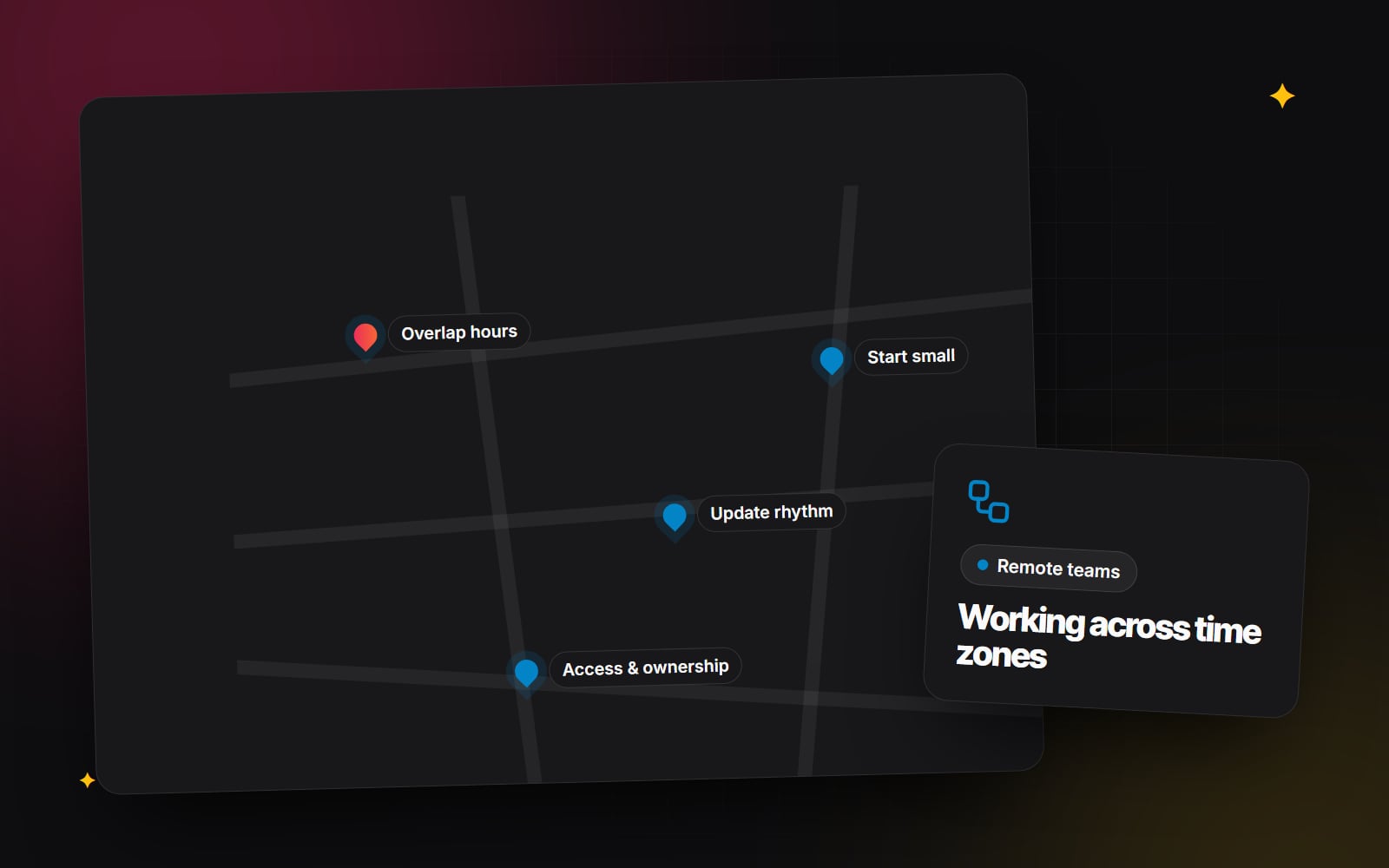
Working with a web development team in India is much like working with any remote team: the quality of the result depends on the specific people, the clarity of the brief and the way you work together. A few practical things are different, though — time zones, payments across borders, contracts under different legal systems, and how you share access safely. This guide covers those practicalities so you can plan a working relationship with a web development team in India with fewer surprises.
Choose the team, not the country
Teams in India, as anywhere, vary widely in focus, platforms and experience, so generalisations aren't useful. Evaluate any team in India the way you would evaluate one anywhere: look at work similar to yours, talk to the people who will build it, and ask the same questions you would ask a local provider. The rest of this article is about the practical differences of working across borders, not about the team itself.
Time zones and overlap hours
India uses a single time zone, India Standard Time (IST), which is UTC+5:30 and does not change for daylight saving. Your offset therefore shifts during the year if your own country changes its clocks.
| Your location | IST is ahead by |
|---|---|
| UK (GMT, winter) | 5 hours 30 minutes |
| UK (BST, summer) | 4 hours 30 minutes |
| Central Europe (CET, winter) | 4 hours 30 minutes |
| Central Europe (CEST, summer) | 3 hours 30 minutes |
| US Eastern (EST, winter) | 10 hours 30 minutes |
| US Eastern (EDT, summer) | 9 hours 30 minutes |
| UAE (GST) | 1 hour 30 minutes |
Two things follow from this:
- Agree a fixed overlap window. Decide on a regular slot when both sides are online — for UK and European clients this often falls in your morning; for the Americas it may mean an early start on one side or a late finish on the other. Write it down and put it in both calendars.
- Use the gap. Time differences can work in your favour: feedback sent at the end of your day can be acted on before you return. That only works if feedback is clear enough to act on without a conversation.
Public holidays differ too. Share holiday calendars both ways at the start of the project, and note them in the plan.
Communication rhythm
Remote projects run more smoothly with a predictable rhythm. A simple pattern that works for many teams:
- A short written update at the end of each working day or a few times a week: what was done, what is next, what is blocked.
- A regular call in the overlap window, weekly or at each milestone, for decisions and demos.
- One shared place for tasks and decisions — a project board, ticket system or shared document — so nothing lives only in chat messages.
- A staging site you can review at any time, rather than waiting for screenshots.
Clear written communication helps any cross-border project. Specific feedback ("the button text should read 'Book a call', and the form needs a phone field") is easier to act on asynchronously than general reactions. A good written brief from the start does a lot of this work; see how to write a website brief.
Agree on the language and format for documentation, and on how to flag something urgent outside the overlap window.
Payments and contracts
Paying a team in another country raises questions about currency, payment methods, invoicing, tax and which country's law governs the agreement. The answers depend on where you are, how your business is set up and how the team is set up. We can't advise on these, and you should take advice from an accountant and a lawyer familiar with cross-border arrangements before signing. Things worth raising with them include:
- which currency invoices are issued in, and who bears currency conversion and transfer fees;
- what tax obligations, if any, apply to you or the provider;
- whether you are engaging a company or an individual, and whether that affects anything;
- which country's law governs the contract, and how disputes would be handled;
- how payment stages are linked to delivered and accepted work.
When comparing proposals from teams in different countries, compare what is included, not just the total. Our guide to comparing website quotes helps with that.
Intellectual property and access
Ownership of code, designs and content should be set out clearly in writing, and rules on intellectual property vary between countries. Ask your lawyer what wording you need. On the practical side, you can protect yourself from the start:
- Keep accounts in your name. Domain, hosting, code repository, CMS and analytics should belong to your organisation, with the team invited as users. Our article on who owns your website's domain shows how to check.
- Give individual logins. Each person gets their own account with only the access they need, so you can remove someone without changing everyone's password.
- Share secrets safely. Use a password manager rather than email or chat, and switch on two-factor authentication. See security basics for small teams.
- Use version control. Code should live in a repository you own, so work is visible as it happens.
- Agree on data handling. If the team will see customer data, discuss with your adviser what data protection obligations apply and how access is limited.
How to start small
The most useful way to judge any new working relationship is to work together on something real but limited. A small first project shows you how the team communicates, how they handle feedback and how accurate their estimates are, at low risk to both sides. Good first projects include:
- a single landing page or template;
- a performance or accessibility review of your existing site, with recommendations;
- a defined set of fixes from your backlog;
- one integration, such as connecting a form to your CRM.
At the end, review the experience honestly on both sides before deciding on anything larger.
A step-by-step plan for getting started
- 1 Write a short brief for a small first project.
- 2 Shortlist teams whose past work resembles what you need.
- 3 Hold an introductory call in a time that suits both sides.
- 4 Agree the daily or weekly overlap window and put it in both calendars.
- 5 Exchange public holiday calendars for the project period.
- 6 Take professional advice on the contract, payments and tax.
- 7 Create accounts in your organisation's name and invite the team as users.
- 8 Set up a shared password manager and two-factor authentication.
- 9 Agree one place for tasks, feedback and decisions.
- 10 Agree the format and frequency of progress updates.
- 11 Complete the first project and hold a short review together.
- 12 Decide on next steps based on that review.
About Web Canvas
Web Canvas is a web design and development studio based in India, working with businesses in other countries; you can read more about us and our web development services. If you are considering working with a team in India and want to talk through how a project might run, you are welcome to get in touch.
Planning something similar?
Tell us what you're building and we'll come back with ideas and next steps.