Who owns your website's domain? How to check, and fix it.
If your domain sits in a former developer's account, your website and email are at risk. Here's how to check who owns it, and how to bring it home.
Most businesses never think about their domain name until something goes wrong. The website goes down, emails start bouncing, and someone discovers the domain expired because the renewal reminders went to a person who left three years ago.
It happens more often than it should. Domains are frequently registered by whoever built the first website: a freelancer, an agency, a nephew who was good with computers, or an employee using their own email address. Years later, nobody is sure whose name is on it.
This guide shows you how to check who controls your domain, what to look for, and how to bring it under your business's control if it isn't already.
Why domain ownership matters
Your domain is the address for your website and usually your email. Whoever controls the registrar account can renew it, let it lapse, point it somewhere else or move it to another provider. If that isn't you, your business depends on someone else's goodwill and inbox.
There are two things to check, and they're easy to confuse:
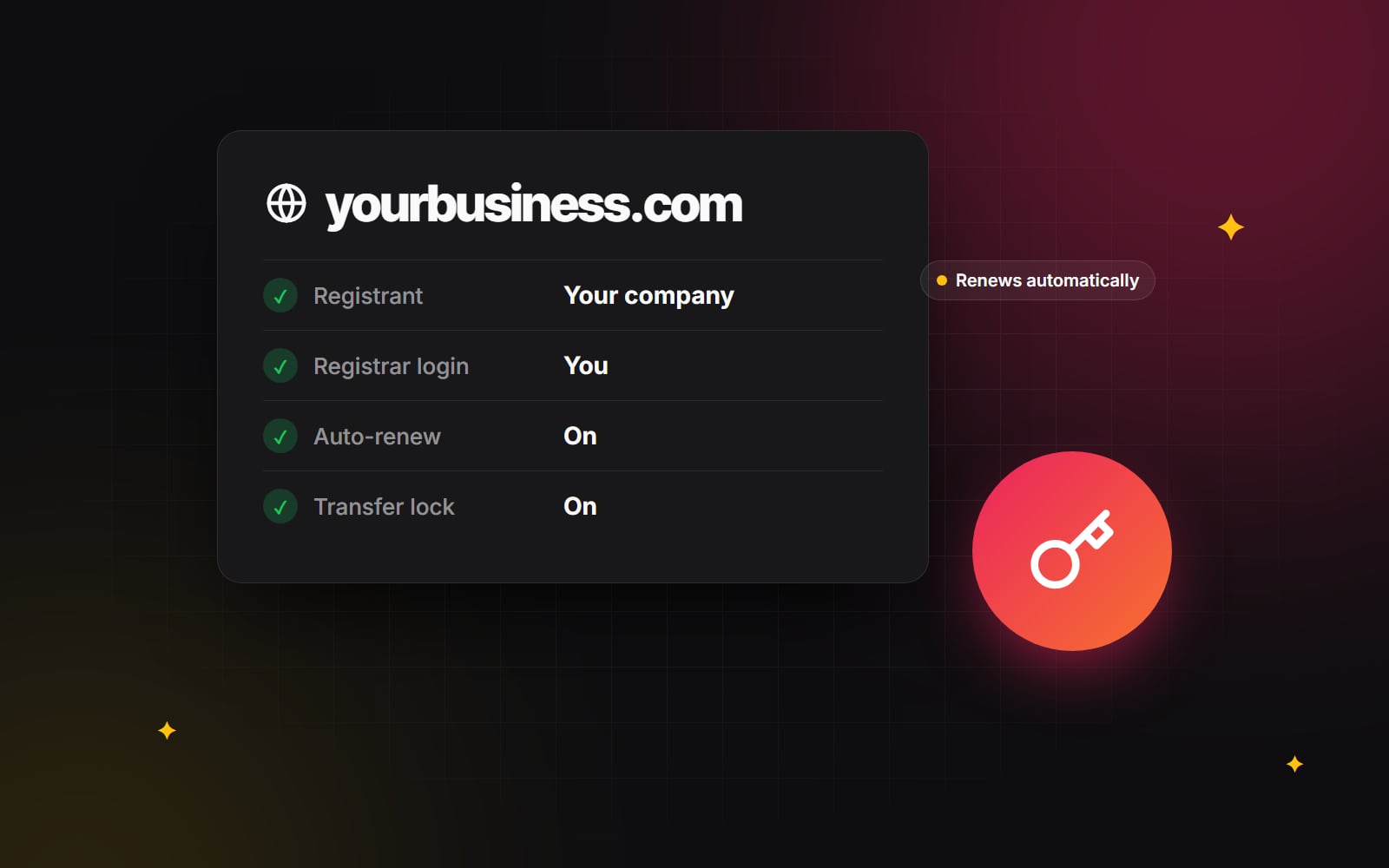
- The registrant. The person or organisation recorded as the holder of the domain. This should be your business, using its legal name.
- The registrar account. The login at the company where the domain is registered (GoDaddy, Namecheap, Cloudflare, a hosting company and so on). Whoever has this login manages the domain day to day.
Ideally both point to your business. A registrant in your company's name doesn't help much if the only login belongs to a developer you can't reach.
How to check who controls your domain
- 1 Find the registrar. For domains such as .com, .net or .org, enter your domain in ICANN Lookup. It shows the registrar, the creation and expiry dates and the domain's status. ICANN has moved these lookups from the old WHOIS system to a newer one called RDAP, but the result is the same for you. For country domains such as .in or .co.uk, use the registry's own lookup instead (NIXI runs .in, Nominet runs .uk).
- 2 Note the expiry date. If it's within a few months, put it in your calendar today.
- 3 Don't expect to see the owner's name. Most lookups now hide personal details for privacy reasons, so the registrant usually shows as "redacted". That's normal. To see the registrant, you need to look inside the registrar account.
- 4 Log in to the registrar account. If you have the login, check the registrant contact: the name and organisation should be your business, and the email should be an address the business controls. A shared address such as domains@yourcompany.com is better than one person's inbox.
- 5 If you don't have the login, work out who does. Old invoices, card statements and emails from the registrar are good clues. Your previous developer or agency is the usual answer.
Once you're in control, lock it down
- 1 Turn on auto-renew and check the payment card on file won't expire before the next renewal.
- 2 Use a business email for the account and the registrant contact, ideally one that more than one person can read.
- 3 Turn on two-factor authentication for the registrar login. Our guide to security basics for small teams explains which method to choose.
- 4 Turn on the registrar lock (often called transfer lock), which stops the domain being moved to another provider without your approval.
- 5 Add a second person who can access the account, through the registrar's team or delegate feature if it has one, or by keeping the login in a shared password manager.
If someone else holds your domain
In most cases this is simply an old arrangement nobody has updated, and the person holding it is happy to help. Ask them to move it to you in one of two ways:
- A move within the same registrar. Many registrars let one account push a domain to another account. It's usually the quickest option: you create an account, they send the domain to it.
- A transfer to your own registrar. They unlock the domain and give you its authorisation code (sometimes called an EPP code), and you start the transfer at your chosen registrar. Transfers between registrars usually add a year to the registration.
If the registrant details also need to change to your business, do that as part of the same process. Some registrars apply a temporary lock after the registrant changes, often for 60 days, during which the domain can't move to another registrar. Check before you start, and avoid doing it in the weeks before a launch.
If someone refuses to hand over a domain you believe belongs to your business, that's a legal question rather than a technical one, and it's worth talking to a solicitor. Don't let it lapse in the hope of re-registering it: expired domains can be picked up by anyone.
Keep a one-page ownership sheet
Domains are only one piece. Once you've sorted yours, write down where everything else lives and who can access it. A single page in your password manager or shared drive is enough:
- Domain registrar and renewal date
- DNS provider
- Website hosting and the website's admin login
- Email provider
- Google Analytics, Search Console and your Google Business Profile
- Where your backups are stored
It takes an hour, and it saves a great deal of stress when someone leaves, a supplier changes, or you start a redesign. If you're planning one, our redesign SEO checklist and our guide to writing a website brief both assume you have this sorted first.
How we handle it
When we build a website, the domain, hosting and every platform account stay in the client's name, with our access added as a team member. When a project ends, nothing has to be handed back because nothing was ever ours. If you'd like help untangling where your website and domain live, or you're planning a new website, get in touch.
Planning something similar?
Tell us what you're building and we'll come back with ideas and next steps.