Google Business Profile: a set-up checklist for service businesses.
Your Google Business Profile is often the first thing people see. A step-by-step checklist to set it up properly, stay within Google's rules and track results.
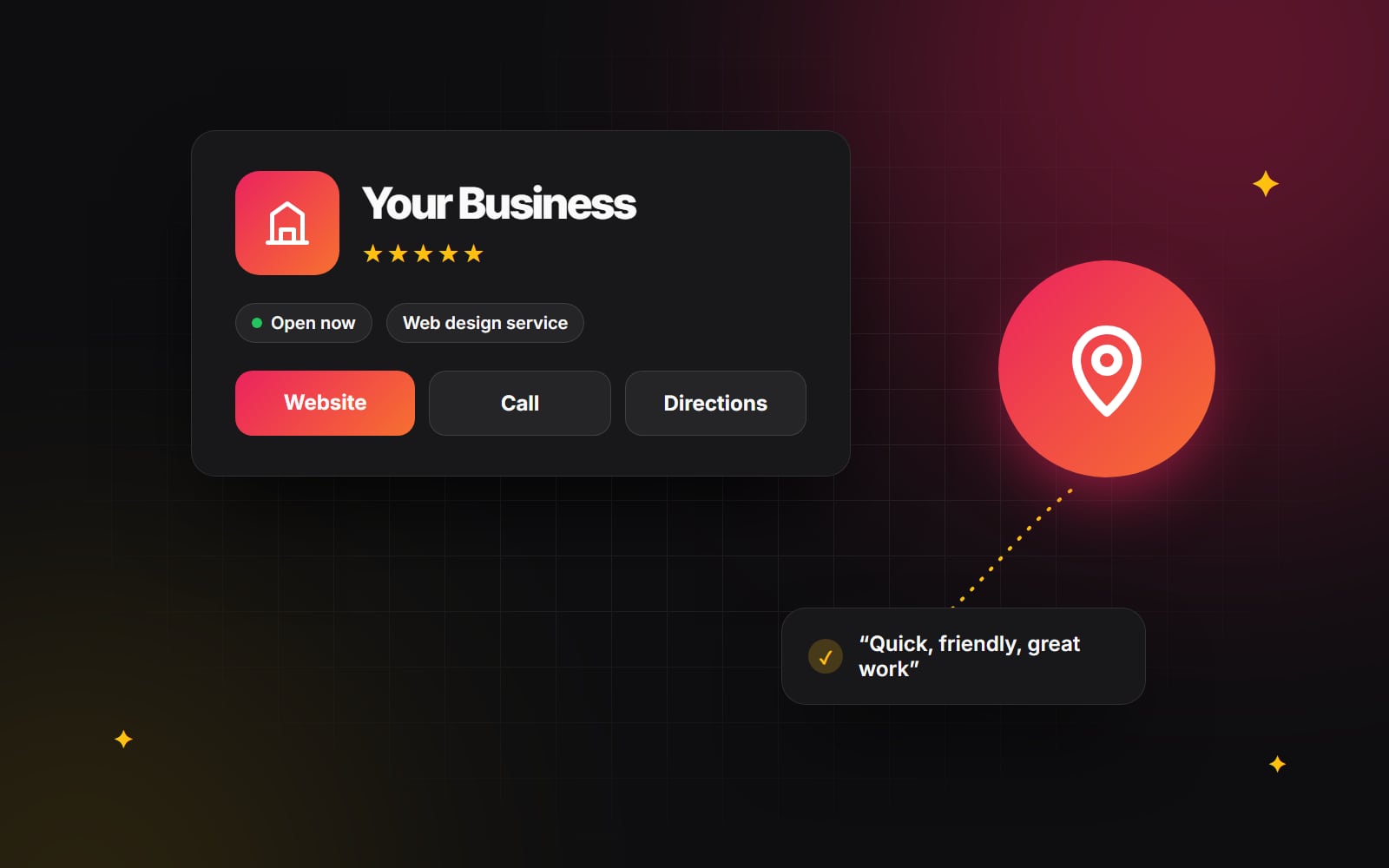
When someone searches for your business by name, or for a service near them, Google often shows a business profile before any website: your name, reviews, opening hours, photos and buttons to call, get directions or visit your site. For many people, that profile is their first impression of you.
It's free, it takes an afternoon to set up properly, and it's one of the most useful things a local or service business can do for its visibility. This checklist covers the set-up, the rules that get profiles suspended, and how to see whether it's bringing in customers.
Is it right for your business?
A Google Business Profile is for businesses that serve customers in person, either at a location customers visit or by travelling to them. Shops, clinics, trades, studios and local service firms all qualify. A business that works entirely online, with no face-to-face contact with customers, generally isn't eligible under Google's guidelines. If that's you, the advice in our guide to getting mentioned in AI answers about directories and reviews is the better place to put your effort.
Before you start
- Use a Google account owned by the business, not a personal one that might leave with an employee. Add other people as managers rather than sharing the login.
- Have your exact business name, address or service area, phone number and website ready, written exactly as they appear on your website and invoices.
- Choose a few real photos: your team, your premises, your work.
Set-up checklist
- 1 Search for your business first. A profile may already exist, created by Google or a customer. If it does, claim it rather than creating a duplicate.
- 2 Create or claim the profile from Google Business Profile (business.google.com) and follow the steps.
- 3 Use your real business name. Enter it exactly as customers see it on your signage and website. Adding keywords or locations that aren't part of your name breaks Google's guidelines and is a common reason for suspensions.
- 4 Choose your primary category carefully. It has the biggest influence on the searches you appear in. Pick the most specific category that describes your main service, then add a few secondary categories that genuinely apply.
- 5 Set your location or service area. If customers visit you, add your address. If you visit them, or you work remotely, set a service area and hide your address.
- 6 Verify the profile. Google will ask you to verify that you run the business. Depending on your business, this may be a short video of your premises and work, a phone call, an email or a postcard. It can take a few days, so start early.
- 7 Add hours, phone number and website. Include special hours for holidays so people don't turn up to a closed door.
- 8 Write a clear description of what you do, who you do it for and where. Write for people rather than for search engines, and don't include links or promotional offers.
- 9 Add your services or products, with short descriptions. This helps Google match you to relevant searches.
- 10 Upload photos of real work, your team and your premises. Avoid stock images.
Reviews: what to do and what to avoid
Reviews influence both how often you appear and whether people choose you. Ask every happy customer, and make it easy:
- 1 Copy your review link from the profile (look for "Ask for reviews" or "Get more reviews").
- 2 Send it in your follow-up email or message after a job is finished, with a short, personal request.
- 3 Reply to every review, positive or negative, politely and without sharing private details.
Google's policies don't allow offering discounts, gifts or other incentives in exchange for reviews, or asking only the customers you expect to be happy. Reviews written by staff, or posted on your own profile, also break the rules. Breaking them can lead to reviews being removed or your profile being restricted.
Keep it up to date
- Post updates now and then: a new service, a recent project, a seasonal offer. They show the business is active.
- Add new photos as your work and team change.
- Check your details every few months. Anyone can suggest edits to a profile, and Google sometimes accepts them.
- Watch out for scam calls claiming your profile will be removed unless you pay. Manage your profile only through your own Google account. Our security basics cover other scams to look out for.
Common mistakes to avoid
- Creating a second profile because you can't get into the first. Duplicates confuse Google and customers. Request access to the existing profile instead; Google has a process for claiming a profile someone else manages.
- Using a virtual office or PO box as your address. Google expects a real location where the business operates, or a service area if you visit customers.
- Listing a call-tracking or personal mobile number that changes later. Use a stable business number that matches your website.
- Picking a broad category such as "Consultant" when a specific one fits better. The more precise the category, the better Google can match you to the right searches.
- Linking to the homepage when a more relevant page exists. If you have several locations, link each profile to its own location page.
- Setting it up and forgetting it. Outdated hours, old photos and unanswered reviews all suggest a business that isn't paying attention.
Make your website back it up
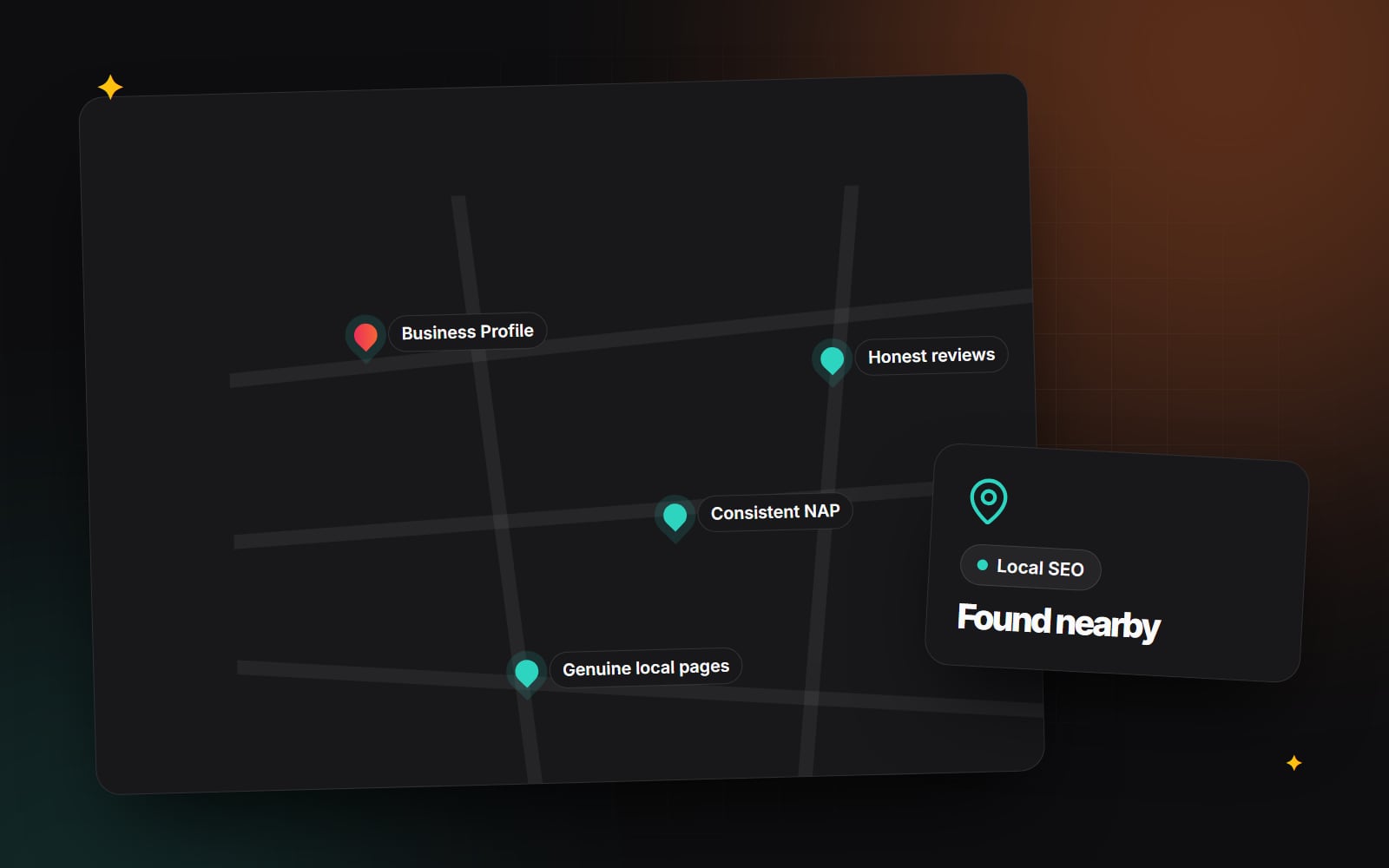
Your profile and your website should tell the same story. Use the same business name, address and phone number on both, and make sure the page your profile links to loads quickly on a phone, since most profile visitors are on mobile. Our article on mobile-first web design covers what that involves.
Consistent details across your website, your profile and the directories you're listed in also help AI assistants describe your business accurately, which we cover in how to get mentioned in AI answers.
Need a hand?
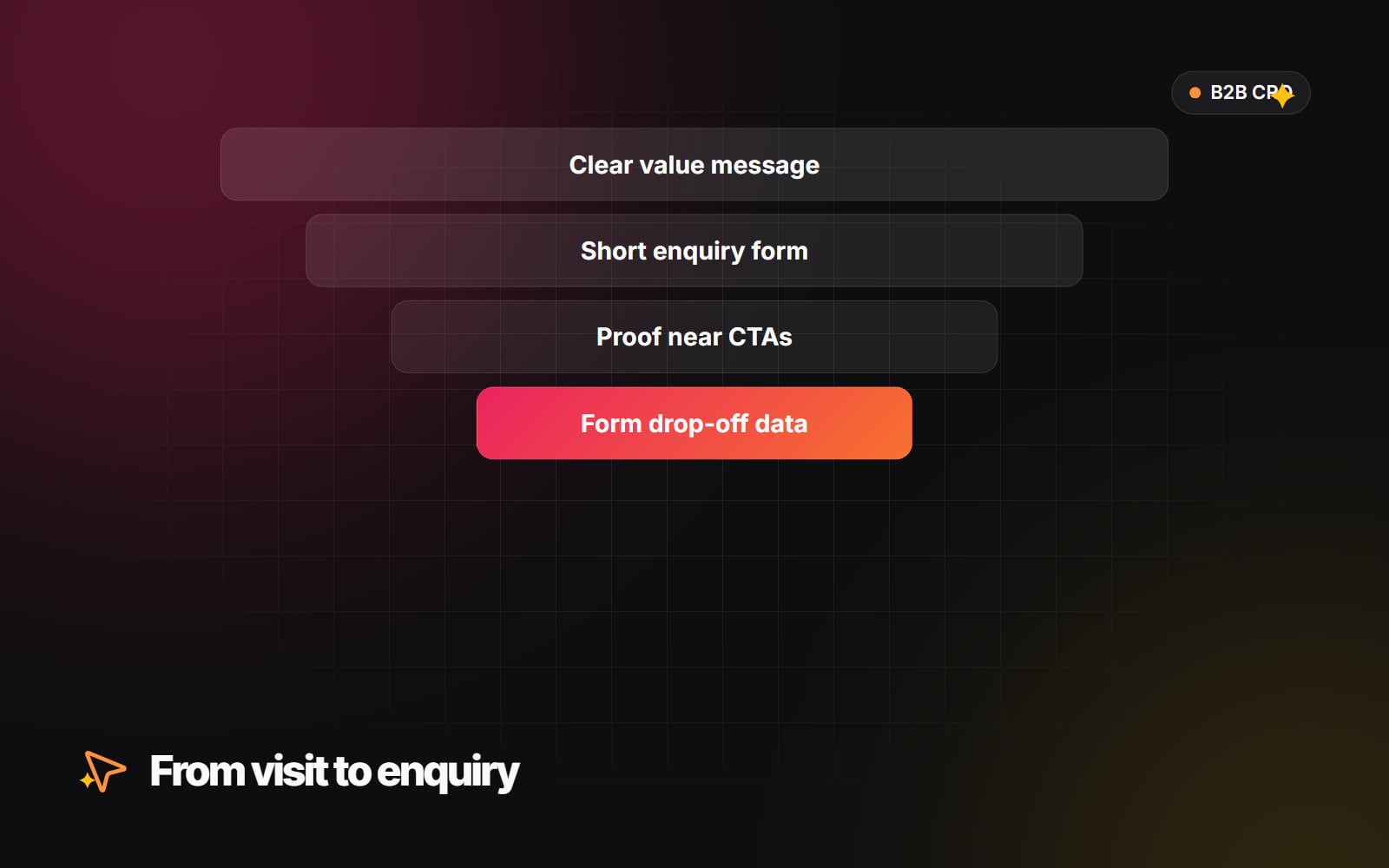
A clear profile works best when it leads to a website that's quick, clear and easy to act on. If yours needs work, see our web development and UI/UX design services, or tell us about your business.
Planning something similar?
Tell us what you're building and we'll come back with ideas and next steps.