B2B conversion rate optimisation: turning visits into enquiries.
Practical ways to help B2B visitors become enquiries: clear value propositions, shorter forms, well-placed evidence and honest measurement.
Rising website traffic looks good in a report, but for a B2B business it only matters if some of those visitors become conversations with your sales team. If traffic grows and enquiries don't, the site isn't doing its job.
Conversion rate optimisation (CRO) for B2B is different from consumer e-commerce. Purchases are larger, several people are usually involved, and the decision can take weeks or months. The website rarely closes the deal. Its job is to help the right people understand what you do, trust you, and take a low-risk next step.
1. A clear value proposition at the top of the page
B2B buyers are usually scanning, not reading. Within a few seconds of landing, they should be able to answer three questions: what do you do, who is it for, and why should they care?
- Vague: "Next-generation digital solutions for modern businesses." This could describe almost anyone.
- Clear: "We design and build Shopify stores for direct-to-consumer brands that are outgrowing their first theme." The audience, the service and the situation are all specific.
A useful test is to show your hero section to someone outside the company for five seconds and ask them to describe what you do. If they can't, rewrite it. Our guide to wireframing SaaS landing pages covers how the hero, proof and pricing sections fit together.
2. Low-friction enquiry and demo forms
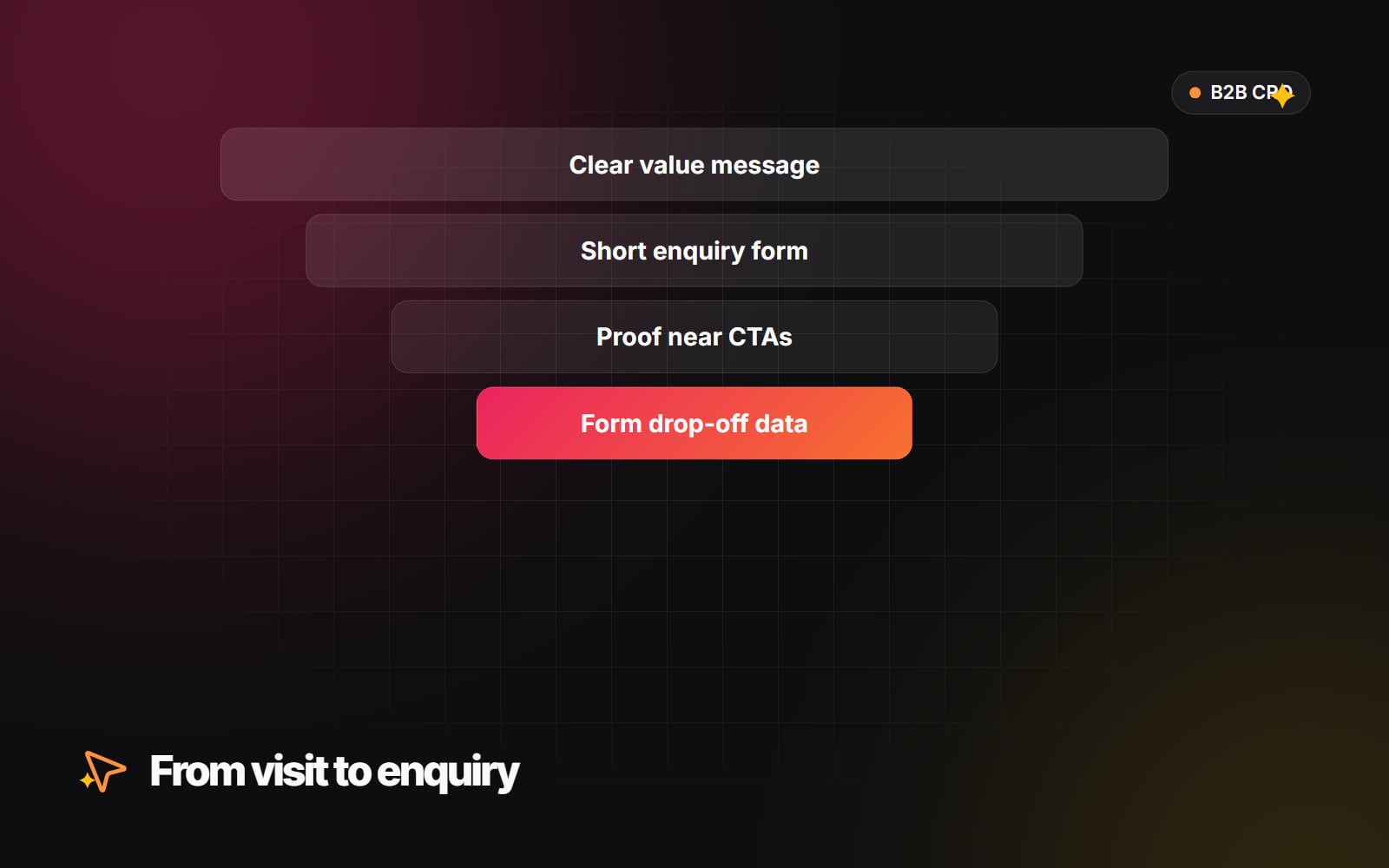
Long forms are one of the most common reasons B2B enquiries drop off. Every field you add is a question the visitor has to answer before they've spoken to anyone. Our guide to form design people actually finish covers this in detail. The main points:
- 1 Ask only for what you need to reply well, typically name, work email and a short description of what they need.
- 2 Collect extra qualifying details later, in the follow-up conversation or through progressive fields on return visits.
- 3 Think carefully before blocking personal email addresses. It filters some low-quality leads but also turns away freelancers, small firms and genuine buyers using personal accounts.
- 4 For qualified enquiries, consider offering a calendar booking straight after the form, so the prospect can choose a time while they are still engaged.
- 5 Tell people exactly what happens next and when, and make sure your team can meet that promise.
A CRM such as HubSpot, with automated workflows, can route enquiries to the right person and trigger the follow-up. Our guide to automating lead qualification walks through the set-up.
3. Evidence placed where decisions happen
B2B buyers are cautious because a bad choice is visible and hard to undo. Evidence reduces that risk, but only if people see it at the right moment. Don't leave it all on a separate testimonials page.
- Place recognisable client names or logos near the top of key pages, with permission from those clients.
- Put short, specific testimonials next to forms and calls to action, where hesitation is highest.
- Link to detailed case studies that explain the problem, the approach and the outcome in plain terms.
- Use real names and roles in testimonials where clients agree to it. Anonymous quotes carry less weight.
- Only state results you can back up. Buyers check, and exaggerated claims damage trust quickly.
4. Copy that focuses on the buyer
- Talk about their problem, not your history. "We are an award-winning team" says little. Describe the situation the buyer is in and how you help them out of it.
- Replace adjectives with specifics. Words like "innovative" or "best-in-class" get skimmed over. Explain what you do, how, and what the client gets.
- Write specific button labels. "Submit" tells people nothing. "Request a project estimate" or "Book a call" sets clear expectations.
- Explain next steps. Under the form, say what will happen after someone submits it and roughly when they will hear back.
5. Measure where people drop out
Decisions about what to change should come from evidence, not opinion. Google Analytics 4 can track form activity through enhanced measurement. To switch it on:
- 1 In GA4, click Admin.
- 2 Under Data collection and modification, click Data streams and select your web stream.
- 3 Under Enhanced measurement, click the settings icon.
- 4 Turn on Form interactions and save.
-
5
After a few days, compare
form_startandform_submitevents in Reports > Engagement > Events.
Automatic form tracking doesn't work reliably with every form tool, so check the events are firing. If they aren't, set up a dedicated event when the thank-you message appears. Our guide to GA4 reports worth checking covers the monthly view.
Numbers tell you where people leave, not why. Session recordings, short on-page surveys and conversations with your sales team fill that gap. Mapping the routes visitors take from first page to enquiry, as in our guide to user journey mapping, often reveals dead ends that analytics alone misses.
6. Testing with realistic expectations
A/B testing needs a reasonable volume of conversions to produce reliable results. Many B2B sites receive relatively few enquiries a month, so a test can take a long time to reach a clear answer, or never get there. Some practical approaches:
- 1 Prioritise changes that fix clear problems (a confusing headline, a broken mobile form, a missing next step) and ship them without testing.
- 2 Reserve formal A/B tests for high-traffic pages and bigger changes, such as a different headline angle or a shorter form.
- 3 Measure what matters to the business, such as qualified enquiries or booked calls, not just clicks.
- 4 Run one change at a time on a page, so you know what caused any difference.
- 5 Keep a simple log of changes and dates, so you can relate shifts in results to what you did.
- 6 Revisit mobile layouts regularly, since a visitor may first find you on a phone and only enquire later from a desktop. Check your own analytics to see the split.
CRO is ongoing work, and much of it comes down to clear messaging and good page design. If you would like a fresh look at how your site turns visitors into enquiries, our UI/UX design team can help. Get in touch to start the conversation.
Planning something similar?
Tell us what you're building and we'll come back with ideas and next steps.