Technical SEO audit checklist: indexing, canonicals and redirects.
A practical checklist for duplicate URLs, redirect chains, sitemaps, Search Console indexing reports, JavaScript rendering and Core Web Vitals.
Good content can't rank if search engines can't crawl, render and index it. Technical SEO covers the parts of a site that affect this: which URLs exist, which version of each page Google should treat as the main one, how redirects behave, and whether the content is visible in the HTML Google receives.
This checklist covers the checks we find most useful before a launch, after a migration or when organic traffic drops without an obvious reason. Most of it can be done with Google Search Console and a site crawler.
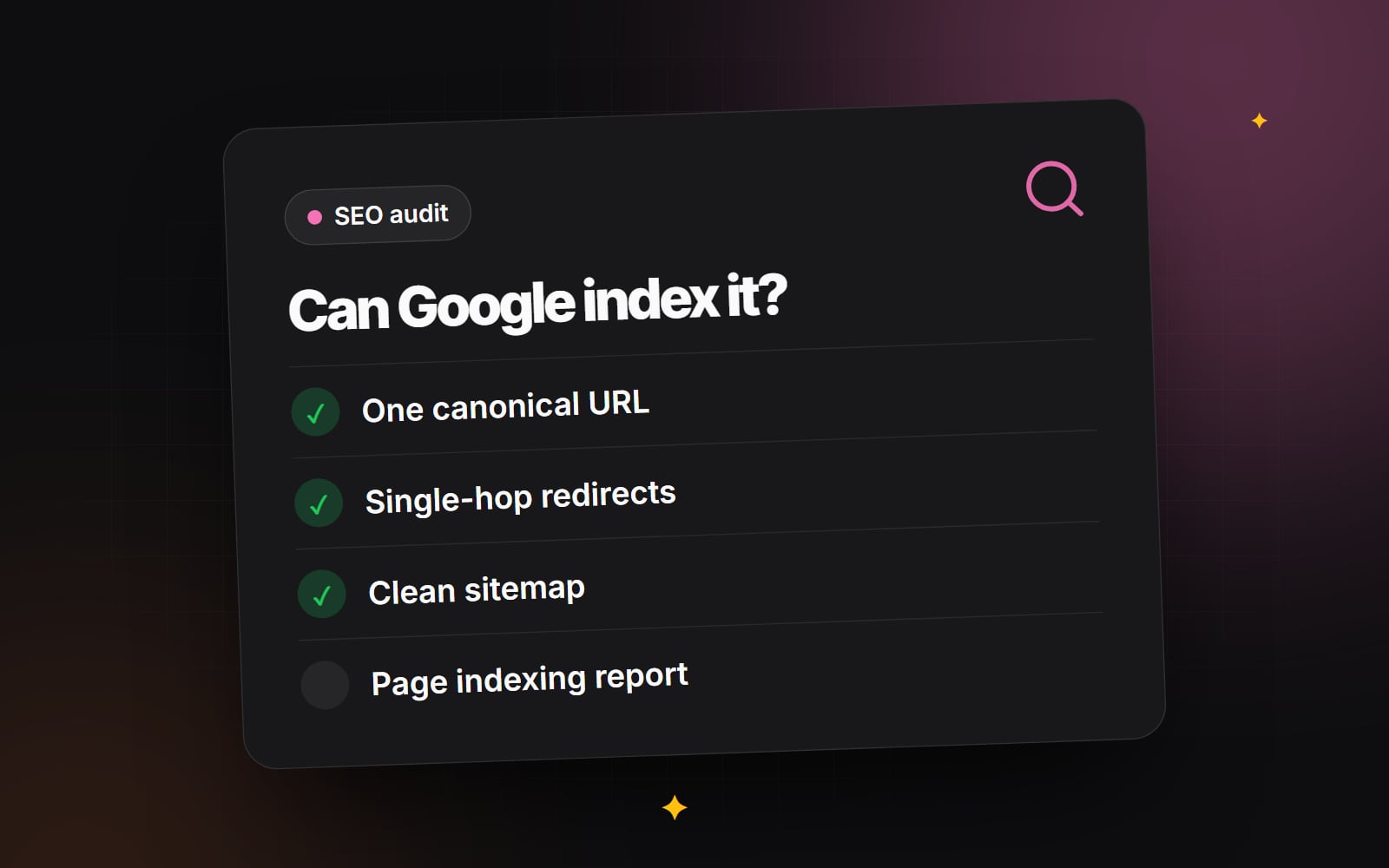
1. One version of each URL
The same page can often be reached at several addresses: with and without www, over http and https, with and without a trailing slash, or with tracking parameters added. Google doesn't penalise this, but it has to choose one version to show, and links and signals can be split between them. Google's guide to consolidating duplicate URLs explains the options.
- Redirect to one preferred version. Set your server or CDN to send all variants (http, the non-preferred host, the other trailing slash form) to one canonical URL with a permanent 301 redirect.
-
Use self-referencing canonical tags. Each indexable page should include a canonical tag pointing to its own preferred URL, for example
<link rel="canonical" href="https://www.example.com/services/">. - Handle filter and sort parameters. On shop category pages, sorting and filter combinations can create a very large number of URLs. Decide which filtered pages are worth indexing (for example a popular brand or category filter) and canonicalise or restrict crawling of the rest. Our guide to product filtering covers the user experience side.
2. Redirect chains and loops
A redirect chain is when URL A redirects to B, which redirects to C. Each hop adds a delay for visitors, and Google may stop following a long chain. A loop, where URLs redirect back to each other, makes the page unreachable.
- 1 Crawl the site and export all internal links that return a 3xx status.
- 2 For each one, update the link in your content or menus to point directly at the final URL.
- 3 Review your redirect rules and collapse any chains so each old URL redirects to its final destination in one step.
- 4 Test a sample of old URLs, especially those with backlinks, to confirm they land on the right page.
This matters most after a redesign or platform move; our guide to redesigning without losing rankings covers redirect mapping in detail.
3. XML sitemaps and robots.txt
- 1 Check that your sitemap lists only canonical URLs that return a 200 status. Remove redirected, broken, noindexed and duplicate URLs.
- 2 Confirm the sitemap updates automatically when pages are published or removed.
- 3 In Search Console, open Indexing > Sitemaps, submit the sitemap URL if it isn't listed, and check its status.
-
4
Open your
robots.txtfile and make sure it doesn't block CSS, JavaScript or image files Google needs to render your pages. -
5
Remember that
robots.txtcontrols crawling, not indexing. To keep a page out of search results, use anoindexmeta tag and leave the page crawlable so Google can see it.
4. Indexing in Google Search Console
Open Indexing > Pages to see which URLs are indexed and why others aren't. Some reasons you will often see:
- Discovered - currently not indexed: Google knows the URL but hasn't crawled it yet. On large sites this can relate to crawl capacity; on smaller sites it often means Google doesn't yet see the page as a priority. Strong internal links help.
- Crawled - currently not indexed: Google crawled the page but chose not to index it for now. Check whether the content is thin, duplicated elsewhere on the site or poorly linked.
- Soft 404: the page returns a 200 status but looks like an error or empty page. Missing pages should return a real 404 or 410 status.
- Duplicate, Google chose different canonical than user: Google disagrees with your canonical tag. Check for near-identical pages or conflicting signals such as internal links and sitemaps pointing at different versions.
Not every excluded URL is a problem. Redirects, deliberately noindexed pages and parameter URLs are expected to appear here. Focus on pages you want in search.
5. Crawl budget: when it matters
Google's crawl budget guide is written for very large sites and for sites whose content changes very frequently. For most business websites, Google can crawl everything it needs, and crawl budget isn't worth worrying about. If you run a large shop or directory, reducing duplicate parameter URLs and keeping your server responsive are the main levers.
6. JavaScript rendering
Google can render JavaScript, but rendering happens after the initial crawl and isn't always immediate. Content that only appears after client-side scripts run is more fragile than content in the initial HTML.
- Use server-side rendering or static generation for important pages. Frameworks like Next.js do this by default for most routes.
- Make sure titles, canonical tags, main text and internal links are in the HTML the server sends.
-
Use real
<a href="...">links for navigation, not click handlers on other elements.
To check what Google sees:
- 1 In Search Console, paste a URL into the URL Inspection bar at the top.
- 2 Click Test live URL.
- 3 Click View tested page and open the HTML tab.
- 4 Confirm your main content, links and canonical tag appear in the rendered HTML.
7. Mobile and Core Web Vitals
Google uses the mobile version of your site for indexing, so content and links hidden or missing on mobile may not count. Follow mobile-first design principles so the mobile page carries the same content as desktop.
Core Web Vitals are part of the page experience signals Google uses. Its "good" thresholds, measured at the 75th percentile of real visits, are:
- Largest Contentful Paint (LCP): 2.5 seconds or less.
- Interaction to Next Paint (INP): 200 milliseconds or less. INP replaced First Input Delay in March 2024.
- Cumulative Layout Shift (CLS): 0.1 or less.
Check them under Experience > Core Web Vitals in Search Console. Our guide to Core Web Vitals explains how to improve each one.
8. Internal links and orphan pages
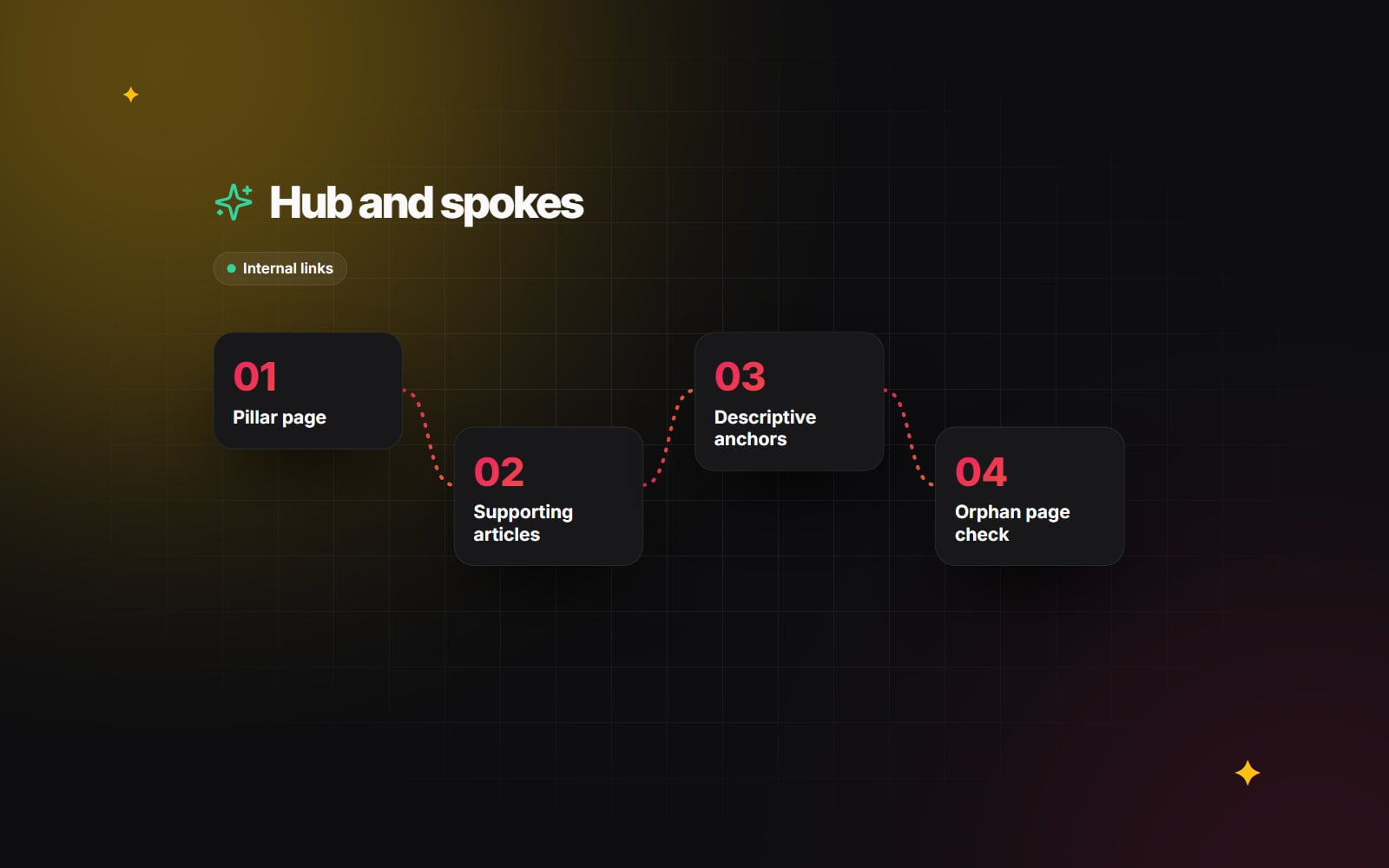
Finally, compare your crawl with your sitemap. Pages in the sitemap that the crawler couldn't reach through links are orphan pages. Link them from relevant content or remove them. Our internal linking guide covers how to structure this.
If you are planning a launch or migration and want a second pair of eyes on the technical side, get in touch.
Planning something similar?
Tell us what you're building and we'll come back with ideas and next steps.