SSG, SSR or ISR? Choosing how each page should render.
When to use static generation, server-side rendering or incremental regeneration, page type by page type, with a Next.js example.
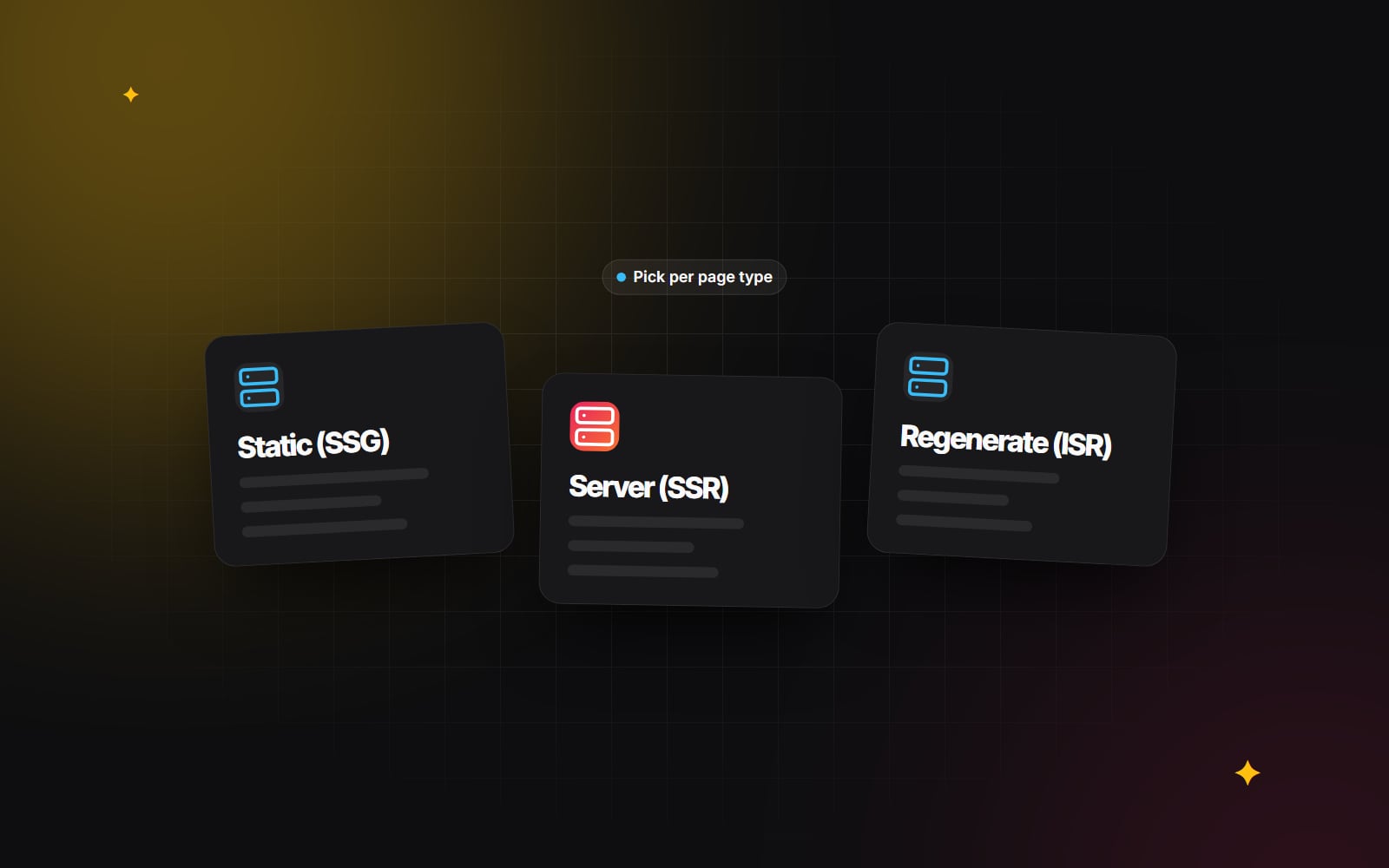
How a page is rendered decides when its HTML is produced: once at build time, on every request, or at build time and then refreshed in the background. That one choice affects how fast the page reaches visitors, what your hosting has to do, how quickly edits go live and what happens when your CMS or database is down.
Frameworks such as Next.js, Nuxt and Astro let you mix approaches route by route, so the useful question is not "which one for the whole site?" but "which one for this type of page?". This guide explains the three main options in plain terms and gives a simple way to decide.
Static site generation (SSG)
With SSG, the HTML for each page is produced when the site is built. When someone visits, a CDN or web server sends a file that already exists. No database query or application code runs at request time.
Where it helps
- Fast first byte. A file served from a CDN close to the visitor is usually the quickest response you can give, which gives you a head start on Core Web Vitals such as Largest Contentful Paint (Google's "good" threshold is 2.5 seconds or less).
- Simple, cheap hosting. Static files can be served from almost any host or CDN with very little server work.
- Resilience. If the CMS or database goes down, pages that are already built keep being served.
- Smaller attack surface. There is no application code running for public page views, although forms, APIs and the CMS itself still need securing.
Where it struggles
Every change needs a rebuild and redeploy. For a 30-page marketing site that is trivial. For a catalogue with tens of thousands of product pages, builds get long, and a small edit to shared content (a footer, a price) means rebuilding everything that uses it. Content editors also have to wait for the build before they see their change live.
Good fits: home and about pages, service pages, legal pages, documentation and case studies.
Server-side rendering (SSR)
With SSR, the server builds the HTML for every request. It reads cookies and headers, queries the database or APIs, renders the components and sends the result. Modern frameworks can stream the page, sending the parts that are ready first.
Where it helps
- Always current. Visitors see data as it is at the moment of the request, which matters for live stock, account balances or order status.
- Per-visitor content. Logged-in dashboards, account pages and content based on CRM-driven personalisation need request-time information that cannot be baked into a shared file.
- Secrets stay on the server. API keys and business rules run server-side and never reach the browser. (This is true of server code in any of the three approaches, not only SSR.)
The trade-offs
The visitor waits while the server fetches data, so a slow database or third-party API becomes a slow page. Every visit uses server time, so traffic spikes hit your servers and database directly, and you need hosting that can scale with them. Caching the data underneath (rather than the whole page) often recovers much of the speed.
Good fits: account areas, dashboards, gated portals, search results and checkout-adjacent pages.
Incremental static regeneration (ISR)
ISR, introduced by Next.js, sits between the two. Pages are served from a cache like static pages, but they can be regenerated after a set time or when you tell the framework that content has changed, without rebuilding the whole site.
How time-based revalidation works
- 1 A visitor requests a page and receives the cached version straight away.
- 2 If the page is older than the revalidation period you set, the framework still serves the cached version but starts regenerating the page in the background.
- 3 When regeneration succeeds, the cache is updated and later visitors get the new version. If it fails, the old version keeps being served.
The catch is that one visitor after each change may see the older page. If that is unacceptable, use on-demand revalidation instead of (or as well as) a timer.
On-demand revalidation from your CMS
With a headless CMS, you can have the CMS call a webhook when an editor publishes, and the webhook tells Next.js which page to refresh. In the App Router, a minimal route handler looks like this:
// app/api/revalidate/route.ts
import { revalidatePath } from 'next/cache';

export async function POST(request: Request) {
  if (request.headers.get('x-revalidate-secret') !== process.env.REVALIDATE_SECRET) {
    return Response.json({ ok: false }, { status: 401 });
  }
  const { slug } = await request.json();
  revalidatePath(`/blog/${slug}`);
  return Response.json({ ok: true });
}
Next.js also supports tag-based invalidation and, in recent versions, newer caching options. The exact APIs have changed between major versions, so check the Next.js documentation for the version you are running rather than copying older examples. Our App Router production guide covers caching in more depth.
Hosting matters
ISR needs a server or platform that can run the regeneration. A purely static export (plain files on a basic host) cannot do it, so if you plan to use ISR, confirm your hosting supports it before you build around it. Our comparison of hosting architectures covers the options.
Good fits: blog posts, news, product and category pages, location pages and anything with many pages that change occasionally.
Side-by-side comparison
| Question | SSG | SSR | ISR |
|---|---|---|---|
| When is the HTML made? | At build time | On every request | At build or first request, then refreshed |
| Response speed | Fast (served from cache) | Depends on data sources | Fast (served from cache) |
| Freshness | Until the next build | Always current | After a timer or a publish event |
| Server work per visit | Minimal | Every request | Only when regenerating |
| Per-visitor content | No (client-side only) | Yes | No (client-side only) |
| Hosting needs | Any static host or CDN | A server or serverless platform | A platform that supports regeneration |
How to decide, page type by page type
- 1 List your page types (for example: home, service pages, blog posts, product pages, account area).
- 2 For each one, ask whether the content is the same for every visitor. If not, it needs SSR or client-side loading for the personal parts.
- 3 For shared content, ask how often it changes and how quickly changes must appear.
- 4 If it changes rarely, use SSG.
- 5 If there are many pages that change occasionally, use ISR with on-demand revalidation from your CMS.
- 6 If it must be correct to the second for every visitor, use SSR and cache the slow data sources underneath.
- 7 Check that your hosting supports every approach you have chosen.
A common mix on a content and commerce site is SSG for the brand pages, ISR for the blog and catalogue, and SSR for the account area. Pages can also combine approaches: a static product page can load live stock levels in a small client-side component, so the page stays fast while the one changing number stays accurate.
Mistakes to avoid
- Making everything SSR "to be safe". You pay for server work on pages that could have been files, and the site slows down whenever a data source does.
- Long ISR timers with no on-demand trigger. Editors publish a correction and it does not appear, so they assume the site is broken.
- Accidentally opting a page out of caching. In Next.js, reading cookies or headers in a page makes it dynamic. Check the build output, which shows how each route will be rendered.
- Ignoring the build. If builds take a long time, look at generating only the most visited pages at build time and the rest on first request.
For more background, web.dev's article on rendering on the web explains these patterns and the performance trade-offs behind them.
Next step
If you are planning a new site or a rebuild and want help matching page types to rendering approaches, see when Next.js is the right choice or get in touch with a short description of your content and traffic.
Planning something similar?
Tell us what you're building and we'll come back with ideas and next steps.