Custom Gutenberg blocks: what they are and when you need them.
What custom Gutenberg blocks are, how they compare with patterns and page builders, what a good editor experience looks like, and how to maintain them.
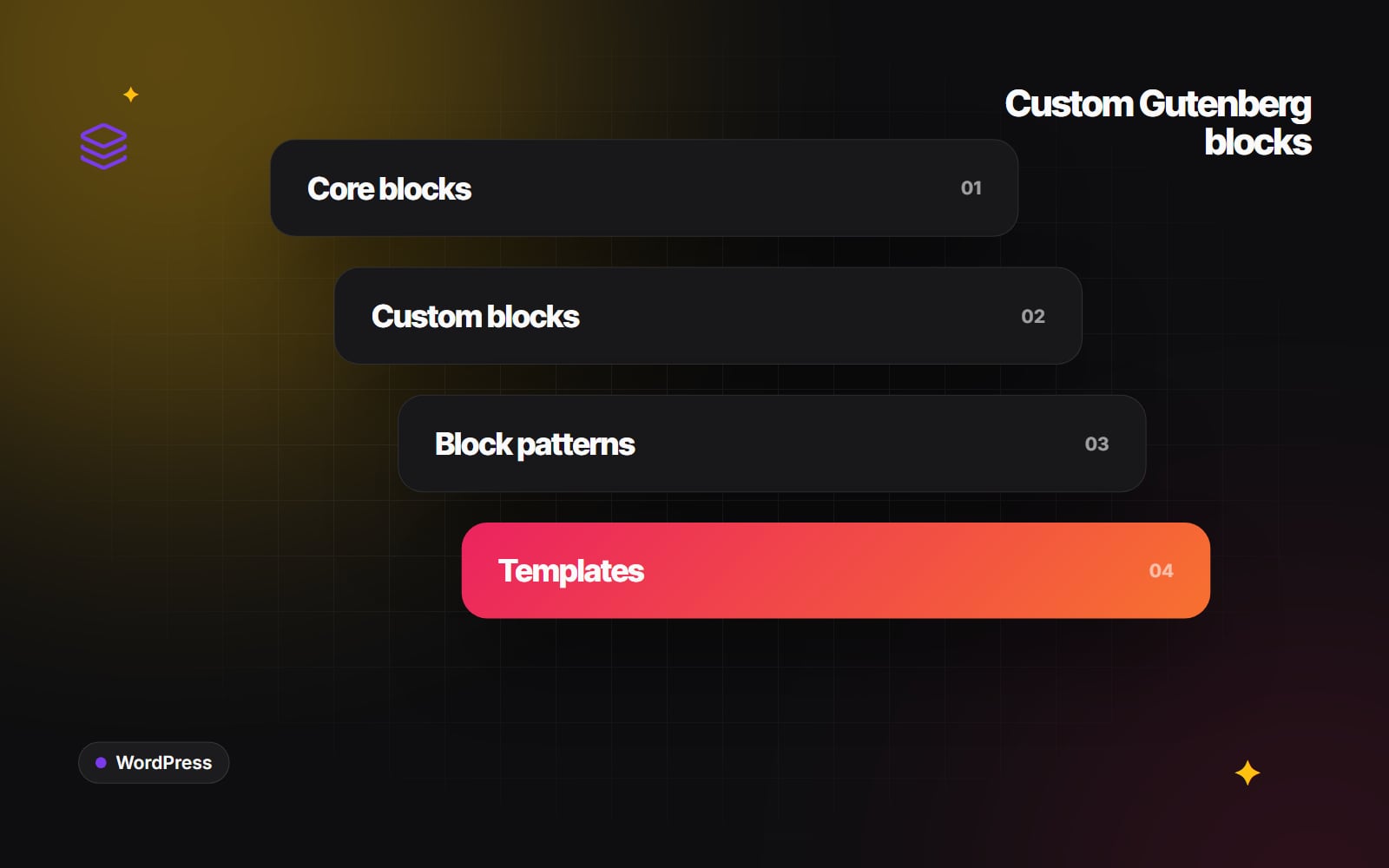
Custom Gutenberg blocks are the building pieces your team uses to make pages in the WordPress editor, designed specifically for your site. Instead of starting from generic paragraphs, columns and images, editors pick a "case study card" or a "pricing table" that already looks right and only asks for the content it needs. This article explains what custom WordPress blocks are, how they compare with other ways of building pages, and when it makes sense to commission them.
What is a Gutenberg block?
Since WordPress 5.0, content in WordPress is made of blocks. A heading is a block, a paragraph is a block, an image is a block. "Gutenberg" was the project name for this editor, and people still use it to mean the block editor. WordPress ships with a set of core blocks, and themes and plugins can register more.
A custom block is one a developer writes for your site. It is registered with a block.json file that describes its name, its settings and the data it stores, and it has two sides: how it looks and behaves in the editor, and how it renders on the live page. The Block Editor Handbook documents the standard way to build them.
Static and dynamic blocks
There are two broad kinds:
- Static blocks save their finished HTML into the post content. They are simple and fast, but if the markup changes later, the developer has to handle older saved versions.
- Dynamic blocks are rendered on the server each time the page loads, usually with a PHP template. They suit anything that pulls in live data, such as "latest three case studies" or an events list, and they are easier to change site-wide.
A good developer will pick the right kind for each block and tell you why.
Blocks, patterns and templates: what's the difference?
These terms get mixed up, and the difference affects what you commission.
| Thing | What it is | Good for |
|---|---|---|
| Core block | A block that ships with WordPress | Text, images, buttons, columns, simple layouts |
| Custom block | A block written for your site, with its own fields and markup | Components with specific design or data needs |
| Block pattern | A pre-arranged group of blocks inserted as a starting point | Common sections built from existing blocks |
| Synced pattern | A pattern that updates everywhere when edited once | Repeated calls to action, notices, contact details |
| Template | The layout for a type of page in a block theme | Blog posts, archives, case study pages, the 404 page |
Often the answer is a mix: a handful of custom blocks for the components that genuinely need them, and a library of block patterns that arrange core and custom blocks into ready-made sections.
Custom blocks and page builders
Page builder plugins and custom blocks are two different approaches to the same goal: letting non-developers build pages. Both are used on a great many sites, and the right one depends on your team and your priorities.
- Page builders generally give editors broad visual freedom and a large library of ready-made elements. That suits teams who want to design pages themselves and are comfortable managing that freedom.
- Custom blocks work inside WordPress's own editor and give editors a smaller set of components designed for the site. That suits teams who want consistency and a tighter link between design system and code.
Questions that help you decide: how many people edit the site? Do you want them designing layouts, or filling in agreed components? How important is it to stay close to WordPress core as it develops? Who will maintain the site in a few years? We explain how we approach this on our blocks and builders section, but either route can be right.
What a good editor experience looks like
The point of custom blocks is the person using them. When you review a developer's work, look at the editing side as closely as the front end:
- The editor preview matches the live page. Editors should see roughly what visitors will see.
- Fields are labelled in plain language. "Quote", "Name", "Company" rather than "Field 1".
- Options are limited on purpose. Brand colours only, a few spacing choices, sensible defaults. Fewer decisions mean fewer inconsistent pages.
- Blocks can contain other blocks where it helps. A card that accepts a heading, paragraph and button (using nested "inner blocks") is often more flexible than one with fixed fields.
- Locking is used carefully. WordPress lets developers lock blocks so they can't be moved or removed, which is useful in templates but frustrating if overdone.
- Accessibility is built in. Heading levels, alt text prompts and colour contrast should be handled by the block, not left to memory. Our accessibility basics guide lists what to check.
When to commission custom blocks
Custom blocks are usually worth it when one or more of these is true:
- You have components that appear on many pages and must look the same each time.
- Several people, or several teams, edit the site.
- Your design includes layouts that core blocks can't produce without workarounds.
- Blocks need to pull in data, such as related posts, team members or a product feed.
- You have a design system in Figma and want the website to follow it. Our article on design systems that scale explains how tokens carry from design into code.
They are probably not worth it when your site is small, rarely changes, and one person edits it comfortably with core blocks and patterns.
What affects cost and effort
We won't quote figures here, because they depend entirely on the project. The things that drive effort are:
- Number of distinct blocks. A few well-designed blocks often beat many near-duplicates.
- Complexity of each block. A static text-and-image block is simpler than one that queries content or has interactive behaviour.
- Design maturity. A finished, consistent design system shortens the work; designing as you build lengthens it.
- Responsiveness and states. Each block needs to work on small screens, with long and short content, and with missing images.
- Migration. Converting existing content into new blocks takes planning.
Maintaining custom blocks
Blocks are code, and code needs looking after. Ask your developer how they will handle:
- WordPress updates. The block editor changes regularly. Blocks built with the standard tooling are easier to keep current.
- Changes to saved markup. If a static block's HTML changes, older content needs a "deprecation" so it still opens cleanly in the editor.
- Performance. Each block should load only the scripts and styles it needs. Our Core Web Vitals guide explains why that matters.
- Documentation. A short guide showing each block and when to use it helps new editors.
- Where the code lives. Blocks are often best placed in a small site-specific plugin, so they keep working if the theme changes.
How to plan a set of custom blocks
- 1 Collect screenshots of every distinct section on your current or planned pages.
- 2 Group sections that are really the same component with different content.
- 3 Mark which groups need custom blocks and which can be patterns made from core blocks.
- 4 For each custom block, list the fields an editor fills in.
- 5 Decide which design options editors may change (colour, alignment, spacing) and which are fixed.
- 6 Note any block that needs live data from elsewhere on the site.
- 7 Agree how blocks will be tested on mobile, with long text and with no image.
- 8 Ask for a short editor guide and a training session at handover.
- 9 Before sign-off, open Pages → Add New Page, insert each block from the inserter and build a test page yourself.
Next steps
Web Canvas builds custom Gutenberg blocks and block themes as part of our web development work. If you have a design and want to understand which parts should become blocks, you are welcome to send it over and talk it through.
Planning something similar?
Tell us what you're building and we'll come back with ideas and next steps.