How to hire a WordPress developer: questions and red flags.
What to look for when you hire a WordPress developer: block themes, custom blocks, plugin judgement, security, hosting, questions to ask and red flags.
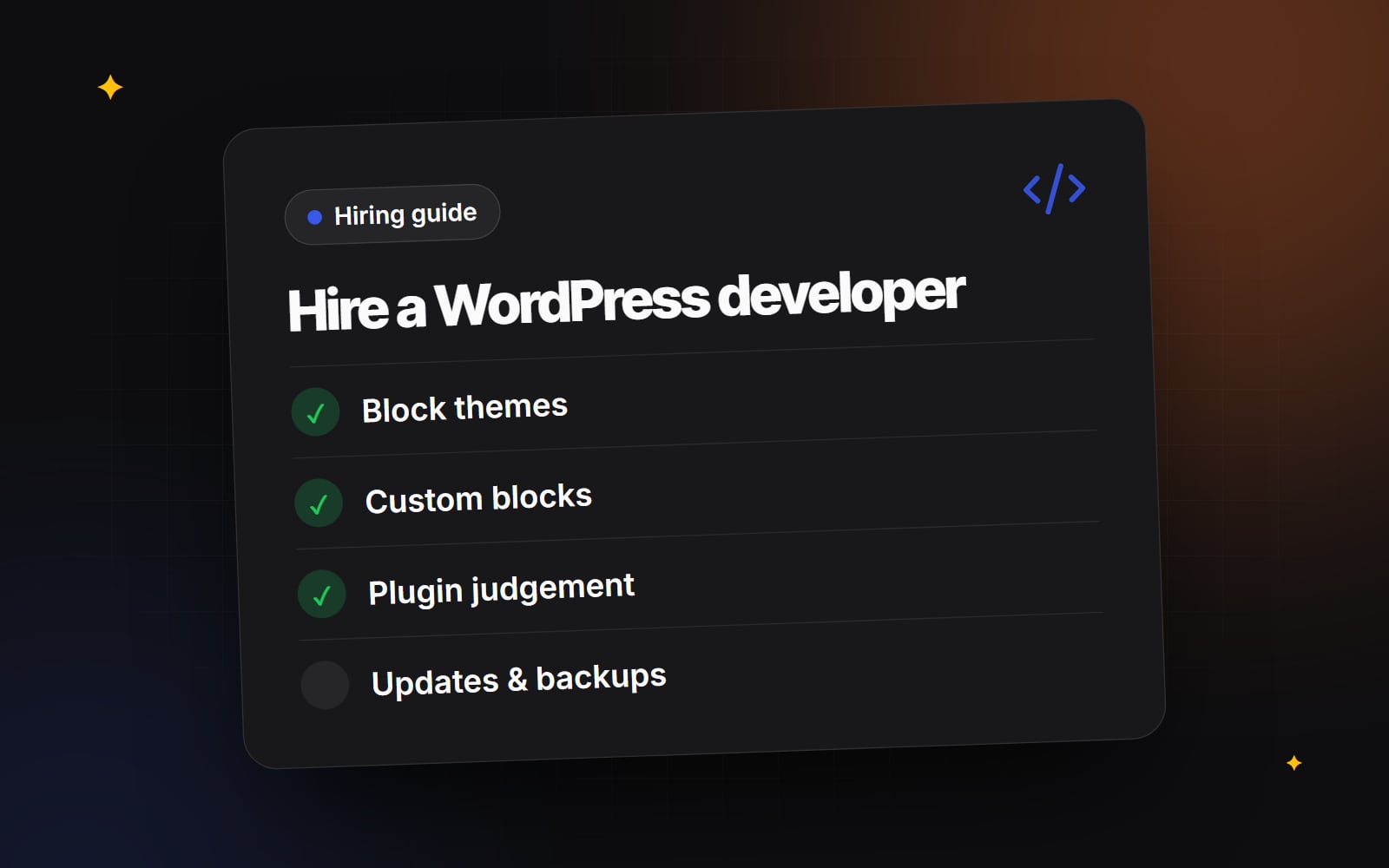
If you are about to hire a WordPress developer, the hard part is not finding someone who knows WordPress. Plenty of people can install a theme and a handful of plugins. The hard part is finding someone who will build a site your team can edit without breaking it, that stays secure as it ages, and that you can hand to someone else later if you need to. This guide covers what modern WordPress development looks like, what to ask, and what should make you pause.
What does a WordPress developer actually do?
"WordPress developer" covers a wide range of work. At one end is configuring an off-the-shelf theme and adding content. At the other is writing a custom theme, building bespoke blocks, integrating a CRM or booking system, and tuning hosting. Most business websites sit somewhere in the middle, so it helps to know which parts you actually need:
- Theme development — turning a design into a theme that controls layout, typography, colours and templates.
- Block development — building custom blocks for the editor so your team can assemble pages from approved components.
- Content structure — setting up custom post types, taxonomies and fields for things like case studies, team members, events or locations.
- Integrations — connecting forms, CRMs, email platforms, payment or booking tools.
- WooCommerce — if you sell online, a different set of skills around products, checkout, tax settings and order flows.
- Care — updates, backups, monitoring and security after launch.
A good developer will tell you which of these your project needs and which it doesn't.
What good WordPress development looks like now
Block themes and the Site Editor
WordPress has moved to block themes. Instead of templates written mainly in PHP, a block theme defines its templates and template parts in block markup and its design settings (colours, font sizes, spacing, layout widths) in a theme.json file. Editors can then adjust headers, footers and templates in Appearance → Editor, within the limits the developer sets.
That last part matters. A thoughtful developer uses theme.json to offer your brand colours and type sizes, and to switch off options you don't want people using, so pages stay consistent. Ask how they decide what editors can and can't change.
Custom Gutenberg blocks
Custom blocks are where the editing experience is won or lost. Rather than giving editors a blank canvas, a developer builds blocks that match your design — a testimonial, a pricing row, a feature grid — with sensible fields and a preview that looks like the live page. The official Block Editor Handbook describes the standard approach: blocks registered with a block.json file and built with WordPress's own tooling. We cover this in more depth on our custom Gutenberg blocks section.
Plugin judgement
Plugins are one of WordPress's strengths, and also the most common source of slow, fragile sites. The skill is judgement, not avoidance. A good developer can tell you, for each plugin they propose, what it does, why custom code isn't better for that job, who maintains it, and what happens if it is abandoned. They will usually prefer a small number of well-maintained plugins over many overlapping ones.
Security and updates
WordPress core, themes and plugins all receive updates, some of them security fixes. Your developer should have a plan for applying them, testing them and rolling back if something breaks. That usually means a staging copy of the site, regular off-site backups, sensible user roles, two-factor authentication for admin accounts and limits on who can install plugins. Our WordPress security work follows the same principles.
Hosting
Hosting affects speed, reliability and how easy updates are. Some developers manage hosting for you; others recommend a provider and leave the account in your name. Either can work, but you should understand who holds the account, where backups live and whether there is a staging environment. If you are weighing options, our guide to choosing website hosting explains the trade-offs.
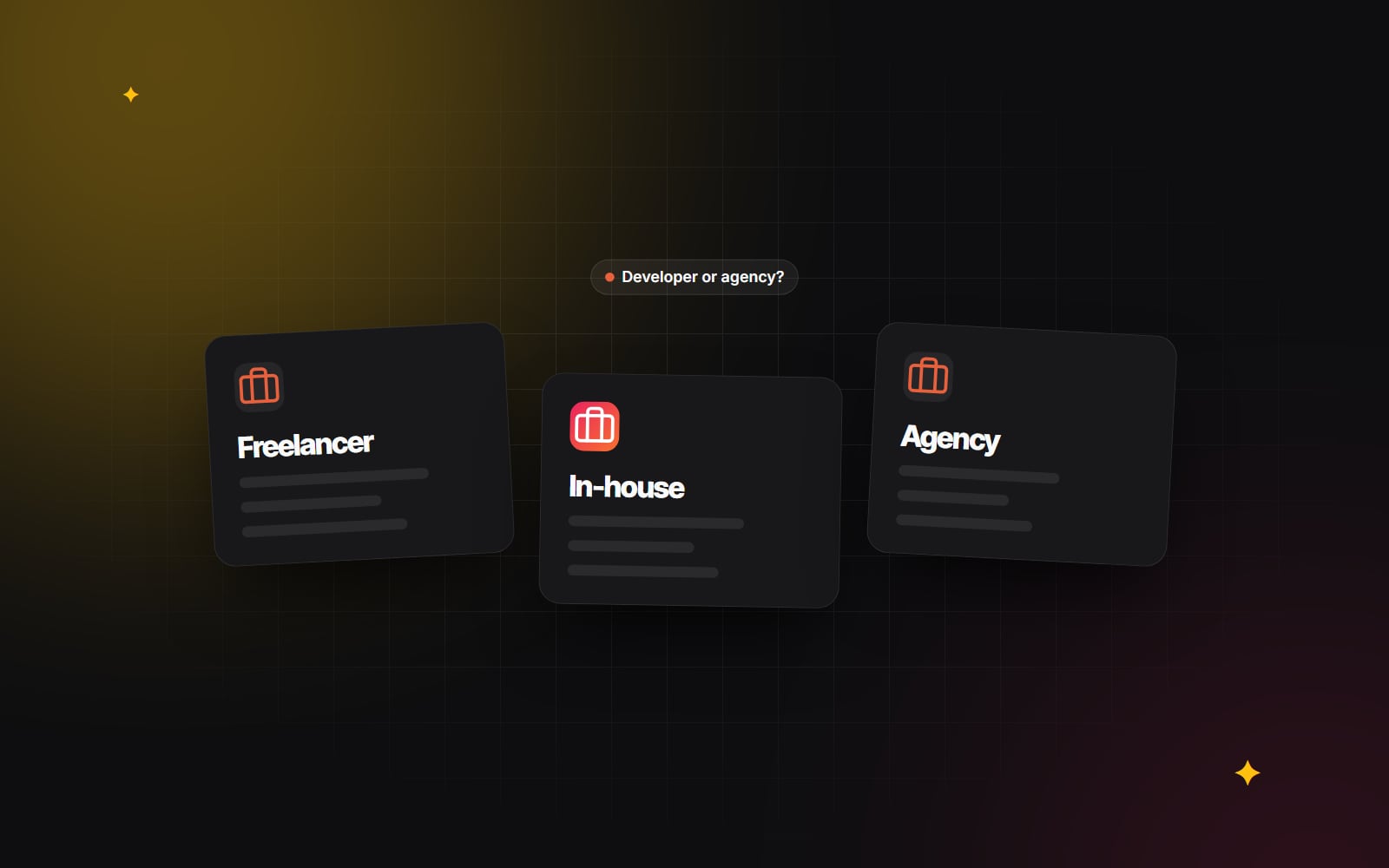
Freelancer, agency or in-house?
| Option | Often suits | Things to check |
|---|---|---|
| Freelance WordPress developer | Focused builds, a clear scope, direct contact with the person doing the work | Cover for holidays or illness; design and content skills if you need them |
| Agency or studio | Projects needing design, development and content together; ongoing support | Who actually works on your site; how handovers between people are managed |
| In-house developer | Frequent, continuous changes across several sites | Whether there is enough work to justify the role, and backup when they are away |
Questions to ask a WordPress developer
- 1 Will you build a block theme, a classic theme, or customise an existing theme — and why for this project?
- 2 Which parts of the page will editors be able to change, and which will be locked?
- 3 Will you build custom blocks, use block patterns, or both?
- 4 Which plugins do you expect to use, and why each one?
- 5 How will custom content (case studies, team, events) be structured?
- 6 How do you handle updates to core, themes and plugins after launch?
- 7 Where will backups be stored, and have you tested restoring them?
- 8 Will I get full administrator access, the hosting login and the theme code?
- 9 Is the code kept in version control, and can I have access to the repository?
- 10 How do you check accessibility and performance before launch?
- 11 What training or documentation will my team get?
- 12 What happens if we stop working together?
Good answers are specific and a little boring. "We use theme.json to lock the colour palette to your brand and give editors five spacing options" is more reassuring than "we make it fully flexible".
Red flags to watch for
- Vague answers about plugins. If they can't explain why a plugin is there, they may not know.
- No mention of updates or backups. A launch is the start of a site's life, not the end.
- Accounts in their name only. Domain, hosting and premium plugin licences should be in your name or transferable.
- Editing through the code only. If every text change needs the developer, the site wasn't built for your team.
- Nulled or unlicensed premium plugins. These are a common security risk and you should not accept them.
- No staging site. Testing changes on the live site is a risk you don't need to take.
Is WordPress the right platform at all?
It is worth asking before you hire. WordPress is a strong fit when you want a flexible content site, a large ecosystem and freedom to host where you like. Other platforms may suit you better if you want marketing tools and a CRM tightly connected to the site, or a fully hosted visual builder. Our comparison of HubSpot CMS and WordPress works through that choice for B2B sites. A developer who is honest about this, even if it means a smaller project, is usually a good sign.
A step-by-step hiring checklist
- 1 Write a short brief: goals, pages, content types, integrations and who will edit the site.
- 2 List what you already own: domain, hosting, brand files, existing content.
- 3 Shortlist developers whose past work is similar in type to yours.
- 4 Ask each one to walk you through a site they built from the WordPress admin, not only the front end.
- 5 Send the same questions to everyone so you can compare answers fairly.
- 6 Ask for a written plan for updates, backups and support after launch.
- 7 Confirm in writing who will hold each account and who owns the code and design files; take professional advice on the contract wording.
- 8 Agree how changes to scope will be quoted and approved.
- 9 Start with a clearly defined first phase before committing to everything.
- 10 Before launch, log in as an editor and try building a page yourself.
Once the site is live, a monthly care routine keeps it healthy; our maintenance retainer checklist lists what that should cover.
Talking to Web Canvas
Web Canvas builds WordPress sites with block themes and custom blocks as part of our web development work, and you can read more about our approach to WordPress development. If you would like to talk through your project, or just sanity-check a proposal you have received, you can get in touch.
Planning something similar?
Tell us what you're building and we'll come back with ideas and next steps.