HubSpot CMS or WordPress? How to choose for a B2B website.
Both can run a fast B2B website, but they suit different teams. Here's how to choose between HubSpot CMS and WordPress, and the questions that settle it.
If you run marketing for a B2B company, the website question usually narrows to two names: HubSpot CMS or WordPress. Both can run a fast, professional site. Both have loyal fans. And both can be the wrong choice for the wrong team.
We build on both, so we have no reason to push one. This guide is the framework we use with clients: what each platform is really good at, what it costs you in time and effort, and the questions that settle the decision.
The short answer
Choose HubSpot CMS if your marketing and sales already run on HubSpot (or are about to), and you want the website, forms, emails and reporting in one place your marketers can run without a developer.
Choose WordPress if your site is content-heavy, needs custom features or complex content structures, or you want full control over your code, hosting and costs — and you have a developer or agency to look after it.
The rest of this article explains why, and how to tell which group you're in.
What makes them different
The biggest difference isn't the editor or the templates. It's what the platform is built around.
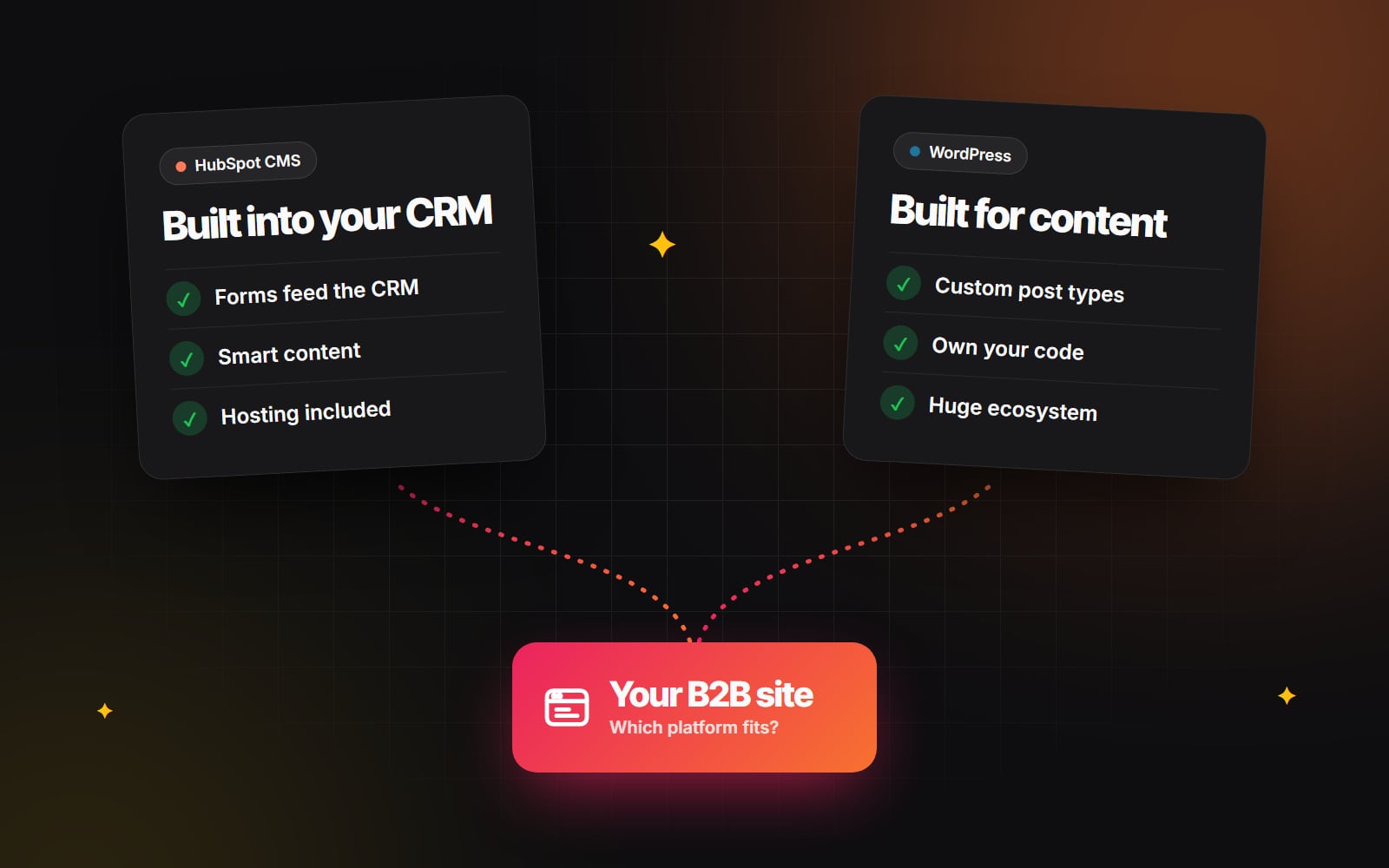
- HubSpot CMS (now part of HubSpot's Content Hub) is built into a CRM. Every page, form and visitor is connected to the same contact database your sales team uses. Hosting, security, SSL and a CDN are included.
- WordPress is an open-source publishing system. You (or your host) run it, and you extend it with themes and plugins. It connects to almost any CRM, but that connection is something you set up rather than something you get.
That one difference drives most of the trade-offs below.
Where HubSpot CMS wins
Your website and CRM share one database
When a visitor fills in a HubSpot form, they become a contact with their full browsing history attached. Sales can see which pages a lead read before booking a demo, and marketing can trigger follow-up emails and lead routing straight from the form. On WordPress you can get close with plugins and integrations, but there are more moving parts to set up and maintain.
Personalisation without extra tools
On higher Content Hub tiers, smart content lets you show different headlines, calls to action or whole sections depending on who is visiting — for example, a different message for existing customers or for a target industry. That's possible on WordPress too, but usually needs paid plugins or third-party tools.
No hosting or plugin maintenance
HubSpot handles hosting, security updates, SSL and performance. There are no plugins to update and no server to patch, which removes a whole category of maintenance work.
Marketers can run it day to day
With a well-built custom theme, your team builds landing pages from drag-and-drop modules, runs A/B tests and checks reporting without asking a developer. If you want to see what that looks like in practice, our guide to designing for HubSpot without limits explains how custom modules keep pages on brand.
Where WordPress wins
Complex content structures
If your site has hundreds of articles, case studies, documentation, events or locations, WordPress handles it well. Custom post types, custom fields and taxonomies let you model content exactly the way your business works, with filtering and archives built around it. HubSpot has HubDB and a capable blog, but very large or complex content libraries are usually easier on WordPress.
Flexibility and custom features
Because you control the code, almost anything can be built: calculators, member areas, integrations with your own product, or a headless setup with a separate front end. On HubSpot you work within the platform's rules, which suit most marketing sites but limit unusual features.
You own everything
Your code, your database and your hosting are yours. You can move hosts, change agencies or take the site in-house at any time. With HubSpot, the website lives inside your HubSpot account.
Costs you can control
WordPress itself is free, and you choose how much to spend on hosting, plugins and development. That flexibility cuts both ways: a cheap setup without proper maintenance often becomes the most expensive option once something breaks.
The hidden costs of each
Comparing licence prices alone gives the wrong answer. Look at the full cost of running each site for two or three years:
- 1 Platform fees: HubSpot has a monthly subscription; WordPress has hosting and paid plugins.
- 2 Maintenance: WordPress needs regular core, theme and plugin updates, backups and security monitoring. HubSpot handles this for you.
- 3 Developer time: Who builds new pages and features? On a well-built site of either kind, your team should handle everyday pages themselves.
- 4 Integration work: Connecting WordPress forms to your CRM, analytics and email tools takes setup and upkeep. On HubSpot much of it is built in.
- 5 Speed fixes: A WordPress site overloaded with plugins often needs performance work later. Our guide to Core Web Vitals explains what slows sites down on any platform.
The cheapest platform to launch is not always the cheapest platform to run. Compare what each will cost your team over the next two years, not just next month.
Five questions that settle it
Answer these with the people who will actually run the site:
- 1 Where do your leads and customers live today? If the answer is HubSpot — or you're planning to move there — HubSpot CMS saves a lot of integration work.
- 2 Who updates the website each week? If it's a marketing team with no developer on hand, a platform with no maintenance and a strong page builder matters more than raw flexibility.
- 3 How much content will you publish? A focused marketing site suits either. A large, structured content library usually points to WordPress.
- 4 Do you need custom features? Calculators, portals and deep product integrations are easier when you control the code.
- 5 Who will maintain it in two years? If nobody wants responsibility for updates and security, choose the platform that handles them for you.
If most of your answers point the same way, the decision is made. If they're split, the deciding factor is usually question 1: where your sales process lives.
What about switching later?
Moving between WordPress and HubSpot is very doable in either direction. Pages and blog posts can be migrated, and every old URL can be redirected so you keep your search rankings — our redesign SEO checklist covers the steps. But a migration is still a project, so it's worth choosing the platform that fits where your business is heading, not just where it is today.
Still deciding?
We build custom HubSpot websites and WordPress websites, so we can look at your sales process, content and team and recommend the one that fits — with our reasons. If you'd like a second opinion before you commit, tell us about your project. For a wider comparison that includes Shopify and Webflow, read how to choose the right platform.
Planning something similar?
Tell us what you're building and we'll come back with ideas and next steps.