Website maintenance retainers: what to include each month.
What a website maintenance retainer should cover, how it differs by platform, response times to agree and the questions to ask before signing.
Soon after a new website launches, many businesses are offered a monthly maintenance retainer, and the natural reaction is: "It's brand new. What exactly needs maintaining?"
It's a fair question. A website isn't finished in the way a building is. It runs on software that keeps changing: content management systems release security updates, plugins and apps change, browsers add and remove features, third-party services update their APIs, and automated bots constantly probe forms and logins. Some of that work is handled by your platform; some of it needs a person.
This guide explains what a sensible retainer usually covers, how that differs by platform, and the questions to ask before you sign one. It doesn't cover pricing, which depends on your site and what you need.
How much maintenance does your platform need?
Retainers shouldn't be one-size-fits-all. Who is responsible for servers and core software changes the work involved:
| Platform type | Who handles hosting and core updates | Where your maintenance effort goes |
|---|---|---|
| Self-hosted (WordPress, Magento, custom builds) | You or your developer | Core, plugin and extension updates, server and PHP versions, security, backups, performance |
| Hosted platforms (Shopify, Webflow, HubSpot CMS) | The platform | Theme changes, apps and integrations, content, tracking, SEO checks, testing after platform changes |
| Headless or custom front ends (for example Next.js) | Shared between hosting provider and developer | Framework and package updates, build and deploy pipeline, integrations, monitoring |
If someone offers a retainer for a hosted platform that mainly lists server patching, ask what is actually being done.
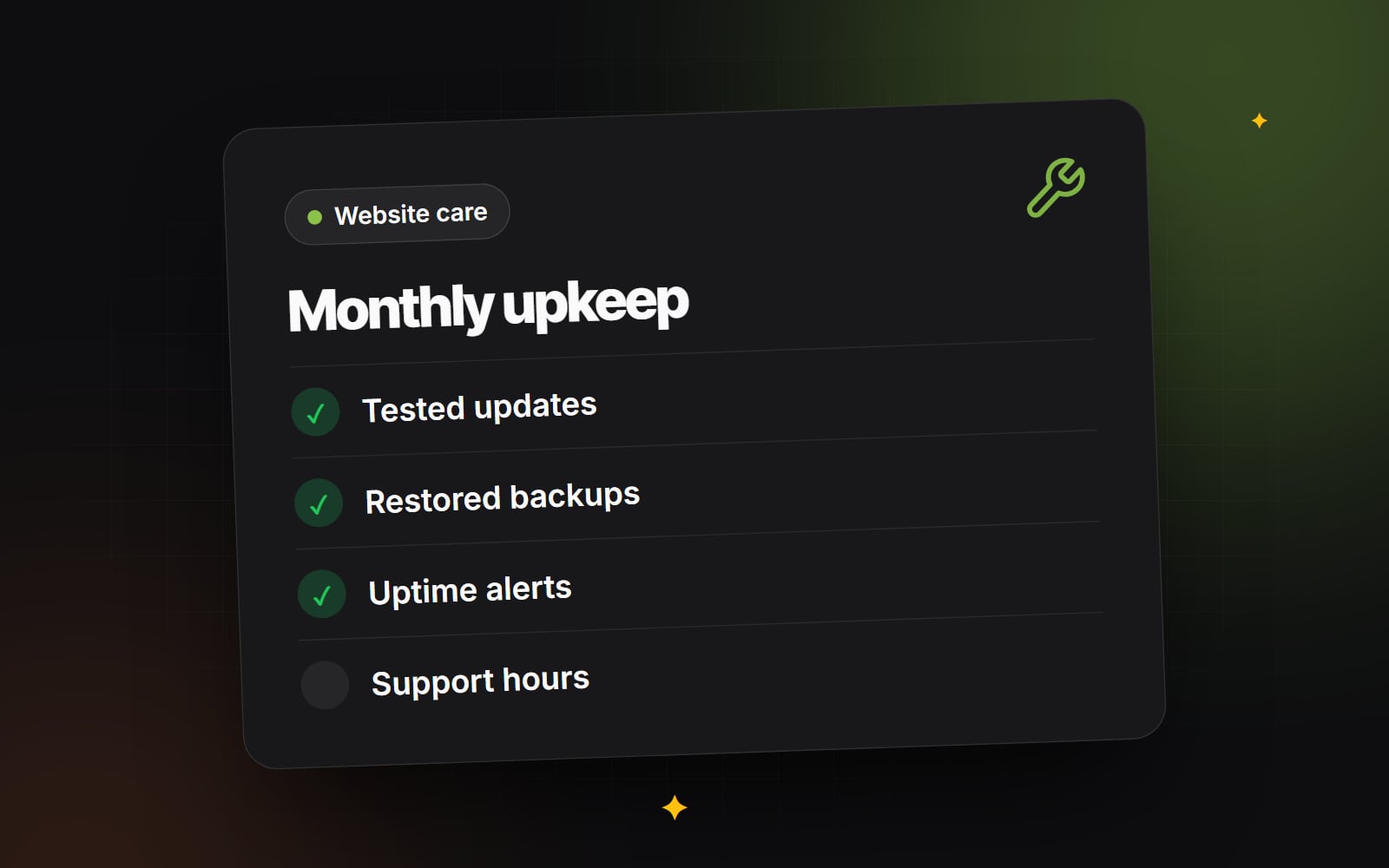
What a good retainer typically includes
1. Updates, tested before they go live
For self-hosted sites, applying updates is the most important routine task, because many attacks target known vulnerabilities in out-of-date software. Updating without testing, though, is how sites break. A sound process looks like this:
- 1 Take a fresh backup.
- 2 Apply core, theme and plugin updates on a staging copy of the site.
- 3 Check key pages, forms and checkout, ideally with automated tests plus a quick manual check.
- 4 Deploy the updates to the live site at a quiet time.
- 5 Check the live site again and keep a note of what changed.
Urgent security updates may need to be applied faster than the normal monthly cycle. Agree in advance how that's handled.
2. Backups that are tested by restoring them
A backup that has never been restored is a hope, not a plan. Ask how often the site and database are backed up, where copies are kept (they should be stored separately from the live server), how long they are retained, and how often a test restore is done. Our guide to backups that actually restore explains the 3-2-1 approach.
3. Monitoring
You shouldn't learn your site is down from a customer. Monitoring usually covers:
- Uptime: automated checks every few minutes, with alerts to a named person if the site stops responding or returns errors.
- Certificates: warnings before an SSL/TLS certificate expires or fails to renew. Certificate lifetimes are getting shorter, so automatic renewal and monitoring matter more than before. Our guide to SSL, DNS and HSTS covers the background.
- Domain renewal: reminders well before the domain expires, and confirmation that the domain is registered to your business. See who owns your domain.
- Forms and key journeys: a periodic check that enquiry forms still send and checkout still works.
4. Health checks and housekeeping
Over time sites gather clutter: old plugins, unused tracking tags, spam submissions, post revisions, expired cache entries and growing log files. Regular housekeeping keeps the site tidy and helps performance. A monthly or quarterly health check might include:
- Reviewing Core Web Vitals and page speed for key templates.
- Checking Google Search Console for crawl errors, indexing issues and security warnings.
- Finding and fixing broken links.
- Removing unused plugins, apps and scripts.
- Cleaning up the database where the platform allows it.
- Reviewing user accounts and removing people who no longer need access.
5. Developer time for changes and support
Many retainers include a set number of hours for small changes: a new landing page, menu updates, a new tracking tag, or fixing an integration after a third-party service changes. Ask:
- How many hours are included, and what happens to unused hours?
- How are requests submitted and tracked?
- Who does the work, and will they know your site?
- How is work beyond the included hours quoted and approved?
Response times and incident handling
A retainer should say how quickly different problems will be picked up. Rather than accepting vague promises, agree severity levels in writing. A simple structure:
| Severity | Example | What to agree |
|---|---|---|
| Critical | Site down, checkout or payments broken, site hacked | Response time, including out of hours if you need it; who is contacted; how you'll be updated |
| High | Forms not sending, a key feature broken | Response time within business hours |
| Normal | Content changes, minor visual bugs | Typical turnaround |
Check the difference between response time (when someone starts looking) and resolution time (when it's fixed). Most agreements commit to the first, because some fixes depend on hosts or third parties. Out-of-hours cover is a real cost for any provider, so be clear about whether you need it.
Questions to ask before you sign
- 1 Exactly which tasks are done each month, and which each quarter?
- 2 Will I receive a short report of what was done?
- 3 Where are backups stored, and when was the last test restore?
- 4 Who has admin access to the site, hosting, domain and DNS, and are those accounts in our company's name?
- 5 What is excluded, for example redesigns, new features or third-party licence fees?
- 6 What is the notice period, and what do we receive if we leave (code, access, backups)?
The last two questions matter most. You should always be able to move to another provider without losing access to your own site.
What happens if you skip maintenance?
Nothing, often, for a while. Then an outdated plugin is exploited, a certificate quietly fails to renew, a form stops sending leads, or a third-party change breaks checkout, and it's discovered late. Fixing problems in a hurry is usually more stressful and more disruptive than steady upkeep, and some, such as lost data without a working backup, can't be fully fixed at all.
If a retainer isn't right for you, at least keep a simple schedule: updates with backups first, monthly checks of forms and Search Console, and calendar reminders for domain renewals.
If you run a WordPress site and want a clear picture of what ongoing care would involve, see our WordPress care plans, or get in touch to talk through your platform and what it needs.
Planning something similar?
Tell us what you're building and we'll come back with ideas and next steps.