How to hire a Next.js developer for a marketing website.
What to look for in a Next.js developer for a marketing site: App Router, headless CMS, SEO, performance, hosting, handover, and when Next.js isn't right.
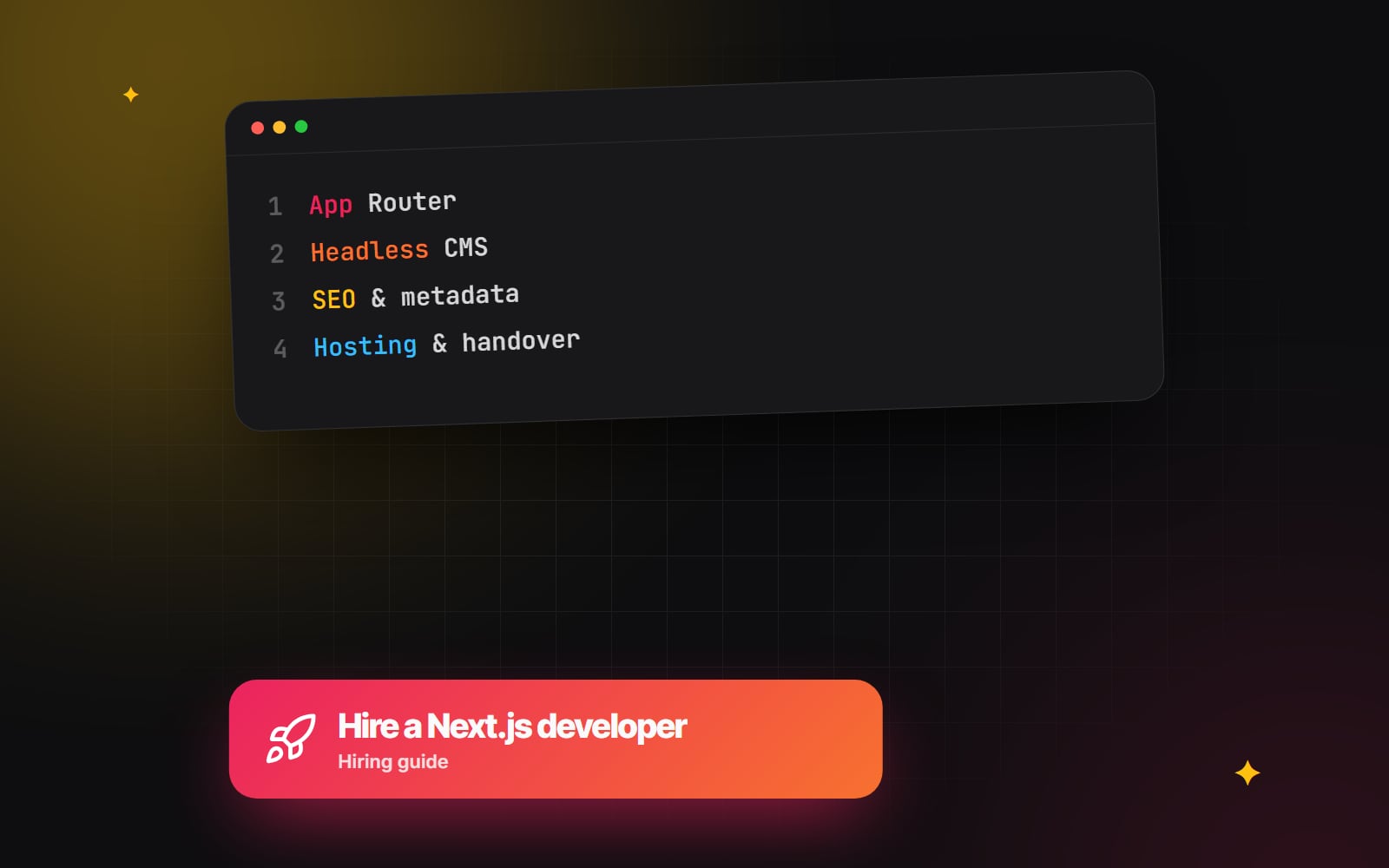
Hiring a Next.js developer for a marketing website is different from hiring one for a web application. A marketing site lives or dies on content editing, search visibility, page speed and how easily your team can publish without asking a developer. Plenty of capable React developers are excellent at app work and less familiar with those concerns. This guide explains what to look for, what to ask, and when Next.js may not be the right choice in the first place.
What does a Next.js developer do on a marketing site?
Next.js is a React framework. On a marketing website, a Next.js developer typically:
- builds pages and reusable components from a design, often as a small design system;
- connects a headless CMS so marketers can edit pages, posts and landing pages;
- decides how each page is rendered and cached, so pages are fast and content updates appear when they should;
- sets up metadata, structured data, sitemaps, redirects and analytics;
- integrates forms, CRM, search or booking tools;
- deploys the site and sets up previews, environments and monitoring.
The skills that matter
App Router and server components
New Next.js projects use the App Router, where routes live in the app directory and components are React Server Components by default. A developer should be able to explain which parts of a page run on the server, which need "use client" for interactivity, and why keeping most of a marketing page on the server usually means less JavaScript in the browser. The official Next.js documentation is the reference; our own notes on running the App Router in production cover the details that tend to cause problems, such as caching and hydration errors.
Rendering and caching choices
Some pages can be built ahead of time; others need fresh data on each request; many sit in between and are regenerated when content changes. Caching behaviour in Next.js has changed between major versions, so ask which version they plan to use and how they will make sure an editor's change appears on the live site. Our comparison of SSG, SSR and ISR explains the options in plain terms.
Headless CMS experience
On a Next.js marketing site, the CMS is a separate system. The developer models your content in it, fetches it into Next.js and builds a preview so editors can see draft changes before publishing. Ask which CMSs they have used, how they structure reusable page sections, and what the editing experience looks like. If you are new to the idea, read headless CMS explained first.
SEO built in, not added later
Next.js gives developers tools for SEO, but they must be used deliberately. Look for:
- page titles and descriptions set per page, ideally editable in the CMS, using the Metadata API;
-
a generated
sitemap.xmlandrobots.txt; - correct canonical URLs and a plan for redirects from any old site;
- structured data where it genuinely helps;
- pages that render their main content on the server, so it is visible without running JavaScript.
Performance
Ask how they measure performance and against what. Google's Core Web Vitals give clear targets: Largest Contentful Paint at or under 2.5 seconds, Interaction to Next Paint at or under 200 milliseconds, and Cumulative Layout Shift at or under 0.1. A developer should talk about image handling with next/image, font loading with next/font, limiting client-side JavaScript and keeping third-party scripts under control.
Hosting choices
Next.js can be hosted in several ways. None is universally right; each has trade-offs.
| Approach | What it means | Things to consider |
|---|---|---|
| Managed platform built for Next.js | A hosting provider that deploys Next.js projects directly from your repository | Convenient, with preview deployments; check pricing model and account ownership |
| Other managed hosts with Next.js support | Platforms that run Next.js through adapters or built-in support | Confirm which features are supported for your version |
| Self-hosted Node.js server | Running Next.js on your own server or container | Full control; someone has to manage updates, scaling and caching |
| Static export | Building the site to plain HTML files | Simple to host; features that need a server are not available |
Whichever you choose, the hosting and repository accounts should be in your organisation's name.
When Next.js isn't the right choice
A good developer will tell you this honestly. Next.js may not be the best fit when:
- your marketing team wants to build and design new pages visually without any developer involvement;
- you have no ongoing access to developers for framework updates and fixes;
- the site is small and changes rarely, so a hosted website builder would do the job with less to maintain;
- your marketing tools are tightly tied to a particular CMS platform that already does what you need.
Next.js tends to suit sites that need custom functionality, close integration with a product or app, strict performance targets, or a shared design system across marketing and product. We set out the reasoning on our when to choose Next.js section.
Questions to ask a Next.js developer
- 1 Which Next.js version will you use, and how will you handle future upgrades?
- 2 Which parts of the site will be server components, and which will run in the browser?
- 3 Which headless CMS do you recommend for us, and why?
- 4 How will editors preview draft content before publishing?
- 5 How quickly will a published change appear on the live site?
- 6 How will page titles, descriptions and social images be managed?
- 7 How will you handle redirects from our current URLs?
- 8 How do you test performance and accessibility before launch?
- 9 Where will the site be hosted, and whose name will the accounts be in?
- 10 What tests or checks run before each deployment?
- 11 What documentation will we get at handover?
What a good handover includes
- Access to the code repository, owned by your organisation.
- Admin access to the CMS, hosting, domain DNS and any third-party services.
- A list of environment variables and API keys, stored safely, and who holds each one.
- A README explaining how to run the project locally, deploy it and update dependencies.
- A short editor guide covering page sections, previews and publishing.
- A record of redirects and SEO settings carried over from the old site.
A hiring checklist
- 1 Write down who will edit the site and how often.
- 2 List the integrations you need: CRM, forms, analytics, search, booking.
- 3 Decide whether you already have a preferred CMS or want a recommendation.
- 4 Shortlist developers who have built marketing sites, not only applications.
- 5 Ask each one to show you the editing and preview experience on a past project.
- 6 Run a past project of theirs through PageSpeed Insights and ask them to talk you through the result.
- 7 Ask the same questions of each candidate and compare the answers side by side.
- 8 Agree in writing who owns the code and accounts, and take professional advice on the contract.
- 9 Agree a support arrangement for framework updates after launch.
Talking to Web Canvas
Web Canvas builds Next.js marketing sites as part of our web development work. If you are deciding whether Next.js suits your next site, or want a second opinion on a plan, you can get in touch.
Planning something similar?
Tell us what you're building and we'll come back with ideas and next steps.