What does a HubSpot CMS developer actually do?.
Themes, modules, HubDB, serverless functions and memberships: what a HubSpot CMS developer builds, and what marketers can do without one.
HubSpot's website tools are now part of Content Hub, and they are designed so that marketers can do a lot without a developer. That raises a fair question: what does a HubSpot CMS developer actually do, and when do you need one? This article walks through the main parts of the job, what good work looks like, and where the line sits between developer work and marketer work.
Themes: the foundation of the site
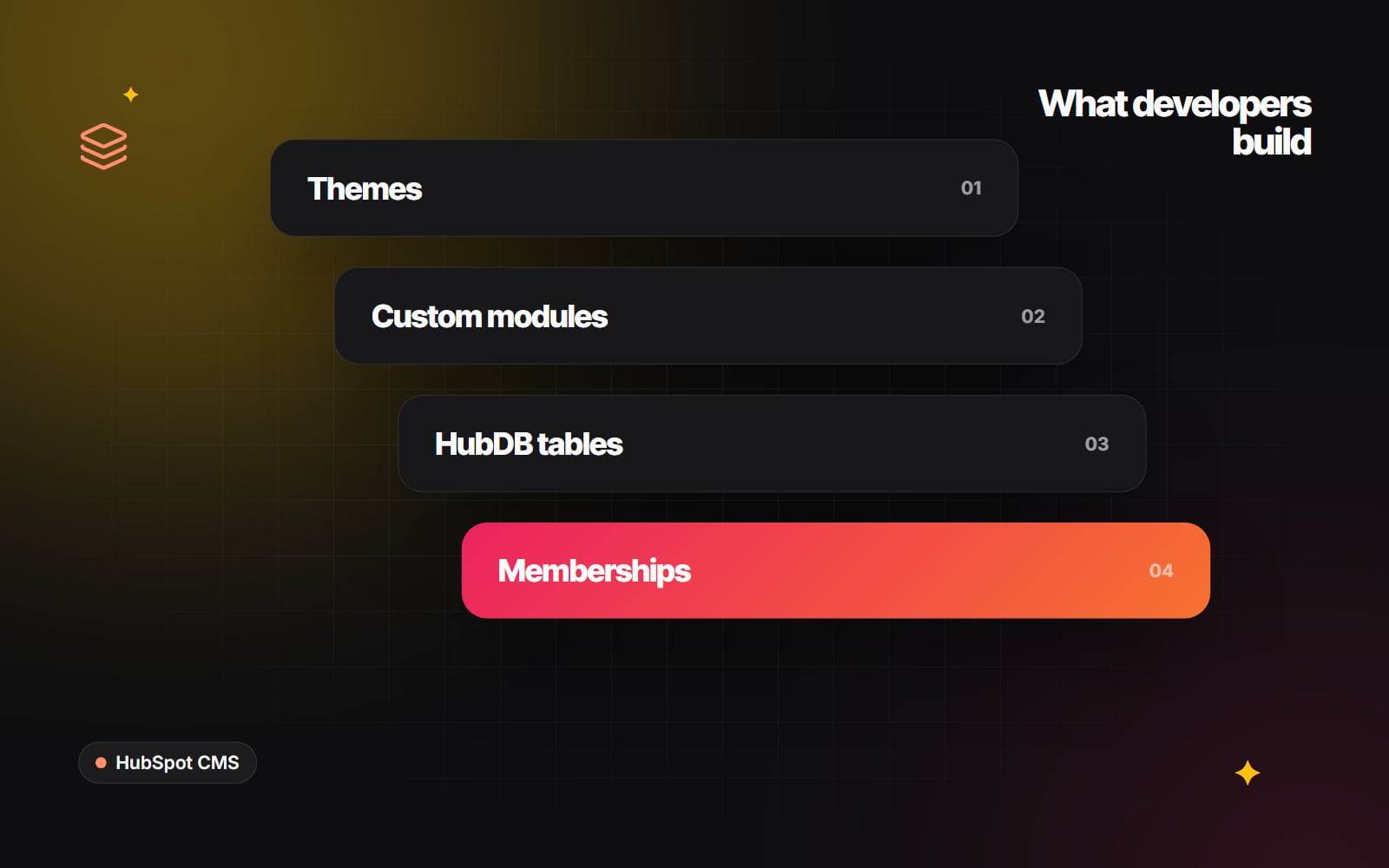
A HubSpot theme is a package of templates, modules, stylesheets, scripts and settings that together define how a site looks and behaves. The developer builds the theme, usually locally in a code editor, and uploads it with the HubSpot CLI. A typical workflow uses commands such as hs create website-theme to start from a boilerplate, then hs watch to sync changes to a portal while working.
Inside the theme, theme settings (defined in a fields.json file at the theme level) let editors change brand-wide options such as colours, fonts, spacing and button styles from the page editor. A well-built theme means a brand refresh can be partly done by changing settings rather than editing code.
Templates and drag-and-drop areas
Templates define the structure of each page type: home page, service page, blog listing, blog post, landing page, system pages such as 404 and search results. Developers write them in HubL, HubSpot's templating language. Most modern templates include drag-and-drop areas, which let editors add, remove and reorder sections and modules without changing the template.
The developer decides how much freedom to give. Too little, and marketers need help for every new layout. Too much, and pages drift away from the design. Good templates set sensible starting layouts with room to adapt.
Custom modules
Modules are the reusable building blocks editors place on pages: hero sections, feature grids, testimonials, pricing tables, accordions, tabs, logo strips. Each module has fields (text, image, link, colour, choice, repeater groups) and its own HTML, CSS and JavaScript.
Much of a HubSpot CMS developer's value lies in module design. That means:
- clear labels and help text, so editors know what each field does;
- sensible defaults, so a module looks right as soon as it is dragged in;
- repeater fields instead of separate modules for "three cards" and "four cards";
- accessible markup, such as real buttons for accordions and alt text fields for images;
- styles that follow the theme settings rather than hard-coded colours.
HubDB: structured content in tables
HubDB is HubSpot's built-in database for website content. It stores rows in tables, like a spreadsheet, and developers can use it to build pages such as team directories, office locations, event listings, product catalogues or resource libraries. With dynamic pages, one template can generate a page for each row.
The developer designs the table columns, builds the listing and detail templates, and adds filtering or search where needed. After that, marketers can add and edit rows without code. HubDB is available on paid Content Hub tiers, so check your subscription before planning around it.
Serverless functions
Sometimes a page needs logic that HubL cannot handle on its own: calling an external API, checking stock, processing a custom form, or fetching data that should not be exposed in the browser. HubSpot's serverless functions let a developer run small pieces of JavaScript on HubSpot's servers in response to a request from the page. They are available on Content Hub Enterprise, and HubSpot's developer documentation describes the current set-up, which has changed as HubSpot has moved more development onto its projects framework.
Memberships and private content
HubSpot can restrict pages and blog posts to registered contacts or to members of particular lists. This is used for client portals, partner resources, course content and gated knowledge bases. The developer builds the login, registration and password reset templates to match the theme, sets up the access rules with your team, and makes sure private content cannot be reached by guessing a URL. Availability depends on your Content Hub tier.
Forms, CRM data and personalisation
HubSpot forms write straight into CRM contact properties. A developer makes sure forms are styled consistently, accessible, and mapped to the right properties. They may also use smart content, which shows different content depending on things such as list membership or lifecycle stage, and HubL access to CRM data to personalise pages. We cover the thinking behind this in personalising your website with CRM data.
Integrations and APIs
Some developers also connect HubSpot to other systems using private apps and HubSpot's APIs: syncing orders from an e-commerce platform, pushing deals into an ERP, or pulling product data onto pages. This overlaps with integration work and is not every CMS developer's speciality, so ask directly if you need it.
What marketers can do without a developer
Once a theme is built properly, most day-to-day website work belongs to the marketing team.
| Task | Marketer in the editor | Needs a developer |
|---|---|---|
| Write and publish blog posts | Yes | No |
| Build a landing page from existing modules | Yes | No |
| Change brand colours and fonts | Yes, if theme settings allow it | If settings are missing |
| Add or edit HubDB rows | Yes | To change table structure |
| Create forms and add them to pages | Yes | For custom styling or logic |
| Set up URL redirects | Yes | For complex pattern rules |
| New section type not in the module library | No | Yes |
| New page type or dynamic pages | No | Yes |
| Membership templates and access logic | Partly (access rules) | Yes (templates) |
| Calling external APIs from a page | No | Yes |
If your team regularly asks a developer for things in the left-hand column, the theme may need better modules or settings, not more development time.
What good HubSpot CMS development looks like
- The theme lives in version control, and changes are uploaded with the CLI.
- Editors can build new pages from the module library without breaking the design.
- Pages meet accessibility basics and load quickly on mobile.
- Modules are documented, with no near-duplicates.
- Forms map to the right CRM properties, and nothing collects data you do not need.
- The developer explains which features depend on your Content Hub tier.
Checklist: do you need a HubSpot CMS developer?
- 1 List the website tasks your team cannot currently do in the page editor.
- 2 Mark which ones need a new module, template, HubDB table or function.
- 3 Check your Content Hub tier against the features on the list.
- 4 Review your existing theme settings and module library for gaps.
- 5 Decide whether integrations are part of the scope.
- 6 Brief a developer on the gaps, not just on the pages you want.
- 7 Ask for training and module notes as part of the handover.
If you are still deciding on a platform, our comparison of HubSpot CMS and WordPress may help. Web Canvas builds custom HubSpot themes, membership areas and module libraries as part of our web development work. If you want to talk through what your site needs, get in touch.
Planning something similar?
Tell us what you're building and we'll come back with ideas and next steps.