How to hire a HubSpot developer: skills, questions and red flags.
What to look for when hiring a HubSpot developer: HubL, the CLI, modules and CRM skills, plus interview questions, portfolio checks and red flags.
Hiring a HubSpot developer is harder than it looks, because HubSpot covers several jobs at once. The same person may be asked to build a website theme, set up CRM properties, connect a third-party tool and fix a broken form. Some developers are excellent at one of these and only passable at the others. This guide explains what skills matter, what to ask, how to read a portfolio and which warning signs to take seriously.
What a HubSpot developer should be able to do
HubSpot's website tools now sit inside Content Hub. Pages, blogs and landing pages are built from themes, which contain templates and modules. Developers write these in HubL, HubSpot's templating language, alongside HTML, CSS and JavaScript. A capable developer works locally and uses the HubSpot CLI to upload and watch files, rather than editing everything in the browser-based Design Manager.
Beyond the website itself, the role often touches the CRM: contact and company properties, forms, lists, workflows, and sometimes API work through private apps. You do not need one person who does everything, but you do need to know which of these your project involves before you start interviewing.
Core skills to check
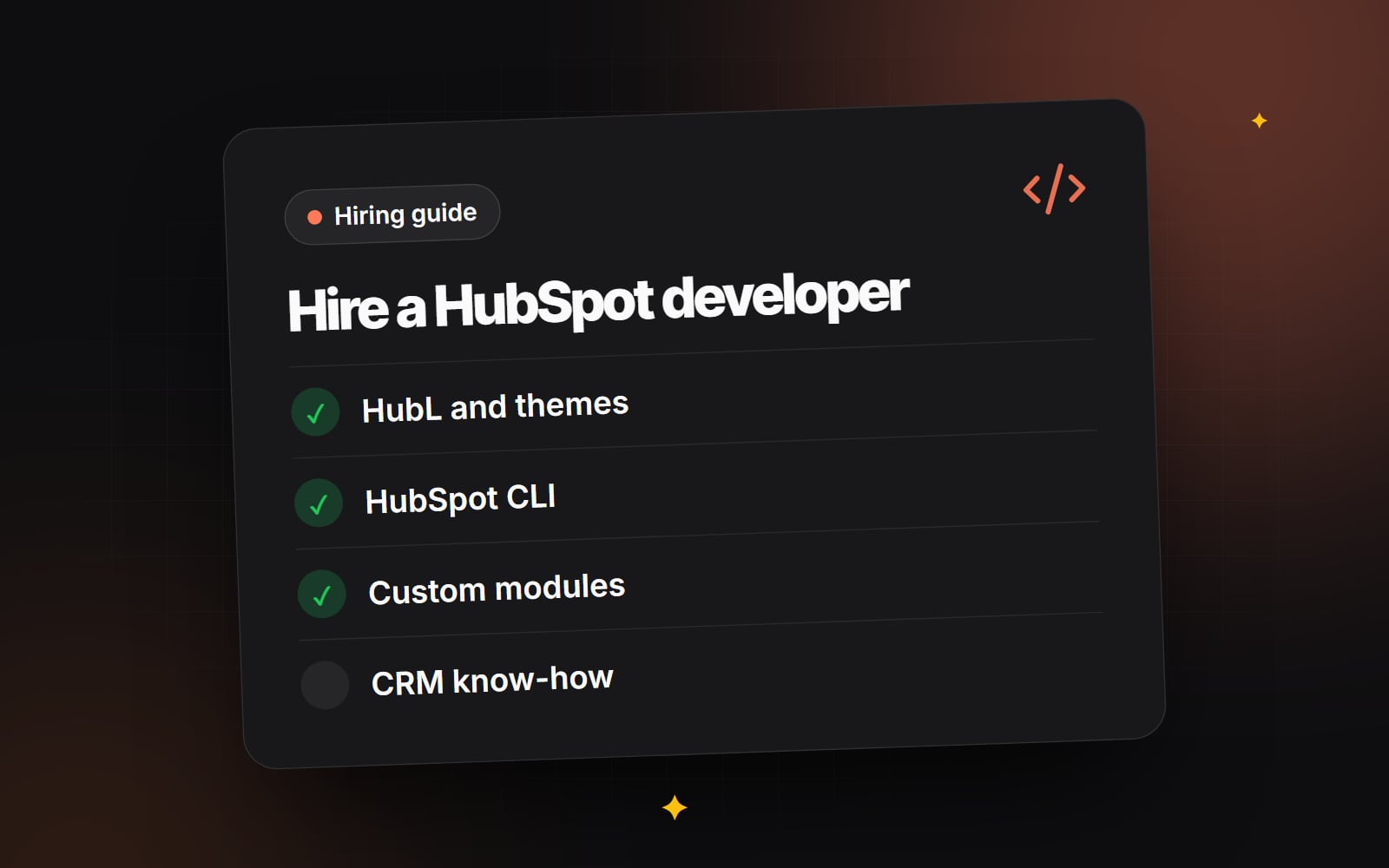
- HubL: variables, loops, macros, filters and how to pull in content such as blog posts, HubDB rows or menu data.
-
Theme structure:
theme.json, theme fields that marketers can change in the page editor, and drag-and-drop areas (dnd_area) that let editors add and reorder sections. - Custom modules: well-named fields, sensible defaults, repeater groups and help text for editors.
-
The HubSpot CLI: commands such as
hs create,hs upload,hs watchandhs fetch, and working from a Git repository. - Front-end basics: semantic HTML, responsive CSS, accessible forms and menus, and page speed.
- CRM awareness: how forms map to properties, how smart content and personalisation use CRM data, and what a workflow can and cannot do.
- APIs (if needed): private app access tokens, scopes, webhooks and rate limits.
Start by defining the job
Most poor hires come from an unclear brief rather than a poor developer. Write down whether you need a new theme, changes to an existing one, a migration, a CRM clean-up or an integration. Note which Content Hub tier you are on, because features such as HubDB, memberships and serverless functions depend on your subscription. Our guide on how to write a website brief covers what to include so that candidates can quote on the same basis.
It also helps to decide who will own the work afterwards. If your marketing team will build pages day to day, editor experience matters more than clever code. If an internal developer will maintain the theme, code structure and documentation matter more.
Questions to ask a HubSpot developer
Good questions get candidates talking about how they work, not just what they have built. Listen for specific answers that refer to real HubSpot features.
- 1 How do you decide what becomes a module and what becomes a theme setting?
- 2 How do you set up local development, and do you keep the theme in version control?
- 3 How do you stop editors from breaking the layout while still giving them flexibility?
- 4 When would you use HubDB rather than a repeater field in a module?
- 5 How do you handle forms: HubSpot forms, embedded forms or custom forms posting to the Forms API?
- 6 What do you check before a page goes live (accessibility, speed, mobile, redirects)?
- 7 How do you hand over: documentation, training, or a recorded walkthrough?
- 8 If we need an integration, how would you authenticate and what scopes would you request?
A strong answer to the first question usually explains that brand-wide choices such as colours, fonts and button styles belong in theme settings, while repeatable content blocks belong in modules. A weak answer treats every page as a one-off template.
How to check a portfolio
Live HubSpot pages can look the same whether they were built well or badly. The difference shows up in the editor. Ask candidates to share a screen recording, or give you temporary access to a test portal, so you can see:
- whether modules have clear labels and help text;
- whether an editor can add a new section without asking a developer;
- whether the theme settings control colours and typography across the site;
- whether blog listing and post templates are part of the same theme;
- how many near-duplicate modules exist (a long list of "Hero v2", "Hero v3 final" is a warning).
Also run a few live pages through a speed test and a keyboard test. Tab through the navigation and forms. If focus disappears or menus cannot be opened without a mouse, that tells you how much attention the developer pays to accessibility.
If your project starts from a design file, ask how they translate Figma components into HubSpot modules. We wrote about this in Figma to HubSpot: designing without platform limits, and the same questions apply when you are assessing someone else.
A short paid test
For larger projects, a small paid task tells you more than an interview. Pick something real but contained, such as building one custom module from a design, with editable fields, responsive behaviour and a short note for editors. Review the module in the editor as well as on the page. Agree the scope and payment in writing before the work starts.
Red flags
- Everything is built in the Design Manager with no source control. This makes changes hard to track and roll back.
- Hard-coded text and images in templates. Your team will need a developer for every wording change.
- Cloned marketplace themes presented as custom work. Using a marketplace theme is fine if you know that is what you are getting.
- Vague answers about tiers. A developer should know which features need Content Hub Professional or Enterprise, or say they will check.
- No plan for redirects or SEO when replacing an existing site.
- Requests for super admin access when a narrower role would do. Give the minimum permissions needed and remove them when the work ends.
- No mention of handover. If you cannot maintain the work without them, you are dependent on one person.
Contracts, ownership and working across borders
Before you start, be clear about who owns the theme code, the design files and any custom apps, and what happens to access when the engagement ends. If you hire someone in another country, there may be tax, employment and data protection questions. These vary by location and arrangement, so take advice from a qualified professional rather than relying on a template contract.
Checklist: hiring a HubSpot developer
- 1 List the work: theme build, changes, migration, CRM set-up or integration.
- 2 Confirm your Content Hub tier and any other HubSpot products you use.
- 3 Decide who will edit and maintain the site after launch.
- 4 Write a brief with pages, templates, integrations and deadlines you can live with.
- 5 Shortlist candidates who show HubSpot work, not just general web work.
- 6 Ask the interview questions above and note specific answers.
- 7 Review at least one past project in the page editor.
- 8 Test a few live pages for speed, mobile layout and keyboard access.
- 9 Run a small paid test for larger projects.
- 10 Agree ownership, access and handover in writing, with professional advice where needed.
- 11 Create a user account with only the permissions the work requires.
- 12 Schedule a handover session and ask for written notes on every module.
Comparing quotes
HubSpot quotes can differ widely because candidates assume different things: how many templates, how many modules, whether content is migrated, whether training is included. Line them up against the same brief. Our guide to comparing website quotes walks through what to look for when the numbers are far apart.
Web Canvas builds themes, custom modules and integrations on HubSpot as part of our wider web development work. You can read more about our HubSpot development approach, or get in touch if you would like to talk through your brief.
Planning something similar?
Tell us what you're building and we'll come back with ideas and next steps.