How to hire a Shopify developer: skills, questions and red flags.
What a Shopify developer should know, the questions to ask, how to check a portfolio and code, and the warning signs to look for before you hire.
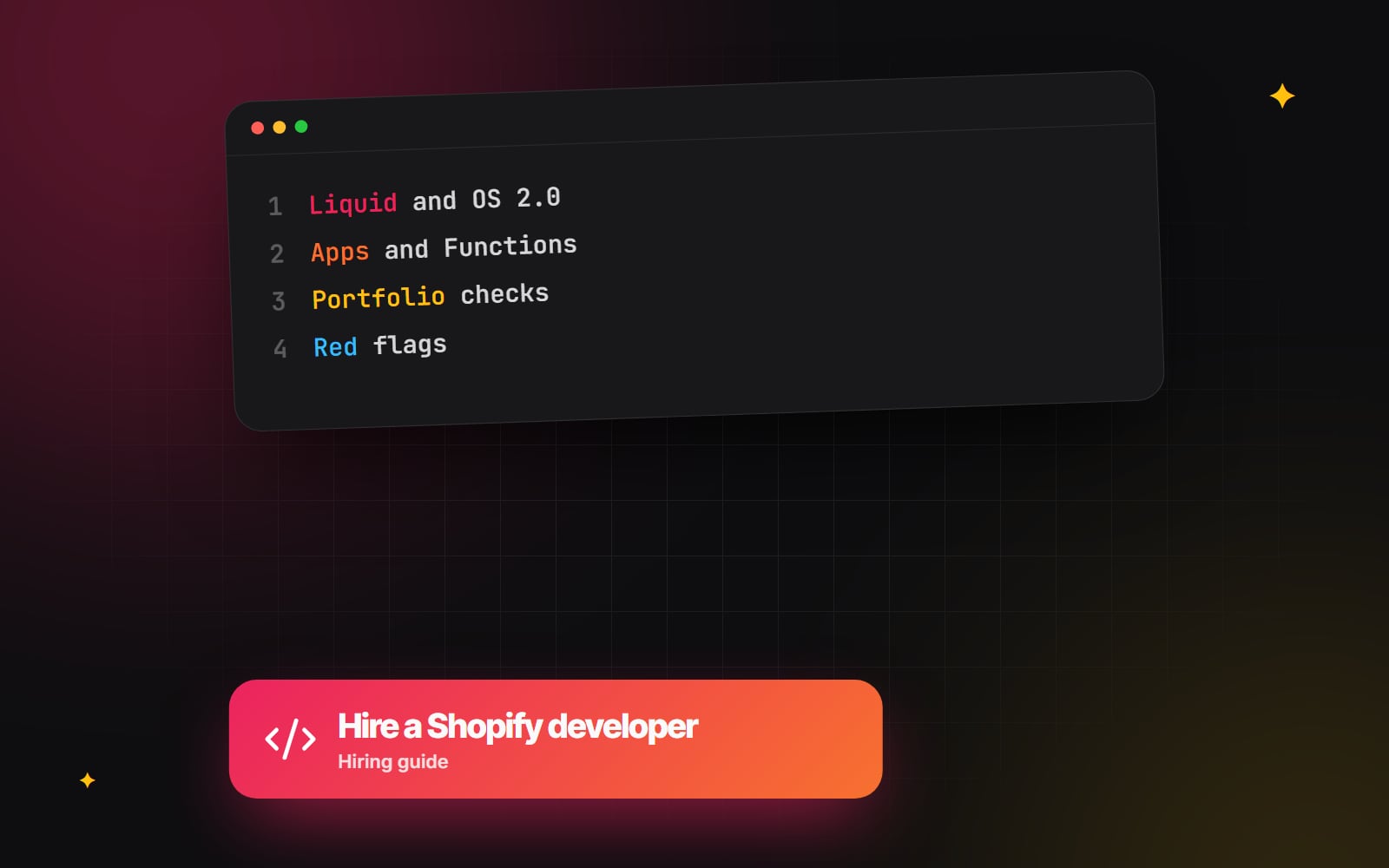
Hiring a Shopify developer is harder than it looks because the job title covers very different skills. One person builds themes, another builds apps, a third mostly configures settings and installs apps. All of them can honestly call themselves Shopify developers. This guide explains what the role covers, which skills matter for which jobs, what to ask, how to check a portfolio and the code behind it, and the warning signs to watch for.
What does a Shopify developer actually do?
Most Shopify development work falls into one of four areas. Knowing which one you need will narrow your search more than anything else.
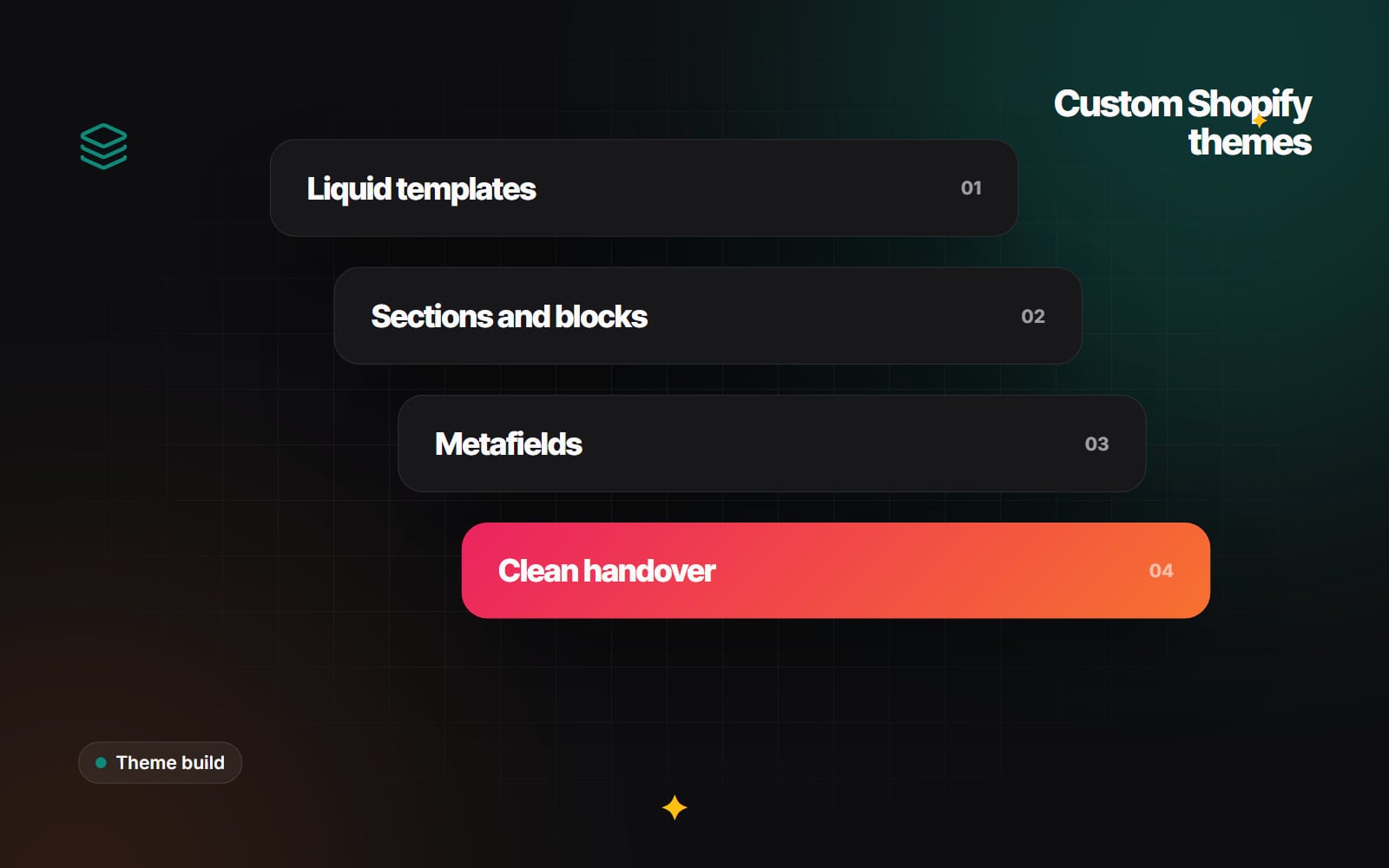
- Theme development. Building or changing the storefront: templates, sections, blocks, styles and scripts. This is written in Liquid, Shopify's template language, plus HTML, CSS and JavaScript.
- App development. Building software that adds features to Shopify through its APIs. This might be a private custom app for one store, or a public app listed in the Shopify App Store.
- Checkout and logic customisation. Changing discounts, shipping options, payment options or checkout content using Shopify Functions and checkout UI extensions.
- Integrations and data. Connecting Shopify to an ERP, warehouse, CRM, review platform or marketing tool, and moving data between them reliably.
A small store redesign mostly needs the first. A brand with a warehouse system and wholesale customers may need all four. Before you start talking to people, read how to write a website brief and put your needs on one page. It makes every conversation that follows more useful.
The skills a good Shopify developer should have
Liquid and Online Store 2.0
Any theme work depends on Liquid. A capable developer should be comfortable with objects, filters, tags and render snippets, and should understand how Online Store 2.0 works: JSON templates, sections that can be added to any page, blocks inside sections, section groups for headers and footers, and settings exposed in the theme editor. The test is whether your team can rearrange and edit pages afterwards without asking for help.
Metafields and metaobjects
Most stores need product information that the standard fields do not cover, such as ingredients, size guides or care instructions. A good developer models this with metafields and metaobjects and connects them to sections, rather than hard-coding text into templates. If this is new to you, Shopify metafields explained covers the basics.
Apps, APIs and Shopify Functions
For anything beyond the theme, look for experience with the Shopify Admin API (GraphQL), webhooks and the Shopify CLI. Shopify Functions have replaced Shopify Scripts for custom discount, shipping and payment logic, and checkout extensibility has replaced checkout.liquid for checkout changes. A developer who still proposes editing checkout.liquid or writing new Scripts is working from an out-of-date picture. Shopify's Functions documentation is a useful reference if you want to understand the terms.
Front-end quality
Shopify gives you hosting and a CDN, but it cannot stop a theme from loading heavy scripts and oversized images. Ask how the developer approaches performance and accessibility. They should mention Core Web Vitals (Google's thresholds are LCP within 2.5 seconds, INP within 200 milliseconds and CLS of 0.1 or less), image sizes, app script bloat, keyboard navigation and colour contrast.
Working practices
Version control (usually Git, often with Shopify's GitHub integration), a separate development or unpublished theme for work in progress, and a clear testing routine. These habits matter more than any single technical skill, because they decide whether a change can be reviewed and undone safely.
Questions to ask before you hire
Good questions get the developer talking about decisions, not just listing tools. These tend to work well:
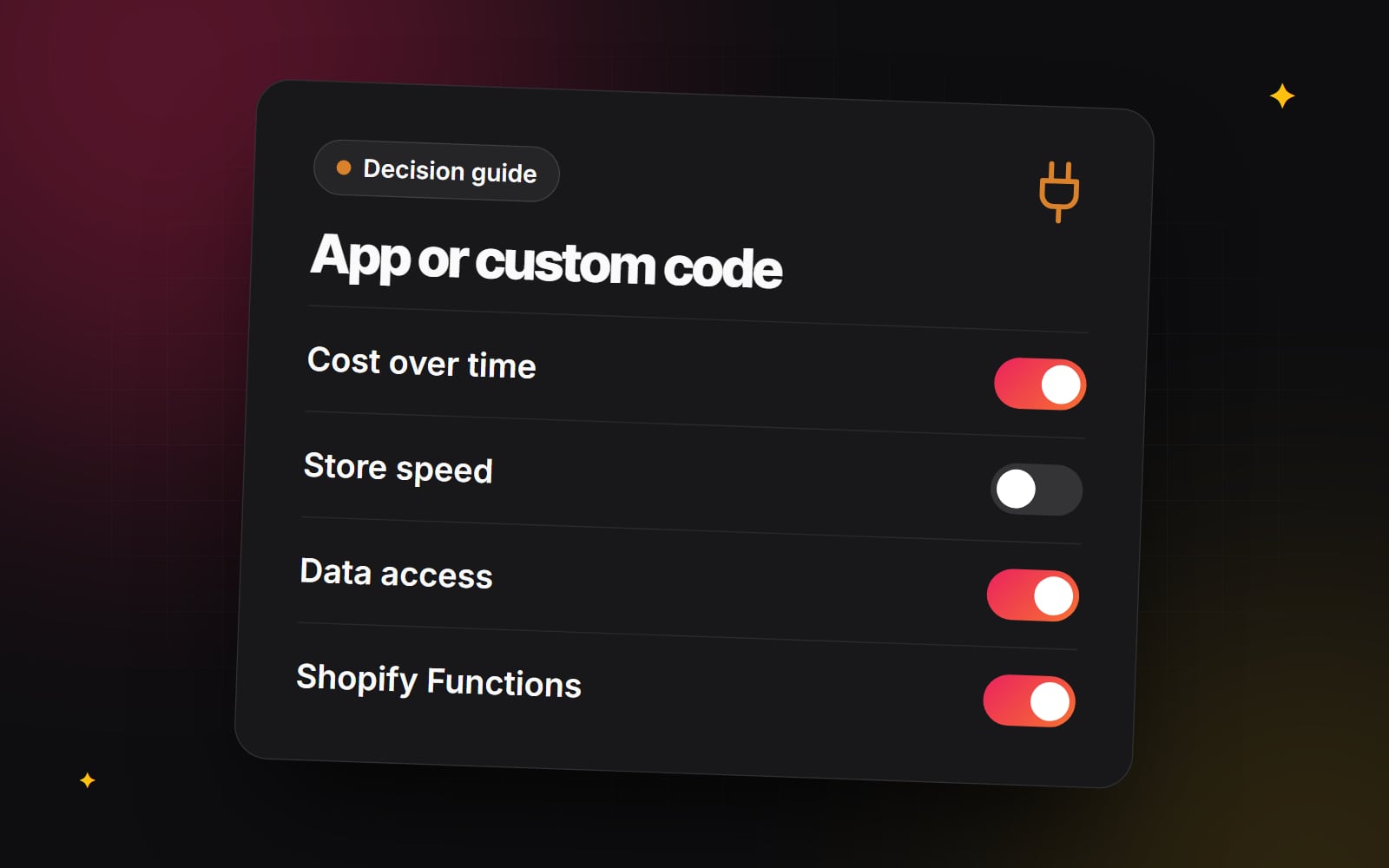
- 1 Which of my requirements would you solve with an existing app, and which with custom code? Why?
- 2 How will my team edit pages after launch? Can you show me the theme editor on a previous project?
- 3 Where will you work while the live store keeps trading?
- 4 How do you handle app scripts that slow the store down?
- 5 What would you need from us, and when, to keep the project moving?
- 6 What do you hand over at the end: code repository, documentation, account access?
- 7 How do you test before publishing, and on which devices?
- 8 What happens if something breaks after launch?
There is no single right answer to most of these. What you are listening for is a clear, specific explanation and a willingness to say "it depends, and here is what it depends on".
How to check a Shopify portfolio and code
Screenshots show design, not development. To judge the development work, try the following.
- Visit the live stores. Browse on a phone. Add something to the cart, use the filters, open the menu. Look for broken layouts, slow pages and pop-ups that get in the way.
- Ask what they built. On many projects the design came from someone else, or the store uses a purchased theme with light changes. That is fine, but you need to know which parts were their work.
- Run a speed test. Google PageSpeed Insights gives a rough view of performance. One result is not proof of anything, but a pattern of poor scores across a portfolio is worth asking about.
- Ask to see code. A short screen-share walking through a section file, or a sample repository, tells you a lot. Look for readable names, settings exposed to the theme editor, no copy-pasted blocks repeated across files, and comments where the logic is not obvious.
- Consider a small paid task. A small, real piece of work (one section, one bug) shows how someone communicates, estimates and delivers. Agree the scope and payment in writing first.
Freelancer, agency or in-house?
Each option suits a different situation. None is better in general.
| Option | Tends to suit | Things to check |
|---|---|---|
| Freelance developer | Defined pieces of work, smaller stores, ongoing small changes | Availability, cover during holidays, whether design or QA is included |
| Studio or agency | Projects needing design, development and testing together | Who actually does the work, how communication runs, what support looks like after launch |
| In-house developer | Stores with a steady stream of development work | Enough work to keep someone busy, and access to review and support when they are away |
Whichever you choose, the cost and timeline depend mainly on scope: how many custom templates, how much data needs modelling, how many integrations, and how quickly your team can supply content and feedback. If you receive quotes that are far apart, how to compare website quotes explains how to line them up fairly.
Red flags when hiring a Shopify expert
- They want to edit the live theme directly with no copy or backup.
- They propose an app for every requirement without mentioning ongoing costs or speed.
- They propose custom code for everything, including things a well-maintained app already does.
- They cannot explain Online Store 2.0, Shopify Functions or checkout extensibility in plain terms.
- They ask for your main account login instead of collaborator or staff access.
- They are vague about what you will receive at the end.
- The estimate has no breakdown and no list of assumptions.
Access, ownership and contracts
Shopify lets developers work through collaborator accounts or staff accounts, so there is rarely a reason to share the store owner's login. Keep the store, domain and any app subscriptions in your own name. Before work starts, agree in writing who owns the code and design files, how payment works, and what happens if the project ends early. These are legal and commercial questions, so take professional advice on the contract itself, especially if you are hiring across borders.
A step-by-step hiring checklist
- 1 Write a one-page brief listing what you need built and what you can already do yourselves.
- 2 Decide whether the work is mainly theme, app, checkout or integration work.
- 3 Shortlist developers whose portfolios include that type of work.
- 4 Visit their live stores on a phone and note anything that seems broken or slow.
- 5 Ask the questions above and compare how clearly each person answers.
- 6 Ask to see code, or agree a small paid task.
- 7 Request an estimate with a breakdown, assumptions and exclusions.
- 8 Confirm who owns accounts, files and code, and take advice on the contract.
- 9 Give access through a collaborator or staff account, not your owner login.
- 10 Agree how work will be reviewed on an unpublished theme before anything goes live.
Where Web Canvas fits
Web Canvas builds Shopify stores, themes and integrations as part of its web development work. You can see what that covers on our Shopify development page. If you would like a second opinion on a brief or a quote, you are welcome to get in touch.
Planning something similar?
Tell us what you're building and we'll come back with ideas and next steps.