Programmatic SEO: building pages at scale that still help people.
How to plan template-driven landing pages that add unique value on each page and stay within Google's spam policy on scaled content.
Most SEO content is written one page at a time. Someone researches a topic, writes the article and publishes it. That works well for broad, competitive topics. But many businesses also have a large set of narrow, specific searches they could answer, such as a service combined with an industry, a platform combined with an integration, or a product combined with a use case.
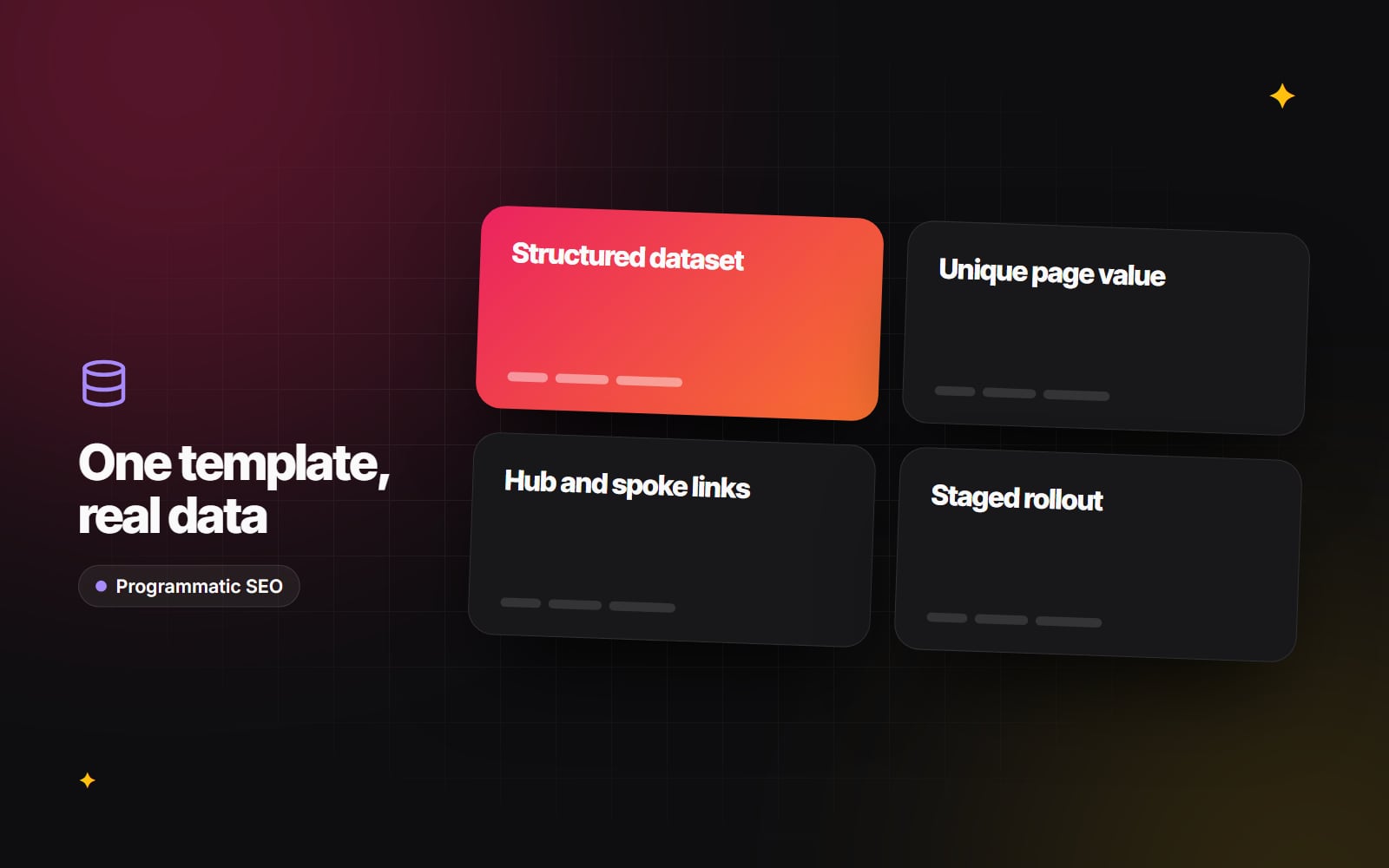
Programmatic SEO means building those pages from a template and a structured dataset instead of writing each one by hand. Done well, it helps people find a page that answers their exact question. Done badly, it produces hundreds of near-identical pages that Google treats as spam.
What Google's spam policies say
Google's spam policies for Google web search describe two practices that badly planned programmatic projects fall straight into:
- Scaled content abuse: producing many pages mainly to manipulate search rankings rather than to help users. The policy applies however the content is produced, whether by templates, automation, AI or people.
- Doorway abuse: creating many similar pages that target slightly different searches but lead visitors to the same place, or that add nothing beyond the swapped-in term.
The method itself isn't the problem. Templates are how most large sites work, from online shops to job boards. The test is whether each page gives the searcher something they couldn't get from the page next to it.
When programmatic pages make sense
Programmatic SEO works when you already hold structured information that differs meaningfully between pages. Some examples:
- An integrations directory where each page explains what a specific integration does, how it is set up and what data it syncs.
- A product catalogue where each page has real specifications, compatibility details and availability.
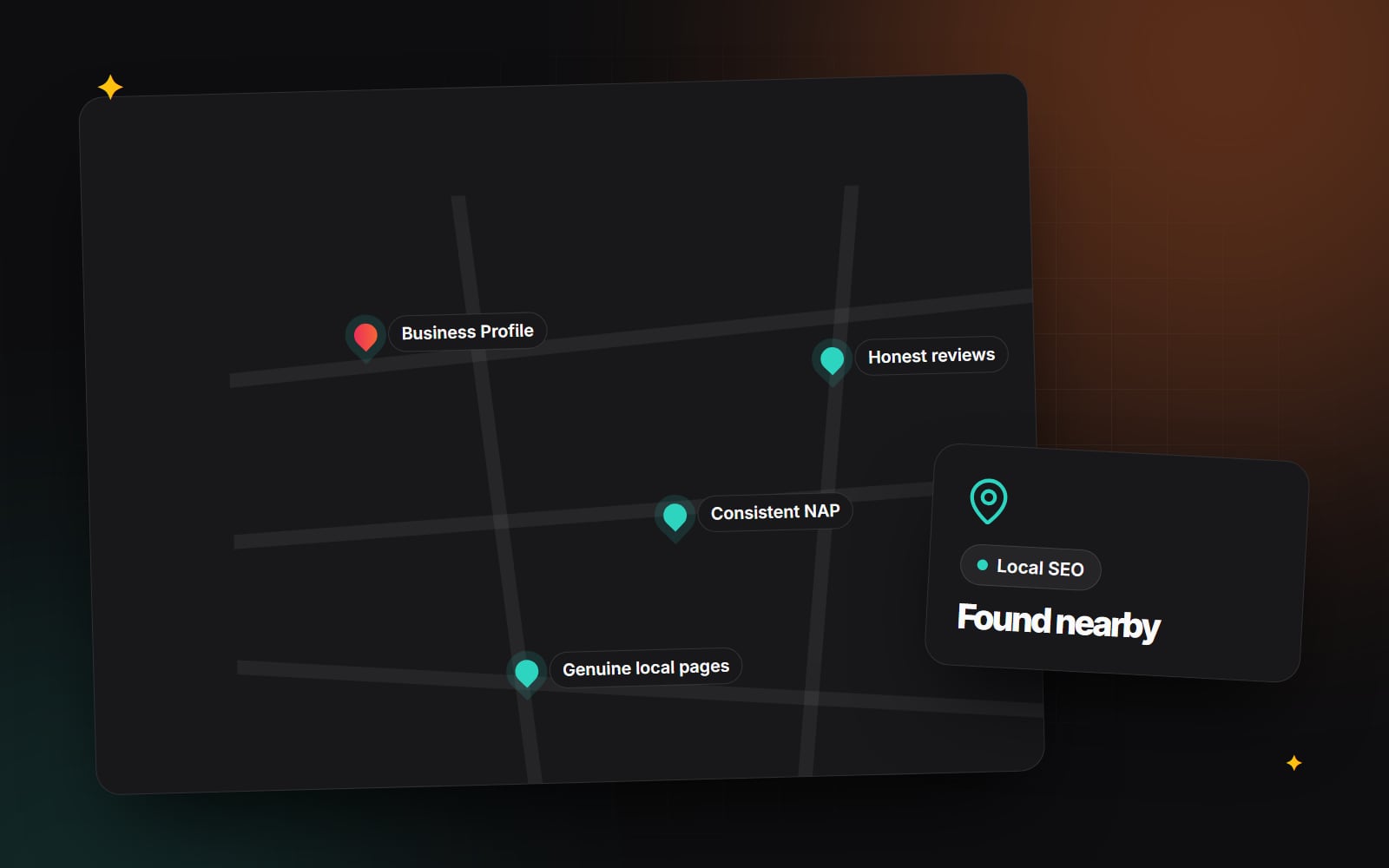
- A location section for a business that genuinely operates in each place, with local contact details, staff, opening hours and services that really differ.
It doesn't work when the data isn't there. "Web design in [city]" pages for cities you don't serve, with the same paragraph on each, are exactly what the doorway policy describes.
What makes each page worth indexing
Before building anything, check that every page will have:
- Specific information for that query. Facts, options, steps or details that apply to this page and not the others.
- Content that changes the reader's decision. If a visitor reading two pages side by side would learn nothing new from the second, merge them.
- Accurate, maintained data. Out-of-date details at scale damage trust quickly. Plan who updates the dataset.
- A layout that reflects the content. Show sections only when there is real data for them, rather than filling empty slots with generic text.
Building it: a four-step architecture
Step 1: design the dataset
Everything starts with the data. Keep it in a database or a headless CMS collection with clear fields, for example: target topic, the specific entity (integration, product or location), unique details, related pages and last-reviewed date. If you can't fill the unique fields for a row, that row shouldn't become a page. A CMS with structured collections, such as Webflow CMS or a headless CMS, makes this easier to manage.
Step 2: generate the pages
In Next.js with the App Router, a dynamic route such as app/integrations/[slug]/page.tsx with generateStaticParams() can pre-render each page from your dataset at build time. Time-based or on-demand revalidation then lets you update individual pages when the data changes, without rebuilding the whole site. Our guide to SSG, SSR and ISR explains the trade-offs. Other platforms have equivalents, such as CMS collection templates.
Whatever you use, make sure each page has a unique title, a unique meta description, a self-referencing canonical tag and the main content in the initial HTML.
Step 3: link the pages sensibly
Generated pages need to be reachable through normal navigation, not only through a sitemap. Use a clear hierarchy:
- 1 Create a hub page for the category that explains the topic and links to each child page.
- 2 Link from each child page back to its hub with descriptive anchor text.
- 3 Add links between child pages only where they are genuinely related, for example alternatives or complementary options.
- 4 Avoid dumping hundreds of links into the footer.
Our internal linking guide covers hub-and-spoke structures in more detail.
Step 4: add structured data where it is accurate
Generate JSON-LD from the same dataset so it always matches what is on the page, for example Product for product pages or LocalBusiness for real business locations. Don't expect FAQ rich results: Google now shows them only for a small set of well-known government and health sites. Our guide to schema markup covers which types are still useful.
Launch gradually and check quality
Don't publish thousands of pages at once. A staged rollout shows you whether Google and visitors find the pages useful before you commit to the full set.
- 1 Publish a small batch of your strongest pages, the ones with the richest data.
- 2 Submit the sitemap in Google Search Console under Indexing > Sitemaps.
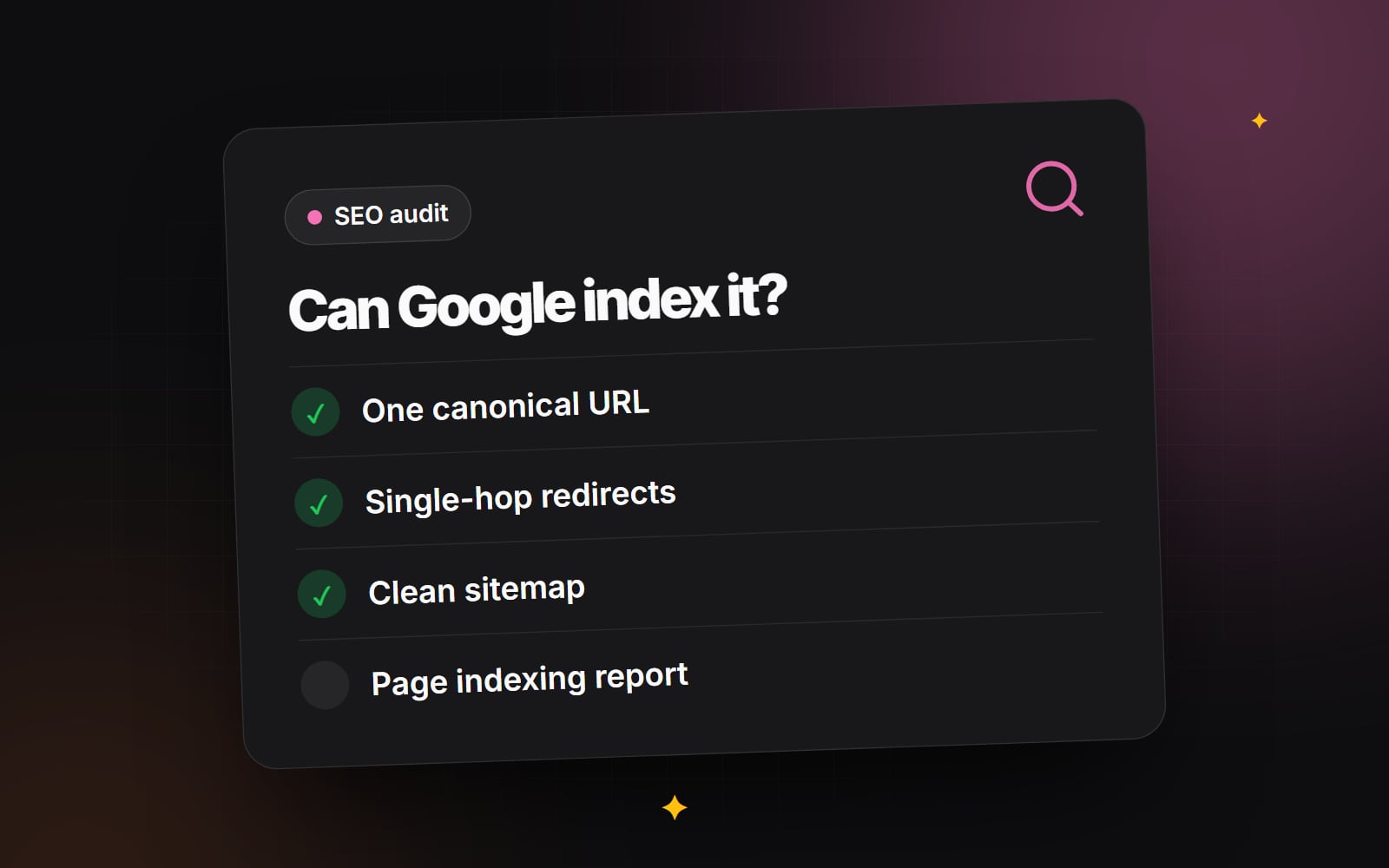
- 3 After a few weeks, open Indexing > Pages and check how many of the batch are indexed. Look closely at URLs listed as "Crawled - currently not indexed", which often points to pages Google doesn't see as valuable enough.
- 4 In Performance > Search results, filter by the URL pattern to see which pages get impressions and clicks.
- 5 Read a sample of pages yourself as if you were the searcher. Improve or remove weak ones before expanding.
- 6 Expand in further batches only once the first set is performing and the data is being maintained.
Our technical SEO audit checklist covers the indexing checks in more detail.
Common mistakes to avoid
- Swapping a location or keyword into otherwise identical text.
- Creating pages for places you don't serve or products you don't sell.
- Using AI to pad pages with generic text so they look different.
- Publishing pages with no internal links pointing to them.
- Forgetting to remove or redirect pages when the underlying data is deleted.
Programmatic SEO is a way to publish good information at scale. It doesn't replace having that information in the first place. If you have a dataset you think could support useful pages, talk to us and we can help you work out whether it holds up and how to build it.
Planning something similar?
Tell us what you're building and we'll come back with ideas and next steps.