Schema markup explained: which structured data still helps.
Which JSON-LD types are worth adding for business and e-commerce sites, what Google no longer shows, and how to test your markup.
Search results often show more than a title and a description. Product listings can show price and availability, recipes show cooking times and ratings, and articles can appear with a large image and date. Much of that extra detail comes from structured data: code on the page that describes its content in a standard format search engines can read reliably.
This guide explains what schema markup is, which types are worth adding for a business or e-commerce site, which rich results Google has scaled back, and how to add and test the markup without errors.
What structured data does, and what it doesn't
A person can see that a number next to a currency symbol on a product page is a price and that a row of stars is a rating. A crawler has to work this out from the HTML. Structured data removes the guesswork by labelling things explicitly, using the shared vocabulary at schema.org.
It helps in three ways:
- Eligibility for rich results. Many of Google's enhanced search features need specific structured data. Google's search gallery lists the supported types and what each one requires.
- Clearer understanding of your business. Organization markup helps connect your site, logo and official profiles to one entity.
- Consistent, machine-readable facts. Clear, accurate information on your site also helps when search features and AI tools summarise it, although no markup guarantees a mention. Our guide to showing up in AI answers covers this.
What it doesn't do: structured data is not a ranking boost in itself, and valid markup doesn't guarantee a rich result. Google's guidelines also require the markup to describe content that users can see on the page. Marking up information that isn't there, or reviews you wrote yourself, can lead to a manual action.
Schema types worth adding
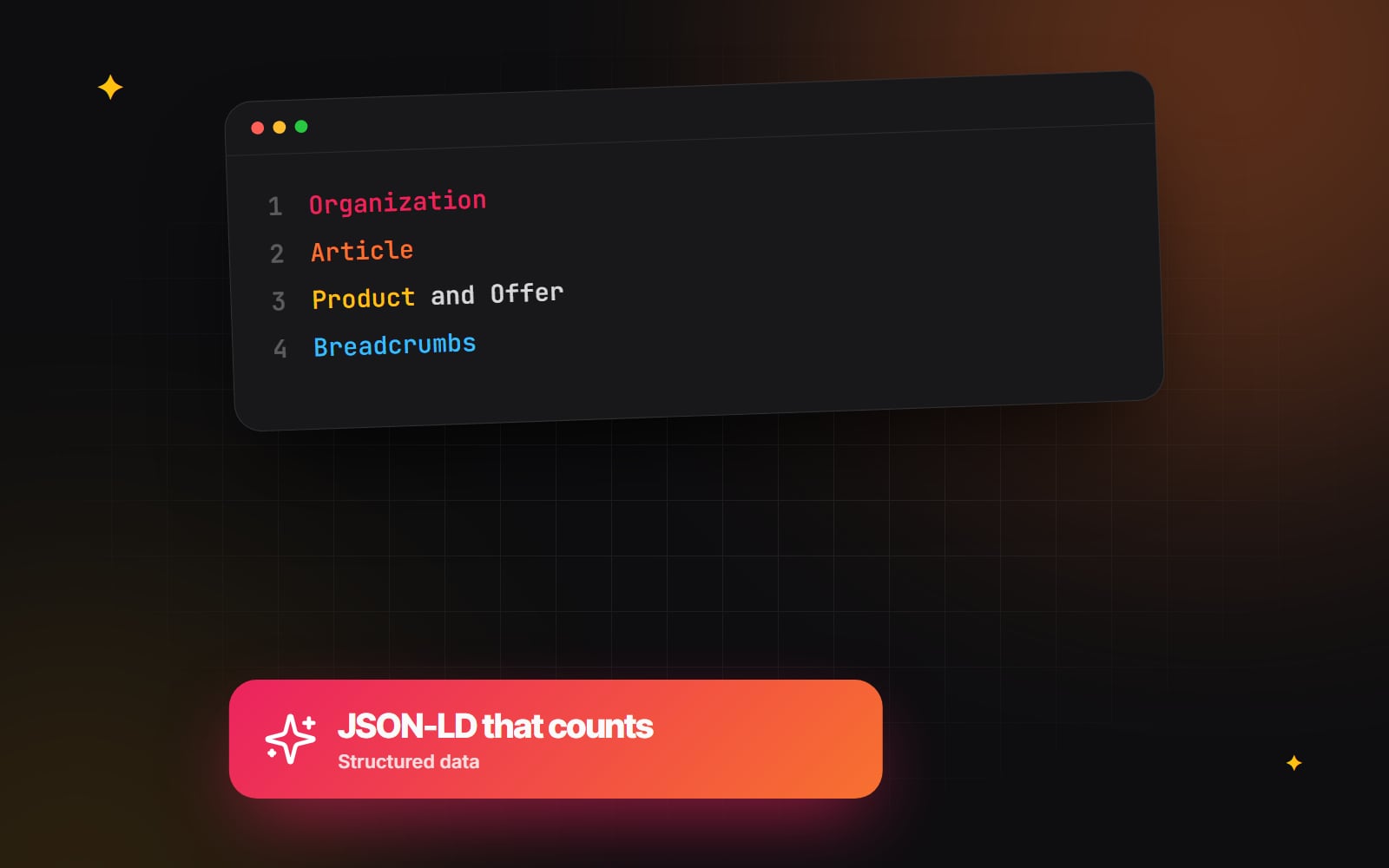
1. Organization (and LocalBusiness where relevant)
Add this once, usually on the home page or about page. Declare your name, logo, URL, contact details and official profiles using the sameAs property. If customers visit you at a physical address, a LocalBusiness subtype can include your address and opening hours. Keep these details identical to your Google Business Profile; our Google Business Profile checklist helps with that.
A minimal example:
<script type="application/ld+json">
{
  "@context": "https://schema.org",
  "@type": "Organization",
  "name": "Example Studio",
  "url": "https://www.example.com/",
  "logo": "https://www.example.com/logo.png",
  "sameAs": [
    "https://www.linkedin.com/company/example-studio"
  ]
}
</script>
Note that review snippets based on reviews of your own business, shown on your own site, aren't eligible for star ratings in Google for Organization or LocalBusiness.
2. Article and BlogPosting
Use these on blog posts and news articles. Include the headline, author, publication date, last modified date and a representative image. This helps Google show the correct date and author information. Keep the dates honest: updating dateModified without changing the content doesn't help anyone.
3. Product and Offer
For online shops, this is the most valuable markup. Product with a nested Offer can include price, currency, availability (for example https://schema.org/InStock) and genuine customer reviews. It makes products eligible for product snippets and merchant listing experiences in Google.
On Shopify, most themes output basic product markup already. You can extend it with details such as material, size or GTIN stored in Shopify metafields.
4. BreadcrumbList
Breadcrumb markup describes where a page sits in your site's hierarchy. Google can show it in place of the raw URL in search results, which gives searchers useful context.
5. Service and FAQPage: use with realistic expectations
Service is a valid schema.org type for describing what you offer, but Google has no rich result for it. It is harmless and can add clarity, but don't expect it to change how your listing looks.
Since 2023, Google has shown FAQ rich results only for well-known, authoritative government and health websites, and HowTo rich results have been removed. FAQ content can still be useful for readers on the page, but for most businesses the markup won't produce a visible change in search.
Why JSON-LD is the recommended format
Structured data can be written as JSON-LD, Microdata or RDFa. Google supports all three but recommends JSON-LD. It sits in a separate <script type="application/ld+json"> block rather than being woven into your HTML attributes, so it is easier to generate from your CMS and less likely to break when the design changes. It can go in the <head> or the <body>.
Generating structured data from your CMS
Writing JSON-LD by hand for every page leads to mistakes. Generate it from the same data that renders the page:
- WordPress: SEO plugins output common types automatically; custom post types may need extra configuration. See our WordPress SEO work.
- Shopify: extend the theme's Liquid templates using product fields and metafields.
- Laravel and other frameworks: build the schema in a shared view component from the model's data.
-
Next.js: render a
<script type="application/ld+json">tag in the page component withJSON.stringify, escaping<characters so content can't break out of the script tag. See our Next.js SEO approach.
How to test and monitor your markup
- 1 Paste the page URL or code into Google's Rich Results Test to see which rich result types the page is eligible for, and any errors.
- 2 Run the same URL through the Schema Markup Validator at validator.schema.org to check general schema.org syntax, including types Google doesn't use for rich results.
- 3 Fix any errors, then deploy the change.
- 4 In Google Search Console, open the relevant report in the left-hand menu (for example Breadcrumbs or Product snippets, usually under Enhancements or Shopping). Reports only appear once Google has found that type on your site.
- 5 Open any report showing invalid items, select the issue, fix the affected pages, then click Validate fix.
- 6 Recheck these reports after template changes or platform updates, since that is when markup most often breaks.
Structured data checks fit naturally into a wider technical SEO audit.
If you would like help adding accurate structured data to your site or templates, get in touch.
Planning something similar?
Tell us what you're building and we'll come back with ideas and next steps.