Questions to ask a web developer before you hire them.
Questions to ask a web developer about process, technology, ownership, support and communication, with examples of what good answers sound like.
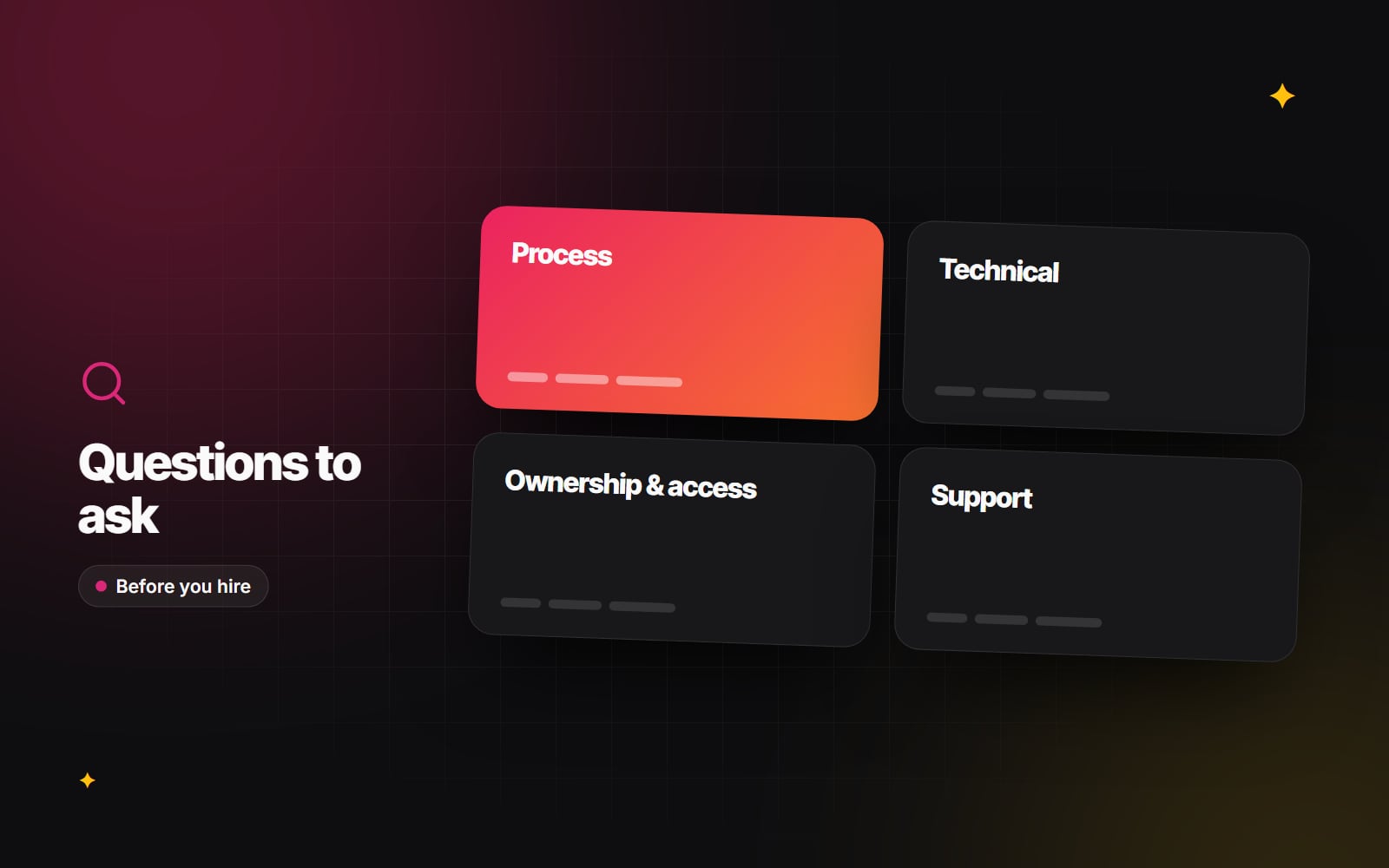
The questions you ask a web developer before hiring them tell you more than any portfolio. A portfolio shows finished results; questions show how someone works, what they assume, and what happens when things don't go to plan. This guide groups the questions to ask a web developer into five areas — process, technical, ownership and access, support, and communication — and describes what good answers tend to sound like.
Before you start asking
Questions work best when the developer has something concrete to respond to. Send a short brief first: what the site is for, who uses it, roughly which pages and features you need, and any integrations. Our guide to writing a website brief covers what to include. Then ask every candidate the same questions, so you can compare like with like.
Process questions
These show whether there is a plan behind the work.
- 1 How do you usually run a project like ours, from start to launch? A good answer names stages — discovery, design, build, content, testing, launch — and says what you will be asked for at each one.
- 2 What do you need from us, and when? Listen for content, brand files, access to existing systems, and decision-makers' time. Content and approvals are a common source of delay, and a good developer will say so plainly.
- 3 How do you handle changes to the scope? Look for a clear route: changes are written down, estimated and approved before work starts.
- 4 How will we review work in progress? A staging site you can click through is more useful than screenshots alone.
- 5 How do you test before launch? Good answers mention different devices and browsers, forms, links, accessibility and performance.
Technical questions
You don't need to be technical to ask these. You are listening for reasoning, not jargon.
- 1 Which platform or framework would you use, and why for us? A good answer ties the choice to your needs — who edits the site, what it must integrate with, how it will grow — and mentions at least one alternative and why they didn't choose it.
- 2 What will editing the site be like for my team? Ask them to show you the editor on a site they built.
- 3 Which plugins, apps or third-party services will the site depend on? Each dependency should have a reason, and they should know who maintains it.
- 4 How will you make the site fast? Listen for images, fonts, scripts and hosting, and for Google's Core Web Vitals as a measure.
- 5 How do you approach accessibility? A good answer refers to WCAG 2.2 and describes practical checks such as keyboard navigation, colour contrast and form labels. Our accessibility basics guide shows what those checks involve.
- 6 If we are replacing an existing site, how will you protect our search rankings? Expect redirects from old URLs, carried-over page titles and a check after launch. See redesigning without losing rankings.
- 7 Is the code kept in version control? The answer should be yes, with a clear route for you to access it.
Ownership and access questions
These protect you if the relationship ends. They are not legal advice; take professional advice on the contract itself.
- 1 Whose name will the domain, hosting and software licences be in? The safest answer is yours, or transferable to you on request.
- 2 Will we have full administrator access from day one? A good developer has no reason to withhold it.
- 3 Who owns the code, design files and content once the work is paid for? Get this written into the agreement.
- 4 How are passwords and API keys shared and stored? Look for a password manager or similar, not email. Our article on security basics for small teams explains why.
- 5 If we move to another developer, what will you hand over? Code, documentation, logins and a short explanation of how things fit together.
Support questions
A website keeps needing attention after launch.
- 1 What is included after launch, and for how long? Look for a clear period for fixing defects, separate from new work.
- 2 How are updates and security patches handled? A good answer mentions a schedule, testing on a staging copy and a way to roll back.
- 3 How are backups taken, where are they stored, and have you tested a restore? The last part matters most. See backups that actually restore.
- 4 What happens if the site goes down out of hours? An honest answer about their availability is better than an unrealistic promise.
- 5 How do you price ongoing changes? They should explain the model clearly, whether that is a retainer, a block of time or quotes per request.
Communication questions
- 1 Who will be our main contact, and who will actually build the site? You should be able to speak to the builder when it matters.
- 2 How often will we hear from you, and how? Regular, predictable updates beat bursts of activity followed by silence.
- 3 Where will decisions and feedback be recorded? A shared document, board or ticket system makes it easy to check later what was agreed.
- 4 What hours do you work, and how quickly do you usually reply? Particularly important across time zones.
- 5 What would you do if you thought one of our requests was a bad idea? You want someone who will tell you, politely and with reasons.
What good answers sound like
| Less reassuring | More reassuring |
|---|---|
| "Anything is possible." | "That's possible, but it adds complexity. Here's a simpler option." |
| "We'll make it fully flexible." | "Editors will be able to change these sections; these parts stay fixed for consistency." |
| "Don't worry about hosting, we'll handle it." | "We'll set up hosting in your name and give you the login." |
| "SEO is included." | "We'll set up titles, redirects and a sitemap, and check indexing after launch." |
| "It'll be fast." | "We'll test against Core Web Vitals on real pages before launch." |
Notice the pattern: good answers are specific, mention trade-offs and leave you in control of your own accounts.
How to run the conversation
- 1 Send your brief to each developer before the first call.
- 2 Pick the ten or so questions above that matter most for your project.
- 3 Ask every candidate the same questions in the same order.
- 4 Take notes on the answers, not just your overall impression.
- 5 Ask to see the editing side of a site they built.
- 6 Ask for anything important in writing, such as ownership and support terms.
- 7 Compare answers side by side before you compare prices.
- 8 Follow up on any answer that felt vague.
Asking us
Web Canvas offers web development across several platforms, and we are happy to answer every question on this list. If you would like to put them to us, you can get in touch.
Planning something similar?
Tell us what you're building and we'll come back with ideas and next steps.