Shopify developer, designer or Partner: who does what.
The difference between a Shopify designer, a Shopify developer and a Shopify Partner, when you need each, and how they work together on a store.
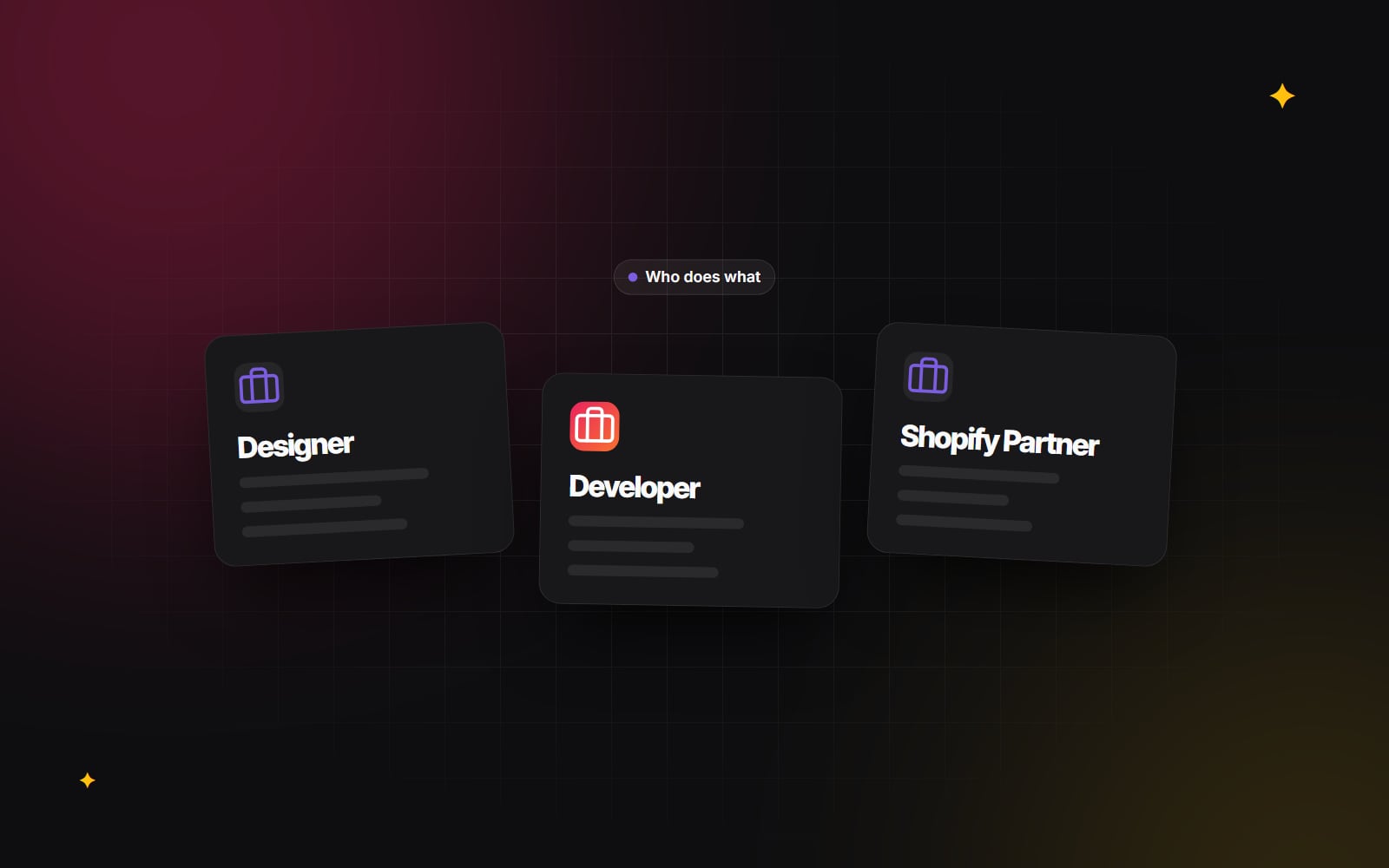
People often use "Shopify developer", "Shopify designer" and "Shopify Partner" as if they mean the same thing. They do not, and mixing them up leads to the wrong hire: a designer asked to build a custom app, or a developer asked to create a brand from scratch. This article explains who does what, when you need each, and how they work together on a typical Shopify project.
What does a Shopify designer do?
A Shopify designer works on how the store looks, reads and feels to use. That usually includes:
- Page layouts for the home page, collection pages, product pages, cart and content pages.
- Navigation, search and filtering, and how they behave on a phone.
- Visual style: type, colour, spacing, photography direction and icons, usually within existing brand guidelines.
- Designs for every state: empty cart, sold-out product, long product names, error messages.
- A design system or component library in a tool such as Figma, so the developer builds reusable parts rather than one-off pages.
A good Shopify designer knows the platform's shape. They design with sections and blocks in mind, know what the theme editor can and cannot let your team change, and avoid layouts that would need a custom app just to display. Read the anatomy of a Shopify product page for an example of the kind of thinking involved.
What does a Shopify developer do?
A Shopify developer turns designs and requirements into working software. Depending on the project, that can mean:
- Building or customising a theme in Liquid, HTML, CSS and JavaScript, using Online Store 2.0 sections, blocks and JSON templates.
- Setting up metafields and metaobjects so extra product information can be managed in the admin.
- Building custom apps with the Shopify Admin API, webhooks and the Shopify CLI.
- Writing Shopify Functions for custom discount, shipping or payment rules, and checkout UI extensions where the plan allows.
- Connecting the store to other systems such as an ERP, warehouse or CRM.
- Performance, accessibility and testing before launch.
Some developers are strong on the front end and theme work. Others focus on apps and integrations and rarely touch Liquid. Ask which kind you are speaking to.
What is a Shopify Partner?
The Shopify Partner Program is Shopify's programme for people and businesses who build for merchants. Joining gives access to a Partner Dashboard, development stores for building and testing, and tools for requesting access to client stores and building apps. Designers, developers, agencies, marketers and app companies can all be Partners.
So "Shopify Partner" tells you someone works with Shopify through the official programme. It does not, by itself, tell you whether they design, develop or both, or how much experience they have. Shopify also runs a public directory of Partners offering services, which lists the services each one offers. Treat it as a starting point and judge each Partner on their work, as you would anyone else.
Designer, developer or Partner: side by side
| Shopify designer | Shopify developer | Shopify Partner | |
|---|---|---|---|
| What it is | A role | A role | A programme membership |
| Main output | Designs, prototypes, design system | Theme code, apps, integrations, configuration | Depends on the Partner |
| Main tools | Figma or similar, theme editor | Liquid, Shopify CLI, APIs, Git | Partner Dashboard, development stores |
| Typical question they answer | "What should this page do for the shopper?" | "How do we build and maintain this?" | "Can this person work with Shopify officially?" |
When do you need each?
You mainly need a designer when…
- You are launching a new brand or the store no longer reflects the brand.
- Shoppers struggle to find products or understand what you sell.
- You plan to use a well-built existing theme and want it to look like yours.
You mainly need a developer when…
- You already have designs and need them built as a custom or adapted theme.
- You need logic the standard theme cannot handle: bundles, product configurators, custom filters.
- You need discounts, shipping or checkout behaviour that requires Shopify Functions or extensions.
- The store must sync with another system, or you are migrating from another platform (see the Shopify migration checklist).
You need both when…
You are building a custom theme, redesigning a store with new features, or making changes that affect both how pages look and how they work. This is most redesigns.
How designers and developers work together
The handoff between design and development is where many Shopify projects go wrong. A layout that looks simple can be expensive to build if it ignores how sections work. A developer who never sees the design reasoning may build something that looks right but breaks when your team edits it. A sound process tends to look like this:
- 1 The designer and developer review the brief together before design starts.
- 2 The designer sketches key templates (home, collection, product, cart) and checks feasibility with the developer.
- 3 The designer builds reusable components in Figma that map to Shopify sections and blocks.
- 4 The developer lists which settings each section will expose in the theme editor.
- 5 Both agree how content edge cases look: long titles, missing images, many variants.
- 6 The developer builds on an unpublished theme and shares preview links.
- 7 The designer reviews the build on real devices and logs differences.
- 8 Your team tries editing pages in the theme editor before launch.
If the designer and developer are separate people or companies, agree who leads, who signs off design changes during the build, and where feedback goes. A shared component library helps a great deal; design systems that scale explains why.
Things to watch out for
- Design that fights the platform. Ask the designer how each layout maps to sections and blocks. If they cannot say, ask the developer to review it early.
- Development without design. Building straight from a reference site or a loose brief often leads to rework. Even simple wireframes help.
- Assuming "Partner" means "expert". Check the work itself, the code where possible, and how they explain trade-offs.
- Unclear ownership. Agree in writing who owns design files, code and accounts. This is a contractual matter, so take professional advice on the wording.
- No one owns the whole result. When two parties are involved, someone has to be responsible for the store working end to end. Name that person.
A quick checklist for choosing
- 1 Write down what you need: new look, new features, integrations, or a mix.
- 2 Decide whether you need design, development or both.
- 3 Decide whether you want one team for both or separate specialists.
- 4 Check that designers show Shopify-specific work, not only general websites.
- 5 Check that developers show live stores and can talk through the code.
- 6 Ask how design and development will hand over to each other.
- 7 Confirm who leads the project and who signs off each stage.
How Web Canvas works on Shopify
Web Canvas does both UI/UX and brand design and Shopify development, including turning Figma designs into Shopify themes. If you are unsure which kind of help your store needs, send us a short note and we will tell you what we think.
Planning something similar?
Tell us what you're building and we'll come back with ideas and next steps.