Shopify speed optimisation: what a developer can fix.
What a Shopify developer can speed up (apps, images, theme code, fonts, tags), what Shopify controls, and how to measure with Core Web Vitals.
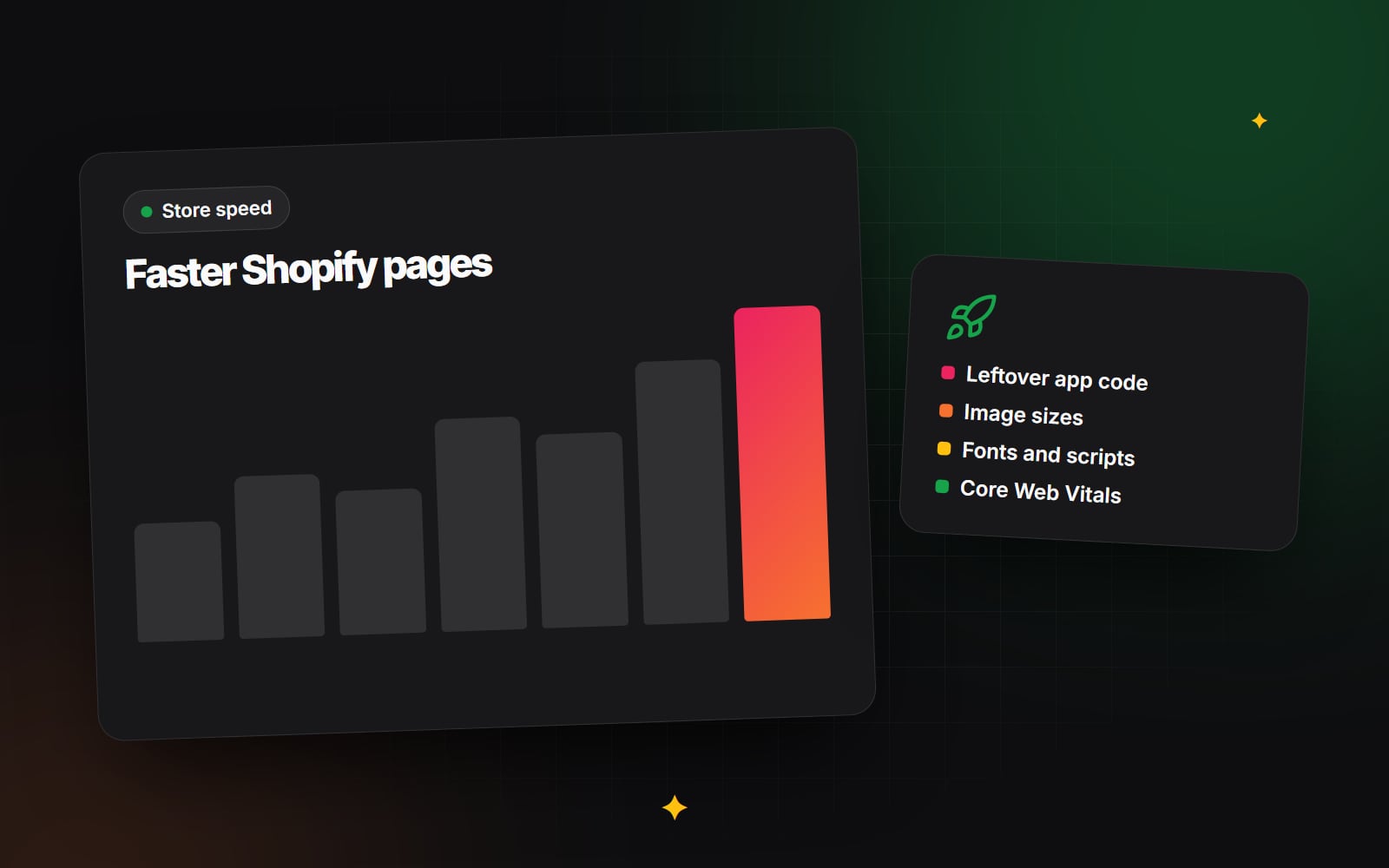
Shopify speed optimisation is mostly about what your store loads on top of the platform: apps, scripts, images, fonts and theme code. Shopify handles hosting, the CDN and the checkout, so a developer cannot make your servers faster. What a developer can do is find the weight your store has collected over time and remove it, carefully, without breaking the features that sell.
Why Shopify stores slow down
Most stores start reasonably fast. A new theme from the Shopify Theme Store has usually been tested for performance. The slowdown comes later, as the store grows:
- Apps are installed to try a feature, then removed, but some leave code behind in the theme.
- Marketing adds tracking pixels, chat widgets, review widgets and pop-ups, each with its own scripts.
- Product photos are uploaded straight from a camera or design tool at full size.
- Custom sections are added by different people over the years, each with its own CSS and JavaScript.
- Extra font families and weights are added for one banner and never removed.
None of these is a big problem on its own. Together they add up to pages that feel sluggish on a mid-range phone on a mobile connection, which is how many shoppers actually browse.
How to measure Shopify speed properly
Before anyone changes code, agree on how you will measure. Google's Core Web Vitals are the most useful shared language here. Google's published "good" thresholds are:
- Largest Contentful Paint (LCP): 2.5 seconds or less. How quickly the main content, often the hero image or product photo, appears.
- Interaction to Next Paint (INP): 200 milliseconds or less. How quickly the page responds when someone taps a button or opens a menu. INP replaced First Input Delay in March 2024.
- Cumulative Layout Shift (CLS): 0.1 or less. How much the layout jumps around while loading.
There are two kinds of data. Field data comes from real visitors using Chrome and is what Google uses for its page experience signals. Lab data comes from a single simulated test, such as a Lighthouse run in PageSpeed Insights. Lab scores are useful for diagnosing problems, but they vary from run to run and do not reflect your real audience. Shopify also shows a web performance report in the admin, based on real visitor data, which is a good place to track trends over time.
If the terms are new to you, our guide to Core Web Vitals in plain English explains each one with examples.
What a Shopify developer can fix
Apps and leftover scripts
This is often the biggest win. A developer will list every app, check what each one loads on the storefront, and look for code from apps that are no longer installed. Older apps often added snippets directly to theme.liquid. Newer apps built for Online Store 2.0 use app embeds and app blocks, which can be switched off in the theme editor without editing code. That makes them easier to manage, but they still load their own scripts when switched on.
The question for each app is simple: does it earn its place on every page? A review widget may be essential on product pages and pointless on the blog. Where an app allows it, a developer can limit it to the templates that need it.
Images
Shopify's CDN can resize images and serve modern formats, but only if the theme asks for sensible sizes. A developer will check that images use the image_url and image_tag Liquid filters with appropriate widths and a srcset, so a phone does not download a desktop-sized photo. They will also make sure the main image above the fold is not lazy-loaded, because that delays LCP, while images further down the page are. Setting width and height on images prevents layout shift. For more on formats, see WebP or AVIF?
Theme code
Theme code problems are less visible but common in customised stores:
- Large JavaScript bundles loaded on every page when they are only needed on one.
- Scripts that block rendering because they are not deferred.
- Liquid loops that iterate over large collections or many metafields, slowing server rendering.
- Duplicate libraries, such as two carousel scripts doing the same job.
- Heavy work triggered on every tap or scroll, which hurts INP.
Shopify's Theme Inspector for Chrome can profile Liquid rendering, and Theme Check flags common issues in theme code. A developer uses these alongside the browser's own performance tools.
Fonts
Each font family and weight is another file to download. A developer will reduce the number of weights, use fonts from Shopify's font library or self-host them efficiently, preload only the font used above the fold, and set font-display so text appears quickly. Our article on web fonts without layout shift covers the details.
Third-party tags
Analytics, advertising pixels, heatmaps and chat tools all run JavaScript in the shopper's browser. Where possible, a developer will move tracking to Shopify's Customer Events (web pixels), which run in a sandbox and are managed from the admin, remove duplicate tags, and delay non-essential widgets such as chat until the shopper interacts or the page has finished loading. Any change to tracking should be agreed with whoever relies on that data, and checked against your cookie consent setup.
What is outside a developer's control
Being clear about limits avoids wasted effort and unrealistic expectations:
| Area | Who controls it | What you can do |
|---|---|---|
| Server hosting and CDN | Shopify | Nothing directly; it is part of the platform. |
| Checkout performance | Shopify (with checkout extensibility apps) | Keep checkout extensions to the ones you need. |
| App servers and widgets | The app developer | Ask the app provider, limit where it loads, or choose an alternative. |
| Shopify's own storefront scripts | Shopify | These are part of the platform and cannot be removed. |
| Shoppers' devices and networks | Nobody | Design for slower phones and connections from the start. |
A developer should also be honest when a feature you want is inherently heavy. A 3D product viewer or autoplay video will cost something. The decision is whether the benefit to shoppers is worth it.
Watch out for
- Chasing a perfect lab score. A score of 100 in a simulated test is not the goal. Real shoppers having a fast experience is.
- Speed apps that promise instant fixes. Some help; some add their own scripts. Test any change rather than assuming it works.
- Removing things that make money. Check with the team before removing a widget or tag, and confirm what it does.
- Editing the live theme. Work on a duplicate theme and preview it before publishing.
A step-by-step plan for Shopify speed work
- 1 Record current Core Web Vitals field data for your home, collection and product pages.
- 2 Run a lab test on the same pages to see what is loading and in what order.
- 3 Duplicate your live theme from Online Store > Themes using Duplicate, and do all work on the copy.
- 4 List every installed app and note which ones load storefront code.
- 5 Search the theme code for snippets from apps that are no longer installed, and remove them.
- 6 Switch off app embeds you do not need in the theme editor under App embeds.
- 7 Check image sizes and loading behaviour on each main template.
- 8 Reduce font families and weights, and preload the main one.
- 9 Defer or delay non-essential scripts and widgets.
- 10 Review tracking tags with the marketing team and remove duplicates.
- 11 Preview the duplicate theme, test key journeys on a real phone, then publish.
- 12 Compare field data after a few weeks, once enough real visits have been recorded.
When to bring in help
If you have tidied up apps and images yourself and pages still feel slow, the remaining problems are usually in theme code or third-party scripts, which need a developer's tools and judgement. Web Canvas does Shopify speed work as part of its Shopify development, and speed often comes up alongside wider e-commerce optimisation, because a faster page only helps if the page itself is clear.
If you would like a second opinion on what is slowing your store down, you can get in touch and describe what you are seeing.
Planning something similar?
Tell us what you're building and we'll come back with ideas and next steps.