Magento or Shopify: should you stay, upgrade or move?.
Running costs, patches and a heavy front end have many Magento stores eyeing Shopify. Here's how to decide whether to stay, modernise or move.
Sooner or later, most Magento store owners end up asking the same question: "Should we still be on Magento?" It usually surfaces after a frustrating month — a security patch that broke an extension, a hosting bill that crept up again, or a product page that takes several seconds to load on a phone.
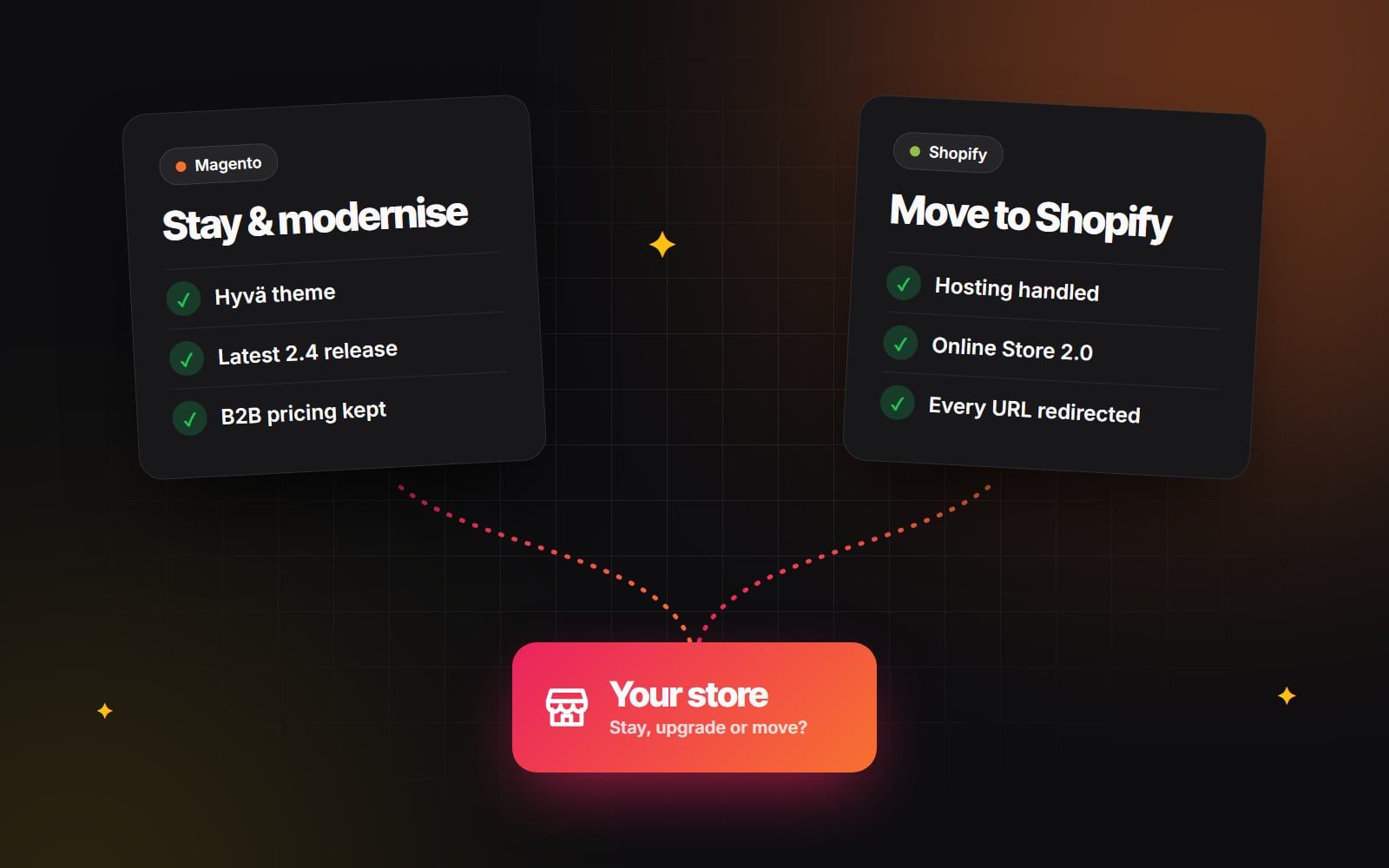
The honest answer is that there are three good options, not two. You can stay and keep things as they are, stay and modernise what you have, or move to Shopify. Each one is right for some stores and expensive for others. We work on both platforms, so this guide is the framework we use to help store owners choose — without pushing one answer.
Why the question keeps coming up
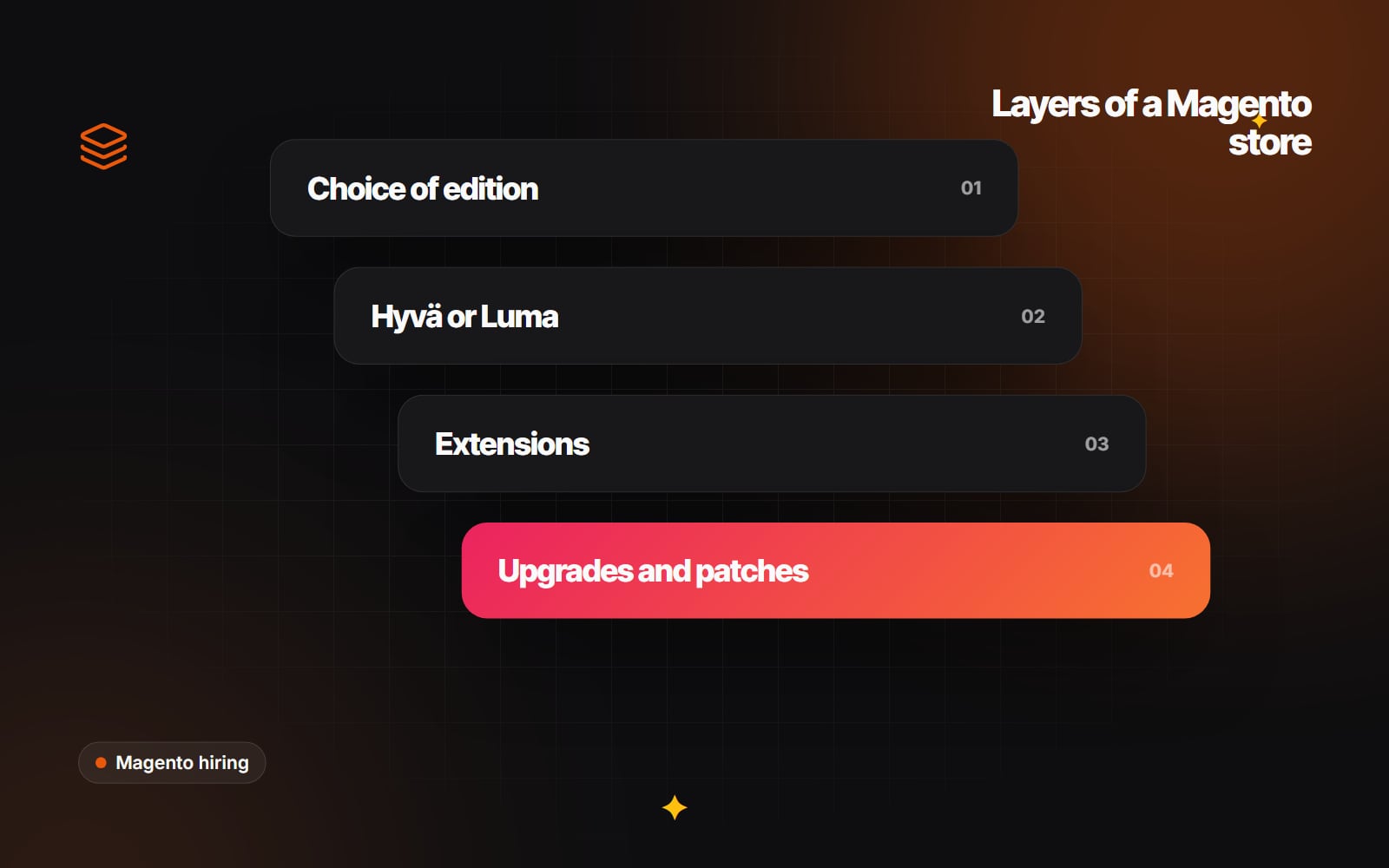
Magento 2 (sold as Adobe Commerce, with a free Magento Open Source edition) is one of the most flexible e-commerce platforms ever built. That flexibility is also why it costs more to run. Unlike a hosted platform, a Magento store is a full PHP application you own, which means you own everything around it too:
- Hosting and infrastructure: a well-run store needs a properly sized server or cloud setup, plus Varnish for page caching, Redis for sessions and cache, and OpenSearch for catalogue search.
- Security patches and upgrades: Adobe releases security patches regularly, and each 2.4.x release line has a published end-of-support date. Staying current is not optional if you take card payments.
- Extensions: most stores rely on a stack of third-party modules. Every upgrade means checking each one for compatibility, and some vendors stop updating theirs.
- The front end: Magento's default Luma theme ships a lot of JavaScript, which makes good Core Web Vitals on mobile hard to reach without significant work.
None of this means Magento is the wrong platform. It means Magento is a platform you have to look after — and the question is whether what you get in return is still worth it for your business.
Step one: work out what Magento really costs you
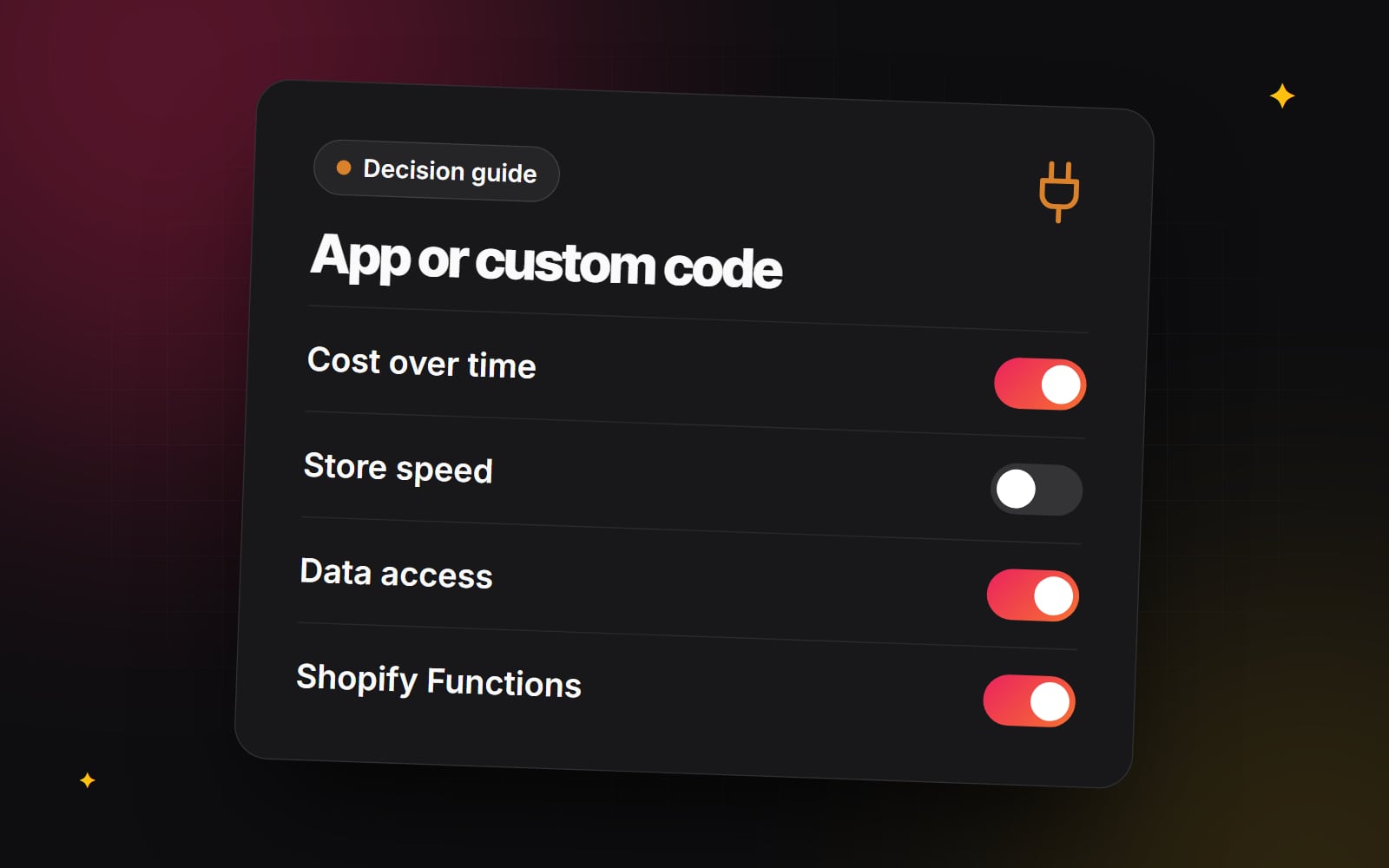
Before comparing platforms, put a real number on what you spend today. Most store owners know their hosting bill but underestimate the rest. Gather the last twelve months of costs:
- 1 Add up hosting, CDN and any managed services (search, monitoring, backups).
- 2 Add the annual cost of every paid extension licence and renewal.
- 3 Add developer time spent on patches, upgrades and fixing things that broke — not new features.
- 4 Add developer time spent on new features and improvements, separately.
- 5 If you're on Adobe Commerce, add the licence fee.
- 6 Note any incidents: downtime, failed deployments, or checkout problems, and roughly what they cost in lost orders.
Lines 1, 2, 3 and 5 are your cost of keeping the lights on. Line 4 is what you spend moving the business forward. If keeping the lights on takes most of your budget, that's the strongest signal that something needs to change — whether that's modernising Magento or moving off it.
When staying on Magento is the right call
Magento still does some things better than any hosted platform. Moving away from it can mean losing capabilities your business depends on. Staying usually makes sense when:
- Your B2B logic is complex: Adobe Commerce includes company accounts with buyer roles, shared catalogues with custom price lists, negotiable quotes, requisition lists and purchase order approval rules. If trade customers rely on these daily, rebuilding them elsewhere is a major project.
- You run several stores from one install: Magento's websites, stores and store views let you run different brands, catalogues, currencies and languages from a single admin with shared stock.
- Your catalogue is unusually complex: products with many configurable options, custom option logic or very large attribute sets fit Magento's data model well. Shopify limits how many options a product can have (three at the time of writing), so stores with highly configurable products need workarounds there.
- Your checkout or order flow is deeply custom: Magento lets developers change almost any part of the order process. Shopify's checkout can be extended, but within limits.
- You need full control of your data and hosting: some businesses have legal or contractual reasons to keep their store on infrastructure they control.
If several of these apply, the better question isn't "Should we leave?" but "How do we make Magento cheaper and faster to run?"
The middle path: modernise the Magento you have
Many of the problems that push people towards a migration can be fixed without one. A focused modernisation project often costs far less than a re-platform and keeps every feature you rely on:
- 1 Upgrade to a supported 2.4 release and set up a routine for applying security patches on a staging copy before they reach the live store.
- 2 Audit your extensions. Remove the ones you no longer use, replace abandoned ones, and fold small features into a single well-maintained custom module.
- 3 Replace Luma with a Hyvä theme. Hyvä rebuilds the storefront with Tailwind CSS and Alpine.js and removes most of the default JavaScript, which makes pages much faster and easier to build on. Check that your key extensions have Hyvä-compatible versions first.
- 4 Tune the infrastructure: make sure Varnish full-page caching is actually serving pages, Redis is configured for cache and sessions, and OpenSearch is sized for your catalogue.
- 5 Measure before and after with Core Web Vitals and your own conversion data, so you know the work paid off.
If your business needs Magento's flexibility, this route usually gives the best return. It's what our Magento team focuses on: upgrades, Hyvä themes, extension clean-ups and speed work.
When Shopify is the better fit
For a large share of retailers — especially direct-to-consumer brands with a straightforward catalogue — the flexibility of Magento is more than they use, and they're paying for it every month. Shopify tends to win when:
- Your team wants to stop running infrastructure: Shopify handles hosting, scaling for traffic spikes, security and PCI compliance (Shopify is PCI DSS Level 1 certified).
- Marketing wants to move faster: with Online Store 2.0 themes, your team can build and rearrange pages from sections and blocks without a developer.
- Your catalogue and pricing are fairly standard: products, variants, collections, discounts and multiple currencies through Shopify Markets cover what most stores need.
- Your B2B needs are moderate: Shopify Plus includes company accounts, catalogues with custom pricing and payment terms, which covers many wholesale setups.
- Most of your maintenance budget goes on keeping Magento running rather than improving the store.
The right platform is the one that lets your team spend its time on customers, not on keeping the store running.
Six questions to make the decision
Sit down with the people who run the store day to day and answer these honestly:
- 1 Which Magento features do we use every week? List them. If the list is mostly things every platform has, that's a point for Shopify.
- 2 Which of those would be hard to rebuild? Complex B2B approval flows, multi-store setups and custom checkout logic are the usual blockers.
- 3 What share of our budget keeps the lights on? Use the cost exercise above.
- 4 How fast is the store on a phone today? If it's slow, would a Hyvä theme fix it, or is the problem deeper?
- 5 Which systems must connect? ERP, PIM, warehouse and accounting integrations need rebuilding on any new platform, so map them early.
- 6 Where do we want to be in three years? New markets, more brands or a bigger wholesale business can change the answer.
If questions 1 and 2 point to features only Magento handles well, modernise. If question 3 shows most of your spend is maintenance and the answers to 1 and 2 are short, it's time to plan a move.
If you decide to move
A Magento-to-Shopify migration is very achievable, but it touches everything: products and variants, customers, order history, URLs and integrations. The two things that most often go wrong are search rankings and customer accounts. Magento URLs (often /category/product.html) change to Shopify's fixed /products/ and /collections/ paths, so every old URL needs a 301 redirect. And because passwords can't be transferred between platforms, customers need a clear invitation to activate their new accounts.
We've written up the full process in our Shopify migration checklist, and the SEO side in how to redesign without losing your rankings. When you move, it's also the right moment to rethink your product pages rather than copy the old ones — our guide to product pages that convert is a good place to start.
The bottom line
Magento isn't outdated, and Shopify isn't automatically cheaper. The right answer depends on which features you truly rely on and how much of your budget goes on keeping the store running. Do the cost exercise, answer the six questions, and the choice usually becomes clear.
Not sure which way your store should go? We work on Magento and Shopify, so we can look at your store and give you a straight recommendation — whether that's an upgrade, a Hyvä theme or a planned move. Tell us about your store and we'll come back with the options and what each would involve.
Planning something similar?
Tell us what you're building and we'll come back with ideas and next steps.