Shopify Plus vs Advanced: when is the upgrade worth it?.
What Shopify Plus adds over Advanced, the signs you have outgrown your plan, and how to work out whether the upgrade makes sense for you.
Moving from Shopify's Advanced plan to Shopify Plus is a big step up in cost, so the question we hear most is whether the extra features justify it. The honest answer depends far more on what your business needs to do than on the badge.
This guide sets out what Plus gives you that Advanced doesn't, the signs that you've outgrown Advanced, and the cases where staying put is the better decision. We don't quote prices or plan limits here, because Shopify changes them. Check the current figures on Shopify's pricing page and in your conversations with Shopify before deciding.
Do the cost calculation with your own numbers
Plus is priced differently from the standard plans, and payment processing rates and third-party gateway fees can differ between plans too. Whether Plus pays for itself depends on your sales volume, payment mix and the apps you could drop. To work it out:
- 1 Get the current Plus pricing and terms from Shopify for your expected sales volume.
- 2 Compare the payment processing rates and any third-party transaction fees on Advanced and on Plus for your actual payment mix.
- 3 List the apps you pay for that a Plus feature could replace, and the apps you would still need.
- 4 Estimate the development cost of any Plus-only customisations you plan, such as checkout extensions.
- 5 Compare the total yearly cost of each option with what the new capabilities would let you do.
If the calculation only works under optimistic assumptions, it's probably too early.
What Plus adds
1. Checkout customisation
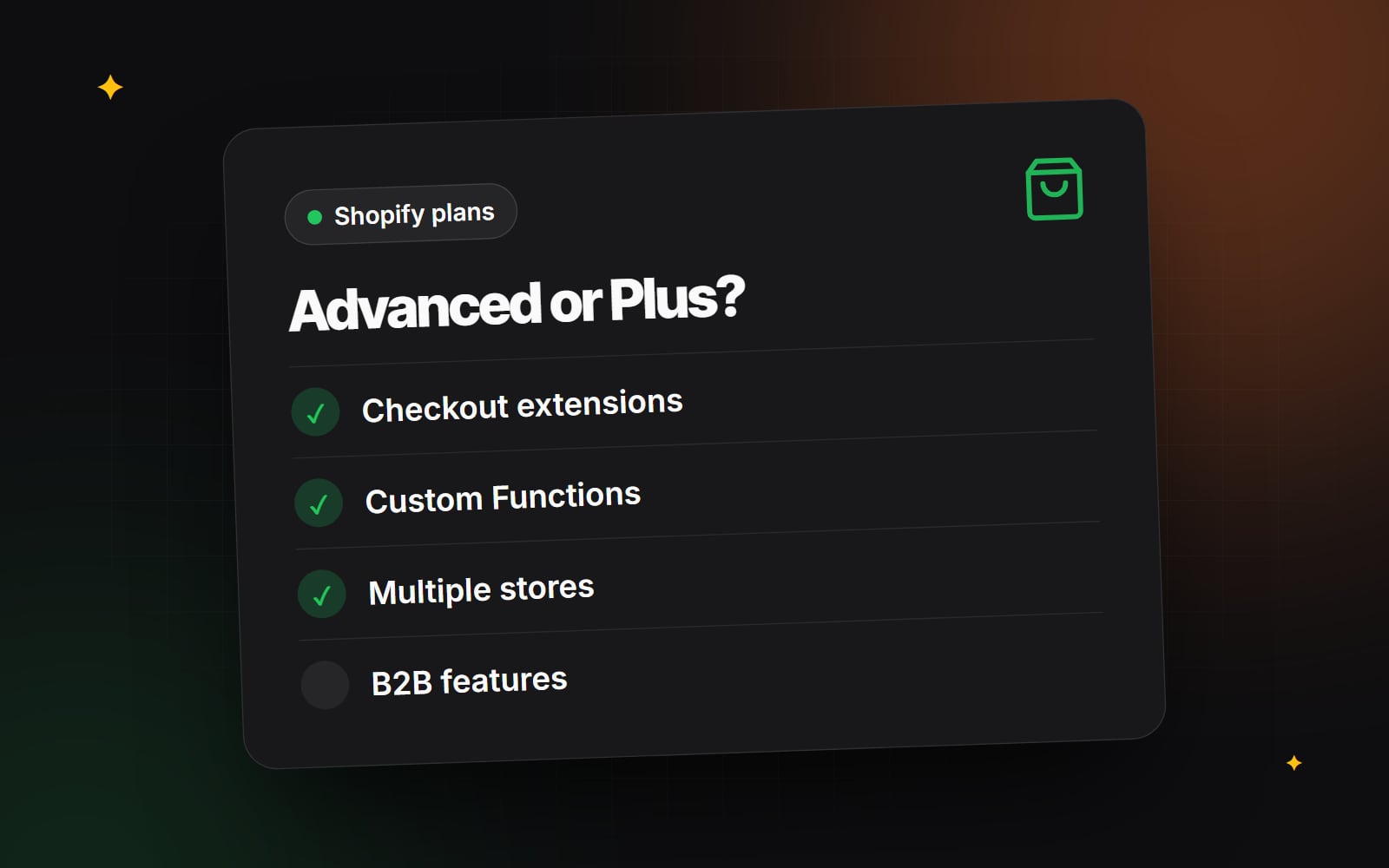
Shopify's checkout is now customised through Checkout Extensibility. The old checkout.liquid approach has been retired for checkout pages. The main differences between plans:
- All plans can use the checkout and accounts editor for branding, and can add apps that extend the Thank you and Order status pages.
- Plus stores can add checkout UI extensions to the information, shipping and payment steps, such as custom fields, delivery instructions, banners or upsell blocks.
Shopify's checkout UI extensions documentation lists the current extension points and which plans can use them. Our guide to checkout micro-frictions covers the problems worth solving first.
2. Shopify Functions and the end of Scripts
Shopify Functions let developers customise back-end logic such as discounts, shipping and payment options, delivery rules and cart validation. Any plan can install a public app from the Shopify App Store that uses Functions. Building your own custom app with Functions for a single store requires Plus.
If you're already on Plus and still use Shopify Scripts, plan the move to Functions now. Scripts are being replaced, so check Shopify's current deprecation timeline for the dates that apply to you.
3. Multiple stores under one organisation
Plus lets you run additional stores, for example for different regions or brands, with organisation-level management of users and settings. Before you plan several stores, though, check whether Shopify Markets on a single store already covers your international needs. One store with multiple markets for currencies, languages and domains is often simpler to run. Our international e-commerce guide explains the options.
4. B2B and wholesale
Shopify's native B2B features cover company accounts, catalogues with specific prices, payment terms and quantity rules. Shopify has made some B2B features available outside Plus, and which features each plan includes has changed over time. Check the current B2B documentation in the Shopify Help Center against your wholesale requirements before assuming you need Plus.
5. Operational tools
Shopify Flow, the automation tool, is available on non-Plus plans as well, so it isn't a reason to upgrade on its own. Plus stores get extra tools such as Launchpad for scheduling sales and theme changes, more control over staff permissions across stores, and Plus-level support. Check the current Plus feature list for the details.
Signs you've outgrown Advanced
- 1 Checkout requirements you can't meet: you need custom fields, validations or content in the information, shipping or payment steps.
- 2 Business logic that public apps can't handle: your discount, shipping or payment rules are specific enough to need a custom Functions app.
- 3 Several stores to manage: you run, or need, separate stores for brands or regions, and managing them separately is causing errors and duplicated work.
- 4 Wholesale needs beyond your plan: your B2B requirements need features your current plan doesn't include.
- 5 Large planned launches: you regularly run sales or drops that need scheduled changes across the store, and doing them by hand is risky.
When to stay on Advanced
If you sell in one or a few markets, your checkout needs are covered by branding and standard apps, and public Functions apps handle your discount and shipping rules, Plus probably won't change much for you. You'll usually get more from:
- improving product pages, using our guide to Shopify product pages that convert
- adding structured product information with metafields
- working through site speed and conversion issues with our Shopify conversion team
What about headless?
Headless storefronts built with Hydrogen and hosted on Oxygen aren't exclusive to Plus. Check current plan eligibility with Shopify. Going headless is a separate decision from upgrading. Our headless Shopify guide covers when it's worth it.
If you're weighing up an upgrade and want a second opinion on whether the Plus-only features would solve real problems for your store, our Shopify team can review your set-up. Contact us with a summary of what you're trying to do.
Planning something similar?
Tell us what you're building and we'll come back with ideas and next steps.